
Claude Code finishes the PR. Tests pass. The diff looks clean. Now you open Lark, find the right group, type a summary of what just happened, paste the PR link, and wait for your teammates to notice. That's two minutes of manual work for every automated task your agent completes — and it compounds fast across a sprint. The gap isn't in your agent's capability. It's in your communication toolchain not being wired into the execution chain.
This is where Lark CLI comes in: not as a replacement for your agent orchestration layer, but as the missing link between agent output and your team's communication and task infrastructure.
The Context Switching Problem Nobody Talks About
What Happens When Your Agent Finishes a Task But You Still Have to Update Lark Manually
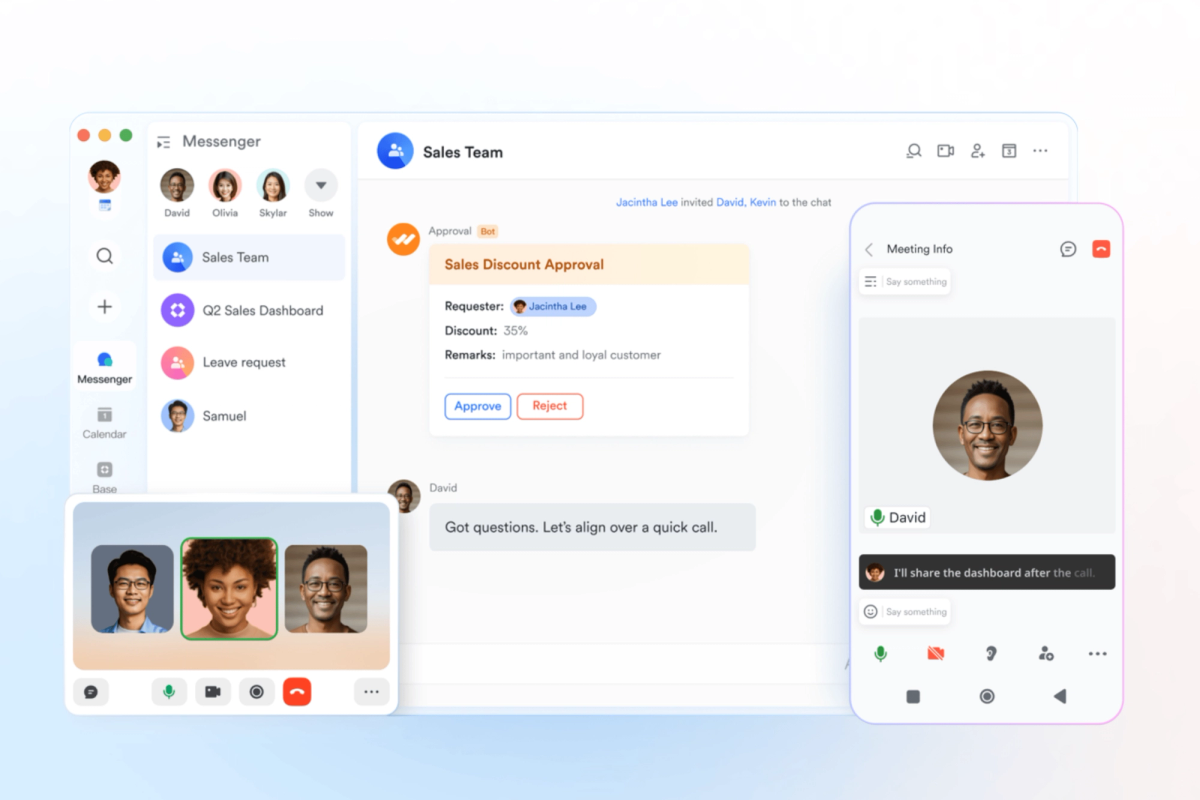
The typical agentic coding loop looks like this: you kick off a task, the agent executes across multiple files, runs tests, opens a PR, and reports back. What it can't do is reach into Lark and post a structured summary to your team's channel, create a task from the output, or update a doc — not without explicit tooling to bridge that gap.
The result is a pattern that senior developers on agent-heavy teams know well: the agent does the hard part, but you become the messenger. You copy output from the terminal, switch to Lark, paste into a channel, format it legibly, tag the right people. Each context switch is small. Across a day of agentic workflows, they add up to a meaningful friction cost — and more importantly, they mean your agent's work doesn't land in the places where your team actually processes information.
Why Communication Tools Stay Outside the Dev Loop
The reason Lark (or Slack, or Teams) stays outside most agent workflows isn't philosophical — it's a missing integration layer. Agents live in the terminal. Communication tools live behind OAuth flows, GUI interfaces, and APIs that aren't wired into shell scripts by default. The fix for Slack has been webhooks for years. For Lark, the equivalent path is now a properly maintained CLI: @larksuite/cli, released by Lark's official team under MIT license.
What Lark CLI Actually Does (and What It Doesn't)
Core Capabilities: Messages, Docs, Tasks, Calendar via CLI
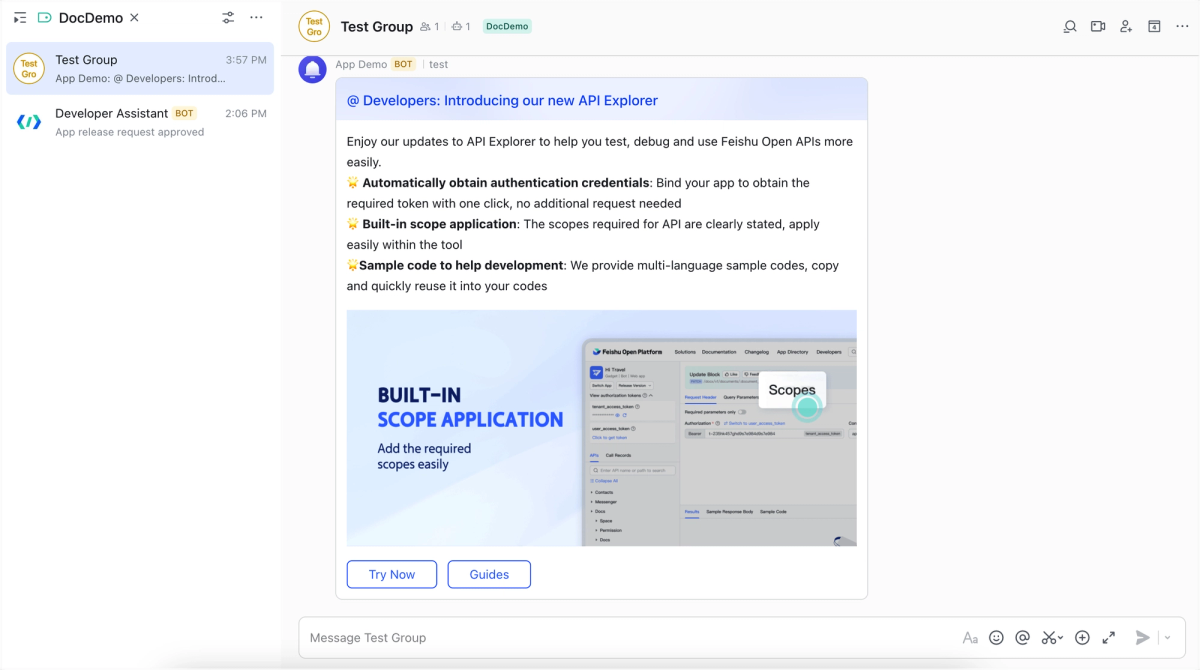
The official larksuite/cli — installable as @larksuite/cli on npm — covers 11 business domains with 200+ commands and 19 AI Agent Skills built in. The domains relevant to an AI coding agent workflow are:
- Messenger (im): Send messages, reply to threads, manage group chats, search messages, upload files
- Docs: Create, read, and update Lark documents from the terminal
- Tasks: Create, list, and update task records
- Calendar: Query agendas, create events, check availability
- Base (multi-dimensional database): Read and write structured records
The commands come in three granularity levels. The +prefix format is designed for human and agent use with smart defaults and structured output:
# Send a message to a group chat as a bot
lark-cli im +messages-send --as bot --chat-id "oc_xxx" --text "PR #42 merged: auth refactor complete. CI green."

# Create a doc from markdown output
lark-cli docs +create --title "Sprint 14 Refactor Notes" --markdown "# Auth Refactor\n- Extracted token logic\n- Added refresh handling"

# Check today's calendar (useful for agent context-gathering)
lark-cli calendar +agenda
Each command supports --dry-run for previewing what would happen without executing, which matters when you're wiring these into automated pipelines and want to test before committing.
What It Can't Do: It's Not a Task Orchestrator
Lark CLI is an execution tool, not an orchestration layer. It doesn't watch your CI, react to GitHub events, or decide when to fire a notification. It does one thing: give your agent (or your shell scripts) a clean, structured interface to Lark's API. The orchestration logic — trigger conditions, retry behavior, state management — belongs in your agent loop or your CI configuration, not in the CLI itself. This distinction matters because a common mistake is reaching for CLI tooling to solve an orchestration problem. If you need "notify the channel when CI fails," the trigger and the decision logic sit in your CI pipeline; lark-cli is the last step that actually sends the message.
Connecting Lark CLI to Your AI Agent Execution Chain
Posting Agent Output to a Lark Channel on Task Completion
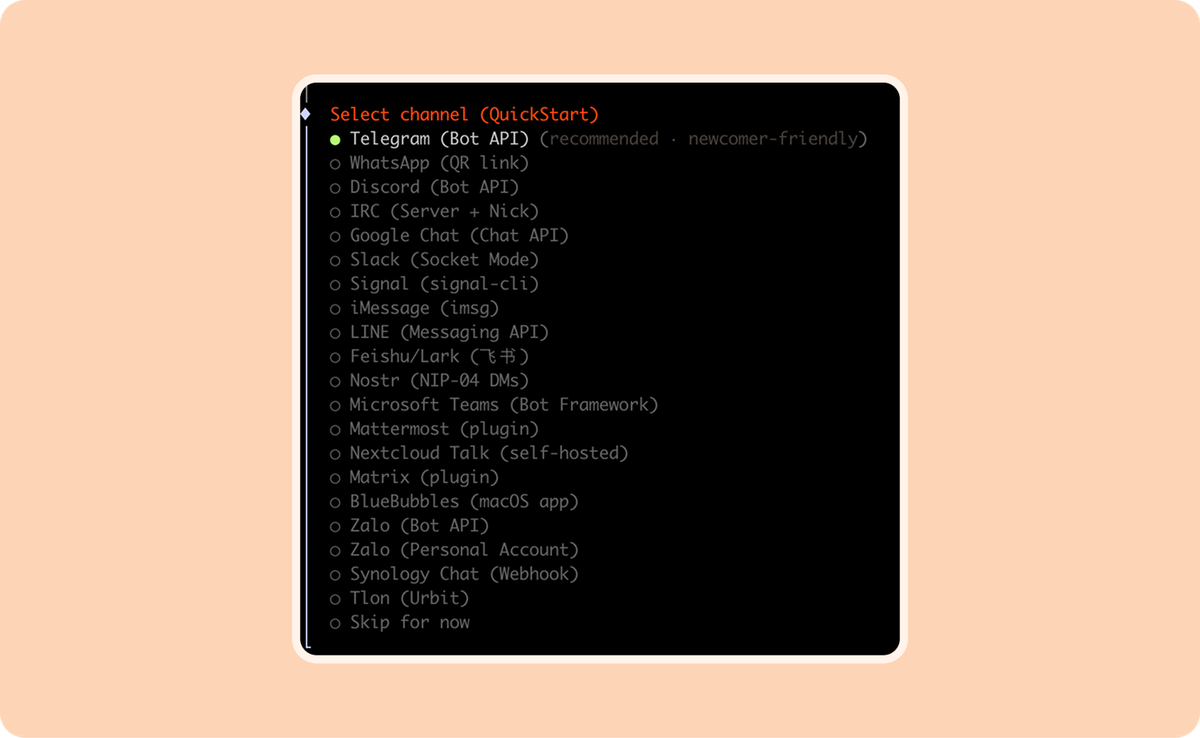
The most immediate integration point is the completion notification. When your agent finishes a task — whether that's a Claude Code session, a scheduled task, or an agent loop — the output can be piped directly into a Lark message.
Here's a minimal shell pattern that wraps an agent execution and posts the result:
#!/bin/bash
# agent-notify.sh — run agent task and post result to Lark

CHAT_ID="oc_your_group_id"
TASK_DESC="$1"

# Run agent task and capture output
RESULT=$(claude --print "$TASK_DESC" 2>&1)
EXIT_CODE=$?

# Build status prefix based on success/failure
if [ $EXIT_CODE -eq 0 ]; then
  STATUS="✅ Agent task complete"
else
  STATUS="❌ Agent task failed (exit $EXIT_CODE)"
fi

# Post to Lark
lark-cli im +messages-send \
  --as bot \
  --chat-id "$CHAT_ID" \
  --text "$STATUS: $TASK_DESC\n\n$RESULT"
The --as bot flag runs the send command under the bot identity rather than your user identity — appropriate for automated notifications. The --as user identity is for commands you want attributed to you personally.
Syncing Issue Status Without Leaving Your Terminal
If your team tracks work in Lark Base (the multi-dimensional database), the CLI gives you read/write access from the terminal. This means your agent can update a task status column, add a completion timestamp, or append notes — without a browser:
# Update a Base record status after agent completes a task
lark-cli base records update \
  --app-token "appXXXXXXXXX" \
  --table-id "tblXXXXXXXXX" \
  --record-id "recXXXXXXXXX" \
  --fields '{"Status": "Done", "Completed": "2026-04-01", "Notes": "Refactored by agent, PR #42"}'
You'll need the app-token and table-id from the Base URL, and the record-id from a prior lark-cli base records list query. This adds a round-trip to set up, but once the IDs are in your config or environment, the update is a single command your agent can call at the end of any task.
Triggering Downstream Notifications from Agent Pipelines
In a CI/CD context, Lark CLI sits at the notification layer after your pipeline steps. A GitHub Actions example:
# .github/workflows/agent-notify.yml
- name: Notify Lark on deployment
  if: success()
  env:
    LARK_APP_ID: ${{ secrets.LARK_APP_ID }}
    LARK_APP_SECRET: ${{ secrets.LARK_APP_SECRET }}
  run: |
    npm install -g @larksuite/cli
    lark-cli auth login --app-id "$LARK_APP_ID" --app-secret "$LARK_APP_SECRET" --no-wait
    lark-cli im +messages-send \
      --as bot \
      --chat-id "${{ vars.DEPLOY_CHAT_ID }}" \
      --text "🚀 Deployed ${{ github.repository }}@${{ github.sha }} to production"
Note: In non-interactive environments like CI, use --no-wait with auth to prevent the command from blocking on a browser OAuth flow. The --app-id and --app-secret flags allow credential passing directly without an interactive session.
Real Limitations You Need to Know
Auth Complexity in Team Environments
The auth setup works cleanly for a single developer configuring their own credentials once. In a shared team context — where multiple engineers, bots, or CI runners need to authenticate — it becomes more involved. The CLI distinguishes between user identity (--as user) and bot identity (--as bot). Each bot needs its own Lark app credentials (App ID + App Secret), configured via lark-cli config init. In CI environments, credentials need to be passed via environment or flag rather than the interactive flow, which adds setup friction.
For team deployments, the recommended pattern is to create a dedicated Lark bot app per pipeline (not per developer), store credentials in your secret manager, and authenticate headlessly using --app-id / --app-secret flags. The interactive TUI auth flow is for human setup, not CI. Mixing these up is where most team auth issues originate.
There's also a scope management concern the official README calls out explicitly: the tool operates under your authorized identity, and Lark's own security warning is worth quoting directly: "After you authorize Lark/Feishu permissions, the AI Agent will act under your user identity within the authorized scope, which may lead to high-risk consequences such as leakage of sensitive data or unauthorized operations." This is the same trust boundary issue present in any tool that acts on your behalf. Scope it tightly — use --recommend to get common scopes, not blanket access.
Not a Replacement for Proper Agent Orchestration
Lark CLI does not watch events, poll state, or manage execution flow. If you find yourself writing shell logic around lark-cli to handle retries, conditional routing, or event-driven triggers, you've exceeded what the CLI is designed to do. At that point you're building an orchestration layer on top of a notification tool, which is a maintenance liability.
The appropriate architecture separates concerns: your agent or CI pipeline handles orchestration and trigger logic; lark-cli is the last step that delivers output to the right Lark endpoint. Anything more complex — reactive webhooks, multi-step workflows with Lark state as control flow — belongs in the Lark API directly, or in an orchestration tool like an MCP server integration.
For teams using Claude Code or Verdent, the practical split is: use MCP-based Lark integration when you need the agent to actively query and reason over Lark data during execution; use lark-cli for terminal-side notification and output delivery after the agent finishes its work.
FAQ
Is larksuite/cli the Official Lark CLI?
Yes. The larksuite/cli repository is maintained by Lark Technologies Pte. Ltd. (the same organization behind the open platform), released under MIT license. The npm package is @larksuite/cli. There are also community-built tools using similar names — most notably yjwong/lark-cli, a separate Go-based project designed for Claude Code specifically. These are not the same tool. For the official one, install from the @larksuite/cli npm package or build from the larksuite/cli GitHub repo.
Does It Work with Claude Code and Other AI Agents Natively?
The CLI ships with 19 AI Agent Skills as a SKILL.md package, installable via:
npx skills add larksuite/cli -y -gThis registers the skills with Claude Code's skill system. Once installed, your Claude Code agent can invoke Lark operations directly as part of its execution chain, without you wiring shell commands manually. The skills cover the core domains: messenger, docs, calendar, tasks, and base. For other agents that don't use the SKILL.md format, you can invoke lark-cli as any other shell command — the CLI's structured JSON output is straightforward to parse.
What Permissions Does the Lark App Need?
Permissions are granted at app creation time in the Lark Developer Console (open.larksuite.com/app for international tenants, open.feishu.cn/app for domestic). The minimum required permissions depend on what operations you're automating:
- Sending messages:
im:message,im:message:send_as_bot,im:chat - Reading/writing docs:
docx:document,drive:drive - Task operations:
task:task - Calendar:
calendar:calendar
Use lark-cli auth login --recommend to get a curated set of commonly-used scopes rather than hunting through the full permissions list. For CI/bot contexts, restrict to only the scopes your pipeline actually calls — don't grant broad access to a bot that only needs to send notifications.
Does This Work on the International Lark Version?
Yes. The larksuite/cli tool supports both Lark (international: open.larksuite.com) and Feishu (domestic China: open.feishu.cn). During lark-cli auth login, the interactive setup guides you through domain selection. For non-interactive environments, you can configure the domain explicitly. The underlying protocol is identical between Lark and Feishu — they're the same platform, different endpoints. All commands and skills work on both.
Is Feishu CLI the Same as Lark CLI?
When it comes to larksuite/cli: yes. The official tool is branded as "Lark/Feishu CLI" and supports both the international (Lark) and domestic (Feishu) versions of the platform through the same codebase and command set. The login flow prompts you to select your domain. There is no separate "feishu-cli" official tool — if you encounter that name, it's likely a community or third-party project.
Related Reading
- Claude Code vs Verdent: Multi-Agent Architecture Compared — How to structure the agent layer that
lark-clisits at the end of. - What Is Model Context Protocol? — The MCP alternative to CLI-based Lark integration when you need the agent to query Lark during execution, not just after.
- Claude Skills vs MCP vs Agents: Key Differences — Where the
larksuite/cliSKILL.md package fits in the Claude Code skill system. - Best Claude Code Alternatives for Agentic Workflows in 2026 — For teams choosing the agent layer that
lark-cliplugs into. - Claude Code Auto Mode: How Cloud Auto-Fix Changes PR Workflows — The PR automation workflow that
lark-clinotification steps complement.
