Changelog

Stay up to date with the latest improvements and features.

v1.9.1

New Models, Better Performance

GLM-4.7 Now Available

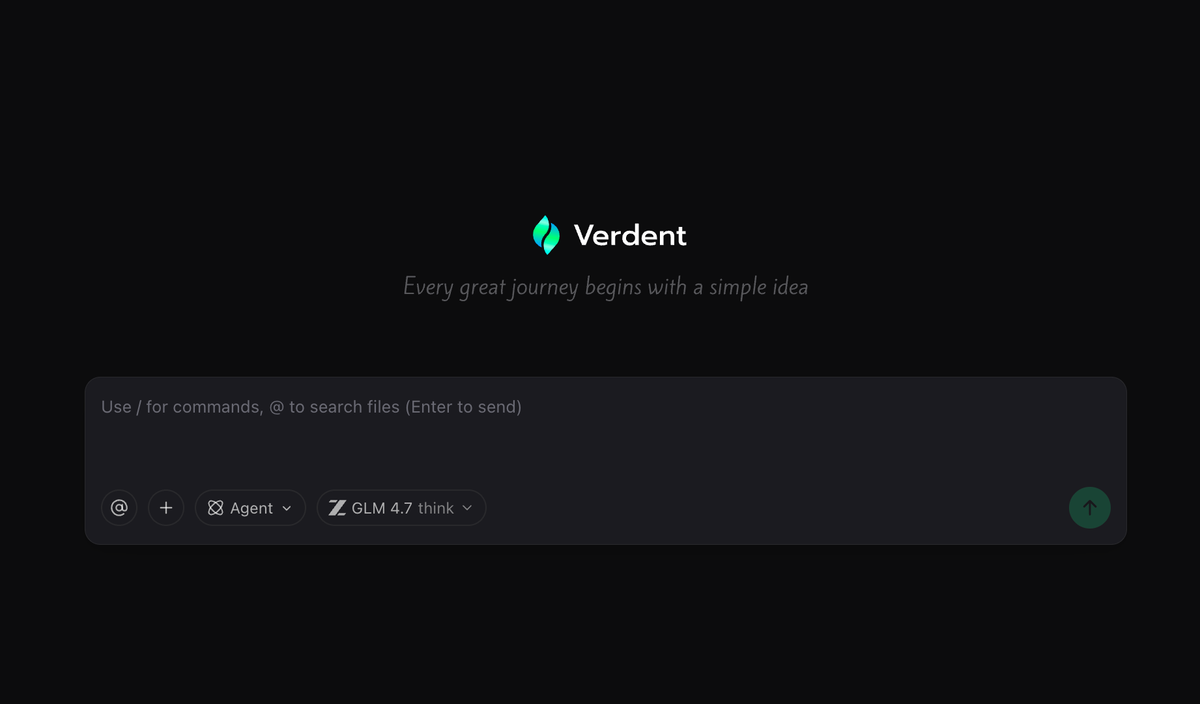
You now have access to GLM-4.7, delivering stronger agentic coding, tool use, UI generation, and complex reasoning. With reliable think-before-act execution, it’s built for more structured and predictable workflows — fewer surprises, more results.

Improvements

A series of bug fixes and stability enhancements for a smoother, more reliable experience.

v1.9.0

Turn Ambiguity into Reliable Plans

Requirement Clarification in Plan Mode

In Plan mode, Verdent now proactively asks clarifying questions when requirements are ambiguous. Based on your initial proposal, Verdent fills in missing details, identifies potential risks, and organizes everything into clear, executable, and deliverable plans.


Full-Screen Plan Editor with Execution Model Selection

Plan editing is now available in a full-screen, focused editor, making it easier to review and refine complex plans. You can also conveniently choose different models to execute the Plan, depending on your needs.

v


Clearer Rollback Impact Preview

Before rolling back, Verdent now clearly shows which files will be affected, helping you understand the impact upfront and avoid accidental changes.

v1
v1.8.0

Duplicate Freely, Merge with Confidence

Duplicate Chat

Duplicate a conversation from any point and continue without losing context. Safely explore alternatives, try new ideas, or take a different direction without starting over.

One-Click Git Installation

New to Git? Get up and running with a single click. Verdent automatically guides you through Git installation, removing setup friction so you can start building right away.

AI-Assisted Merge Conflict Resolution

Merge conflicts are now visualized clearly, with AI-assisted suggestions to help you resolve conflicts faster and with more confidence.


Improvements & Fixes

  • Workspace keyboard shortcuts are now shown at the top, so switching contexts is faster and more discoverable.
  • Diff View Experience improvements
  • Windows Experience improvements
v1.7.2

Turning Remote Branches into Workspaces

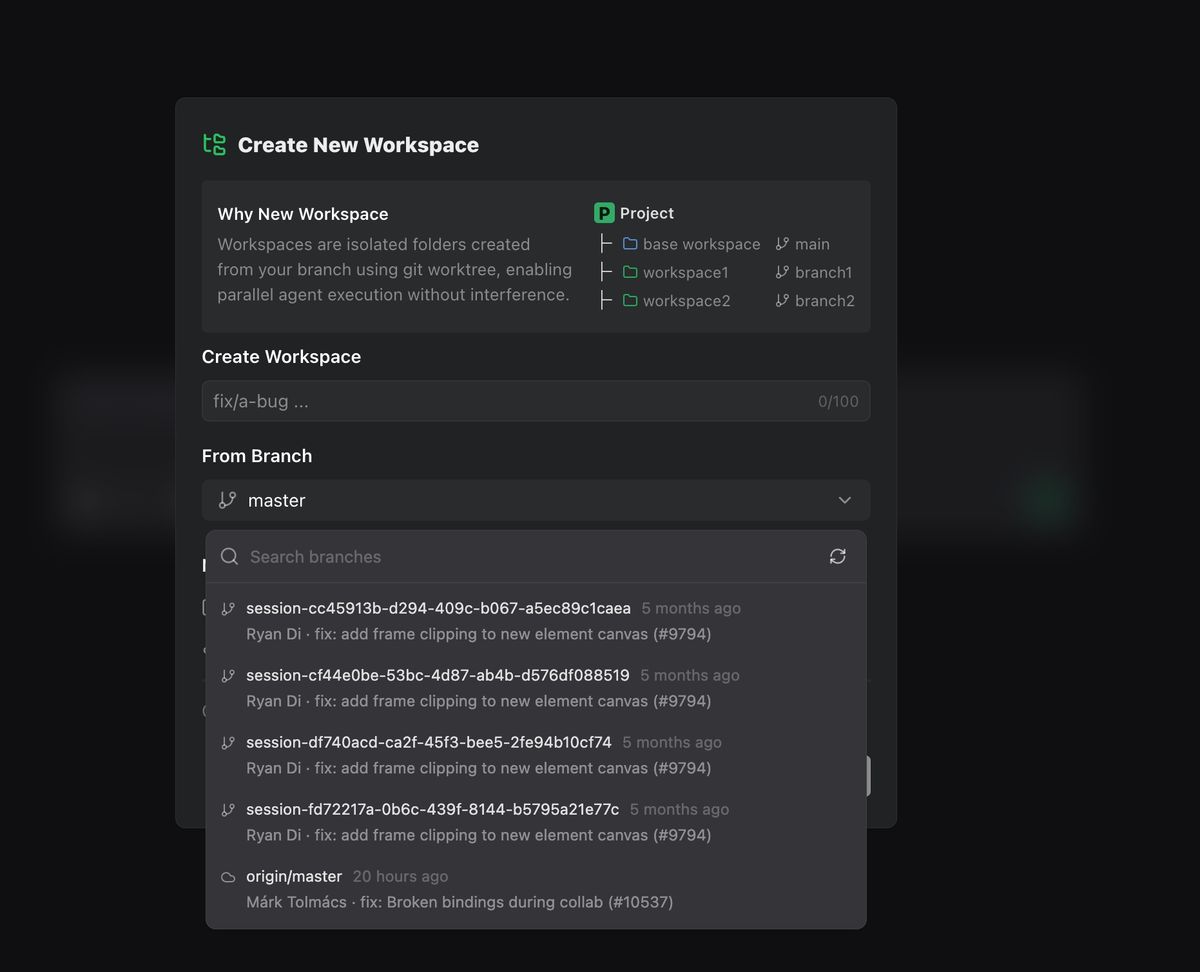
Create workspaces directly from remote branches

You can now pull a workspace from an existing remote branch, making it easier to explore, review, or continue work across branches.

remote workspace

DiffLens & Code Review Improvements

Smoother interactions and clearer visual feedback during review generation.


Better file navigation experience

Opening a file now automatically reveals its location in the file tree, making it easier to stay oriented in larger projects.

v1.6.1

Diff, Plan, and Workspace Experience Improvements

Improvements

  • Diff View Experience Upgrades: Improved click-to-jump navigation, smoother scrolling, and more responsive expand/collapse interactions for large diffs.
  • Plan Window Enhancements: Added syntax highlighting for the Plan preview window.
  • Workspace Navigation: Supported cmd + number shortcut to quickly switch between workspaces.

Bug Fixes

  • Multiple stability and reliability improvements across Plan, file operations, and UI components.
  • More consistent retry and error handling for smoother workflows.
v1.6.0

Clearer Conversations, More Structured Plans

Conversation Flow Improvements

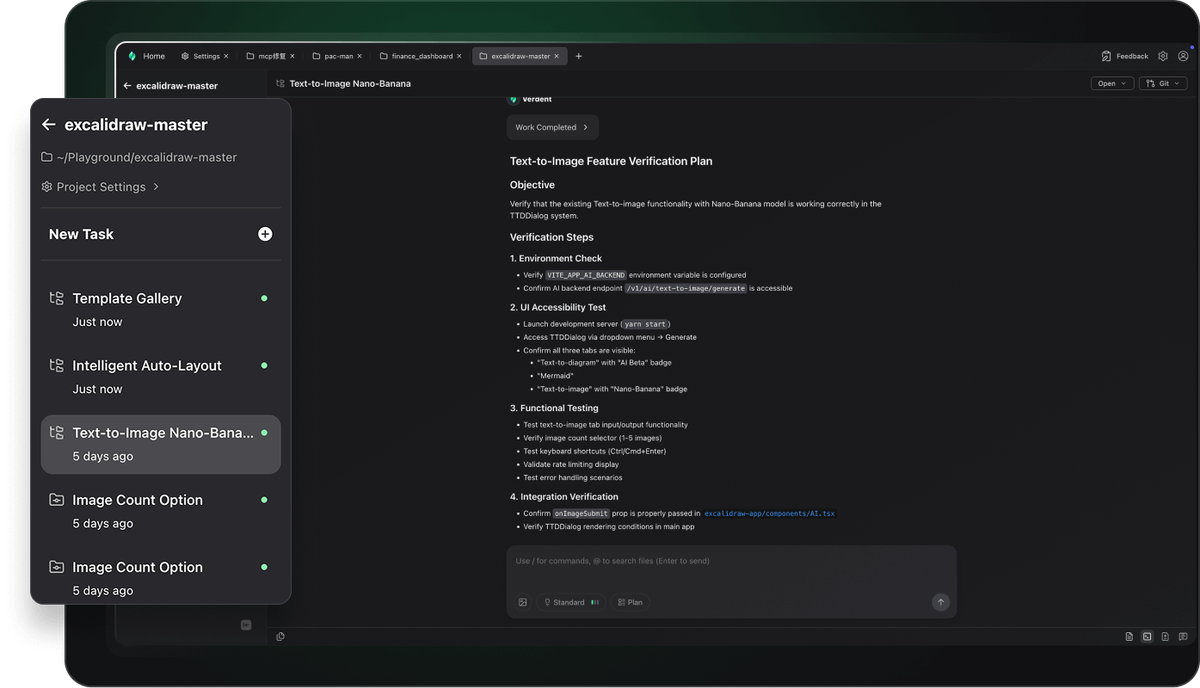
We refined the entire conversation flow during task execution. Each action is now grouped and displayed more clearly, allowing you to see every step of the agent’s process and results at a glance. Tasks become easier to follow, faster to scan, and more transparent.

conversation

Structured & Readable Plan Layout

Plan Mode now uses a more structured, readable layout that makes every plan easier to understand. Goals, reasoning, and execution steps are neatly organized, helping you review and adjust plans more confidently before running them.

v1.5.0

Built for parallel tasks, clean isolation, and seamless multitasking.

Introducing a fully redesigned workspace engine that transforms how Verdent handles context, parallelism, and long-running tasks. Developers can now build features, debug issues, and explore ideas all at once — without interference, without losing context, and without breaking flow.


Isolated Parallel Workspaces

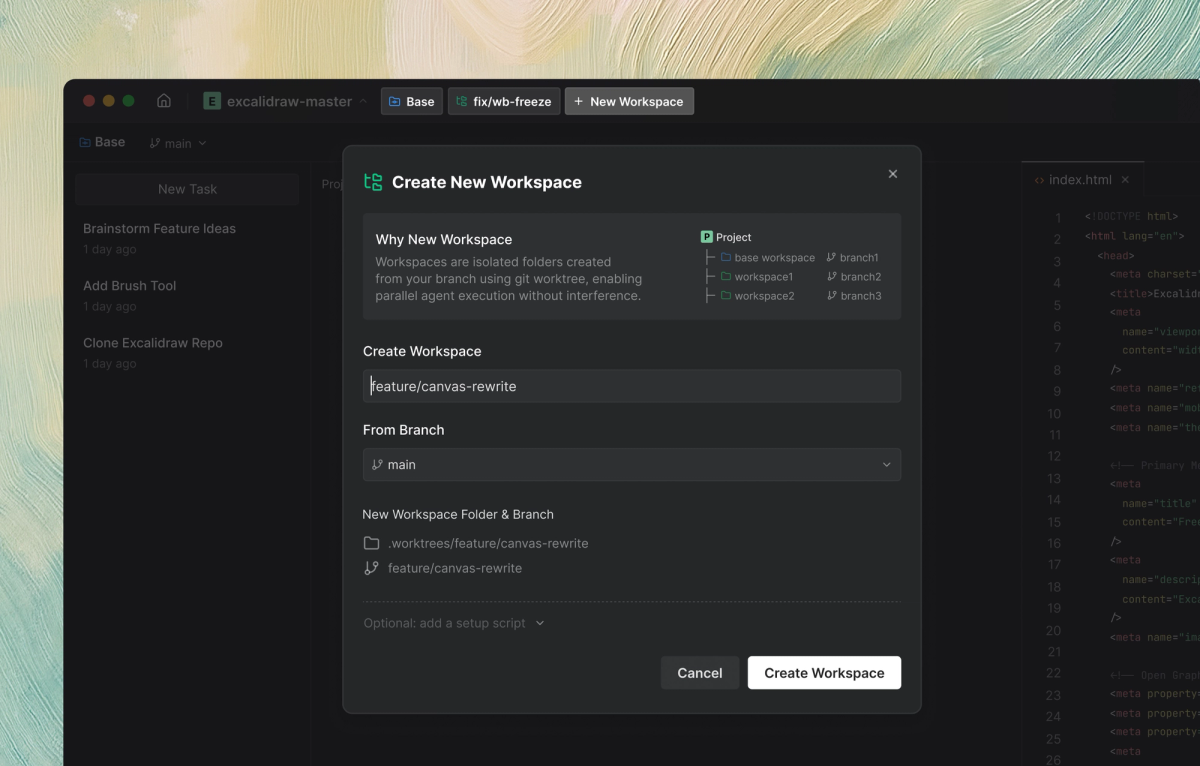
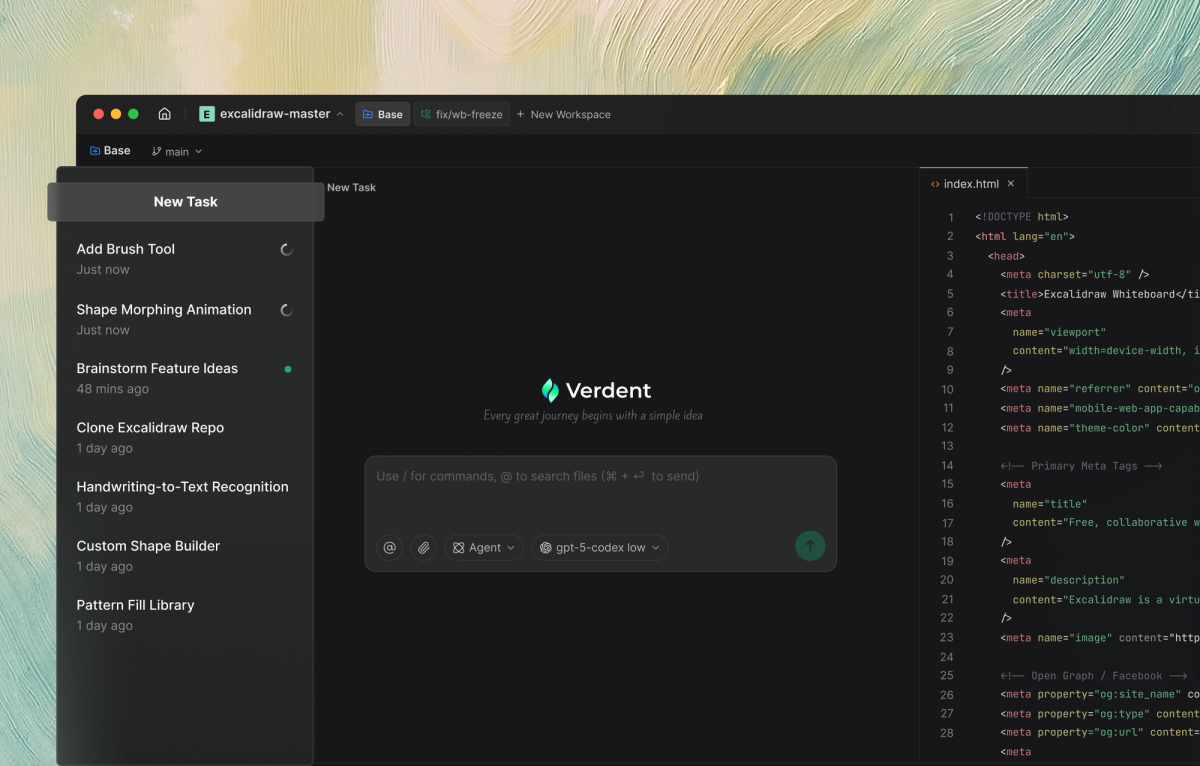
Workspaces let you run tasks in parallel without interference. Each workspace is an isolated folder created from your branch. Full context preserved across every task. Switch instantly between features, and bug fixes—Verdent keeps everything alive, so you never lose momentum.

workspace

In-workspace Multitasking

You can now quickly create and switch between multiple tasks within the same workspace, making it easy to handle related goals like planning, coding, and reviewing.

multitasking

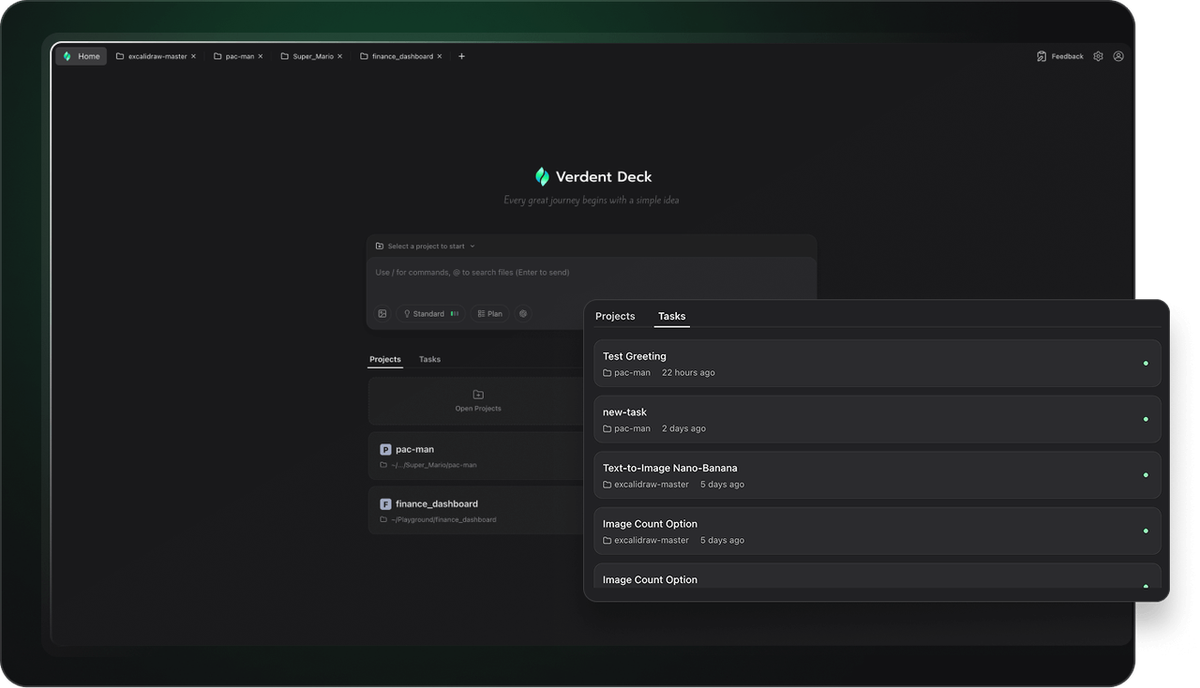
Fast Project Switching

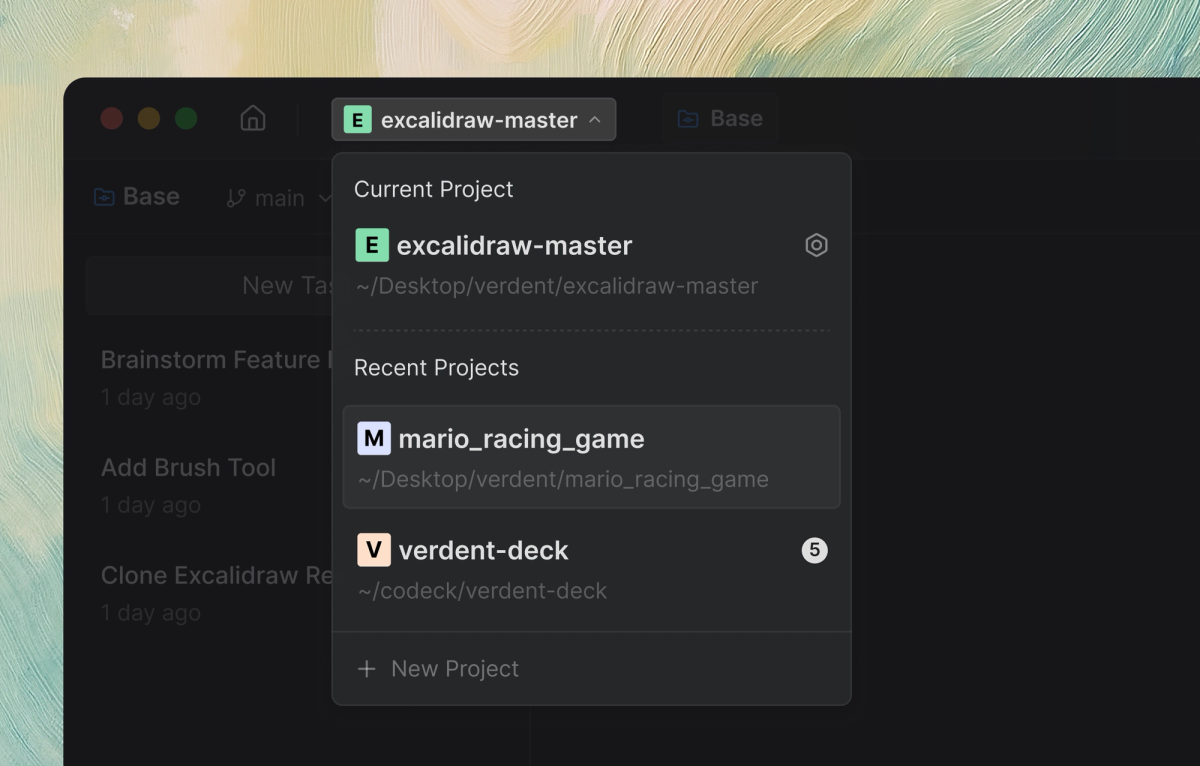
Verdent keeps all workspace states alive, allowing you to jump between projects instantly. Whether you’re handling multiple clients or switching between a side project and your main repo, you can move fluidly without any setup delay or lost state.

project

v1.2.40

Claude Opus 4.5 Support

Now supports the Claude Opus 4.5 model, fully integrated with the latest flagship model, enabling high-precision coding, long-context reasoning, and autonomous task flows.

Claude Opus 4.5

Bug Fixes

  • Fixed several Gemini 3–related issues to improve stability and execution reliability.

v1.2.35

Gemini 3 Support

  • Now supporting the latest Gemini-3-Pro-Preview model, delivering faster and more capable agent execution.
Verdent gemini3
v1.2.3

Bug Fixes & UI Refinements

Bug Fixes

  • Fixed an issue where Git commands containing special characters could cause execution errors.
  • Resolved inconsistent state switching for the Git Commit button.
  • Fixed layout issues in Code Review cards on narrow screens.
  • Corrected the Diff view where diff blocks did not auto-adjust height, leaving unnecessary blank areas.
  • Unified default font sizes across Diff, Terminal, and Editor for more consistent readability.

v1.2.1

Real-Time Awareness and Expanded Platform Support

New Features

  • Task Completion Notifications: Receive real-time alerts when tasks finish — set a task once, stay focused, and let the system notify you when it’s done.
task notification
  • Windows Support: Now available on Windows (Beta) with compatibility for Windows 10 and Windows 11, bringing parallel workflows and agent execution to more environments.
  • Intel Mac Support: Supports Intel-based macOS devices, ensuring a smoother experience across both Apple Silicon and Intel platforms.
v1.1.0

Smarter Subagents, Frontier Models, and Smoother Parallel Workflows

New Features

  • Subagents
    • Added built-in Verifier subagent for effortless, automated code reviews.
    • Support for custom subagents, allowing you to define specialized workers with their own behaviors, tools, and models. Each subagent runs independently, enabling a streamlined workflow from planning to delivery.
  • Frontier Model Switching
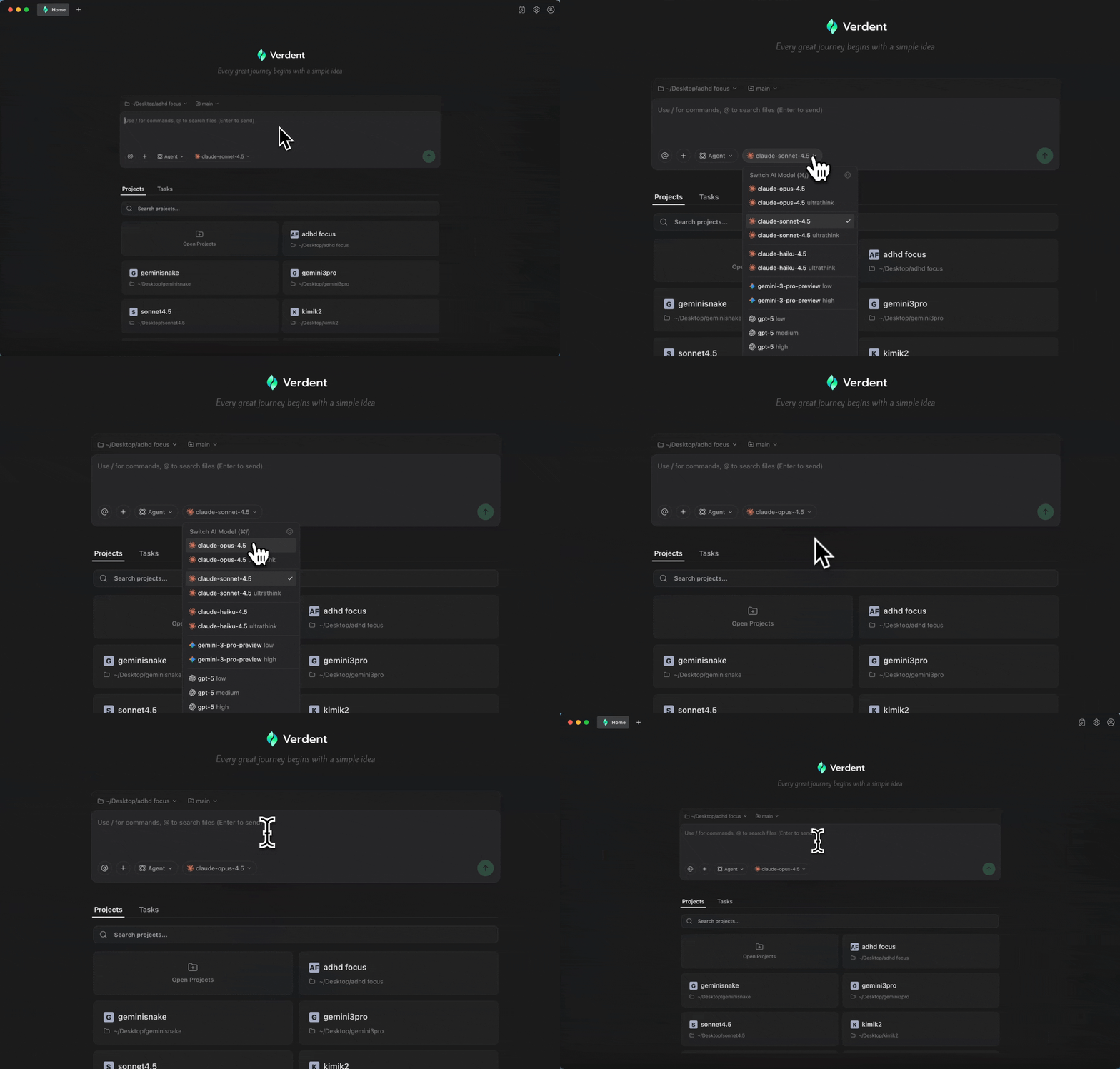
    • Now supports leading frontier models — Claude Sonnet 4.5, GPT-5, and GPT-5-Codex.
    • Switch models freely to optimize for performance, accuracy, or cost depending on your task.
  • Git Worktree Enhancements
    • Improved git worktree integration for smoother, more reliable parallel development across isolated workspaces.
v1.0.0

Parallel Development with Task Isolation — No Interference, More Flow

  • Parallel Agents: Run multiple agents at the same time to accelerate development and maximize productivity.
Parallel Agents
  • Task Isolation: Each task operates in a dedicated Git worktree, ensuring clean boundaries and zero interference between concurrent workflows.
Task Isolation
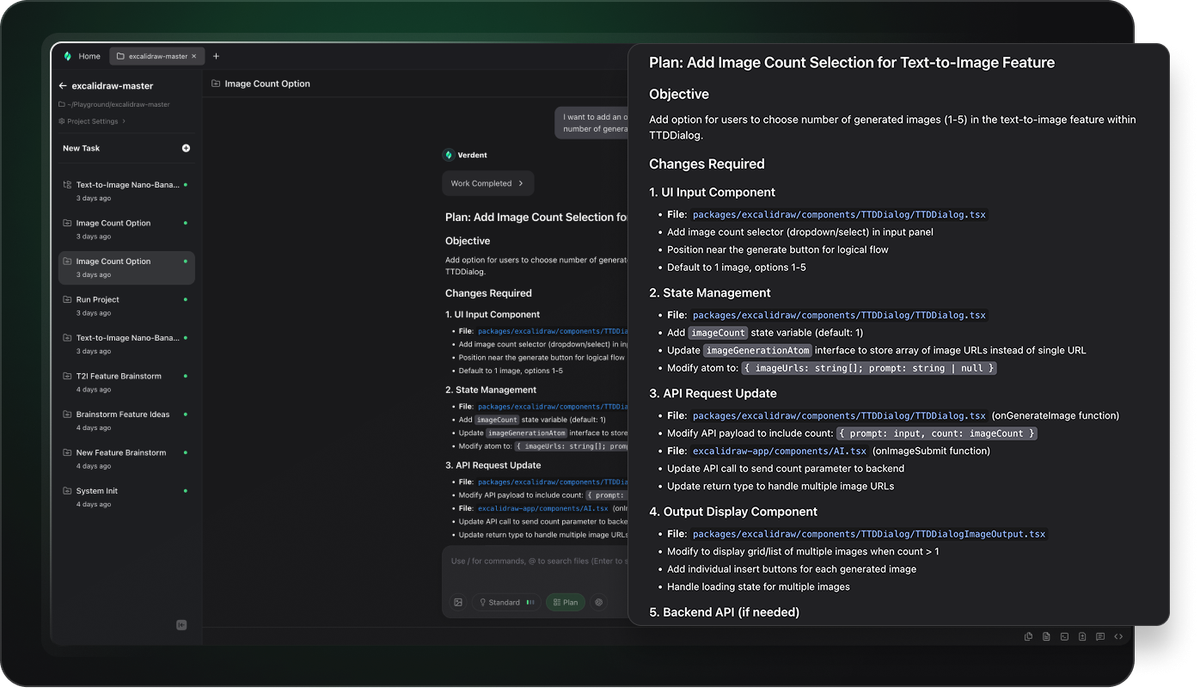
  • Plan First: Capture requirements upfront and let Verdent break them into clear, actionable tasks before code is generated — reducing rework from the start.
Verdent plan
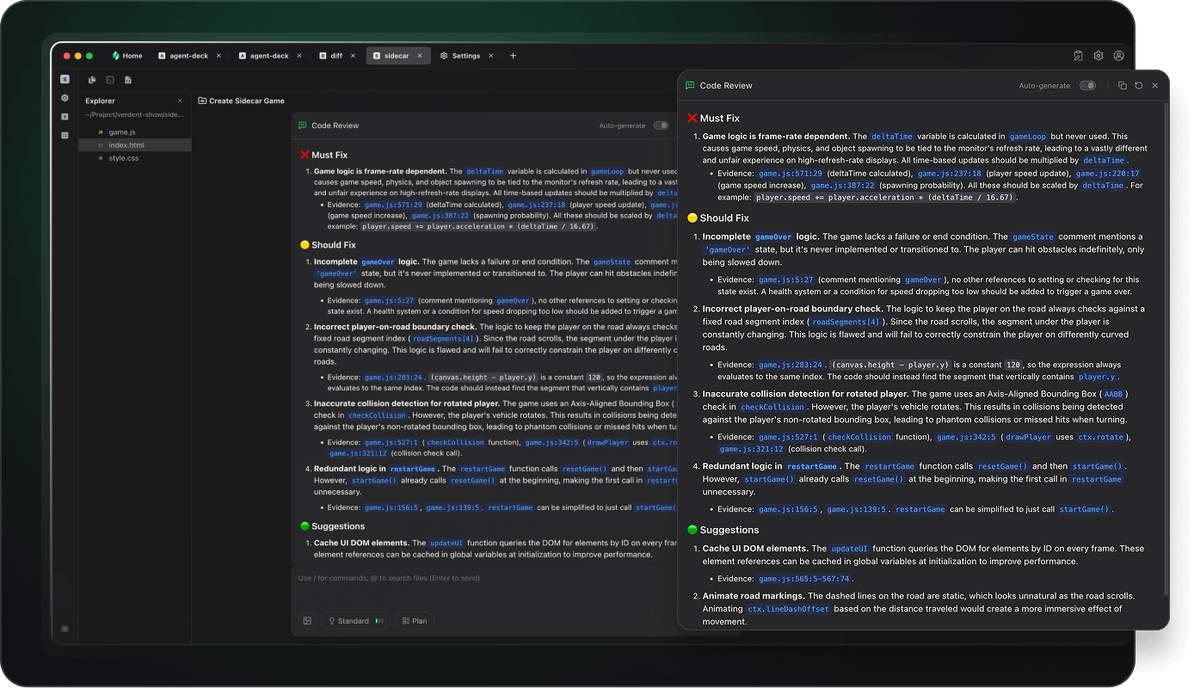
  • Code Review: Receive structured, contextual feedback and improvement suggestions based on Verdent’s execution results.
Verdent code review
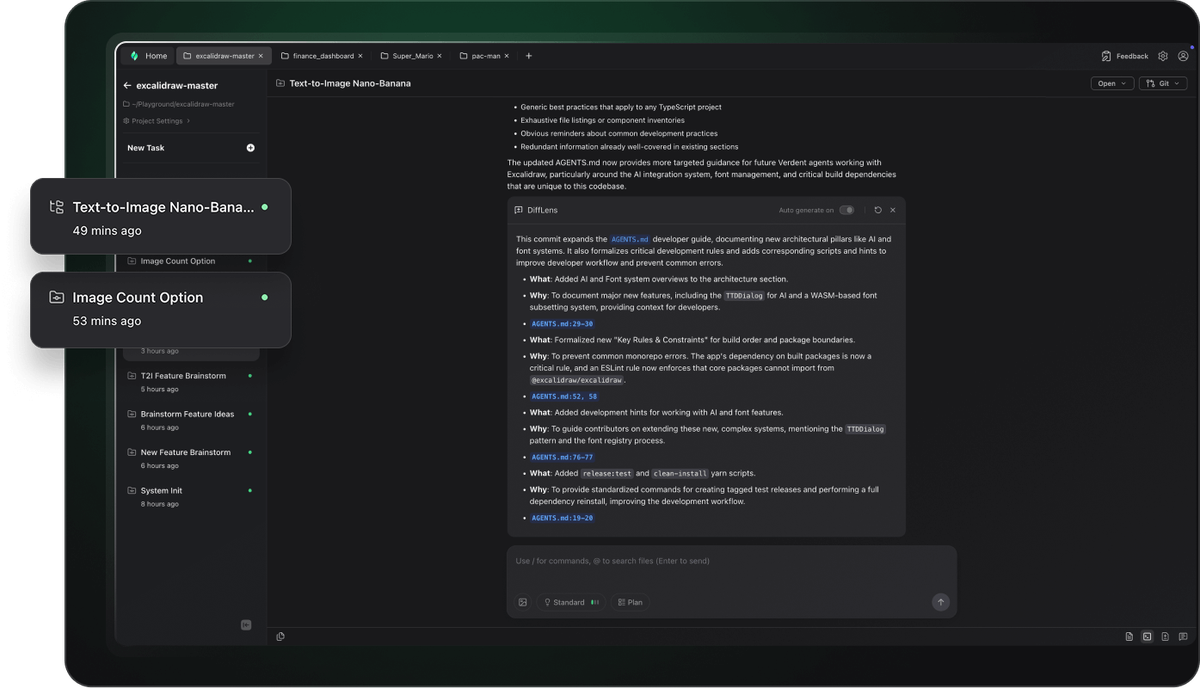
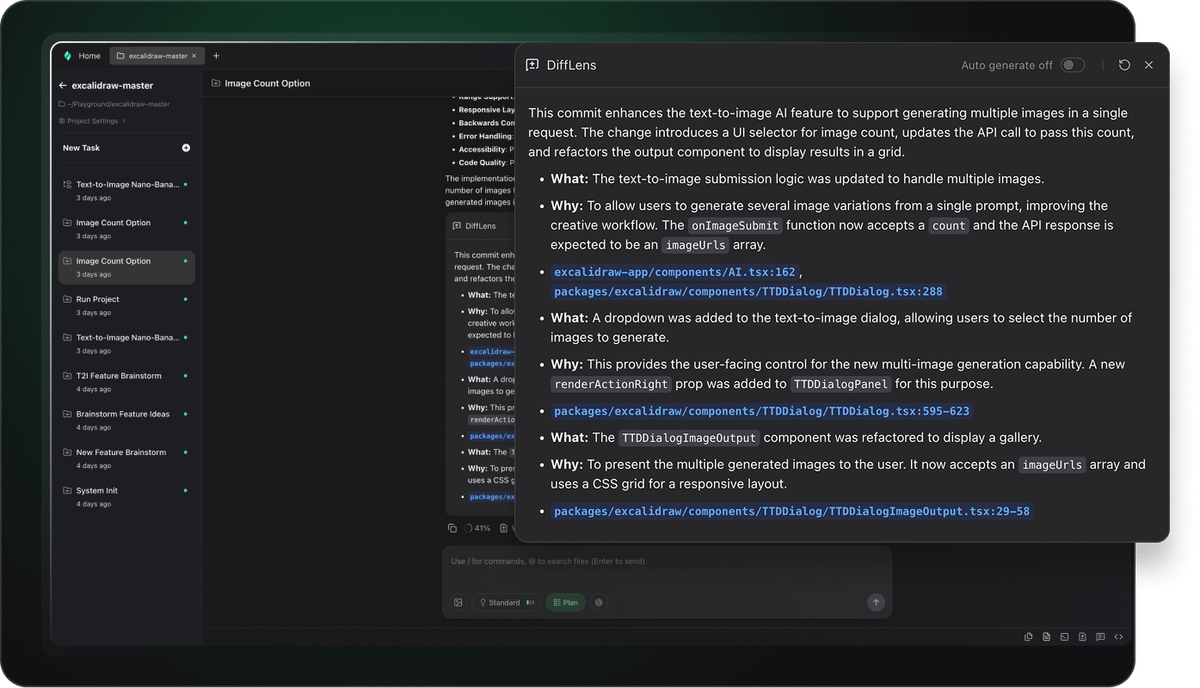
  • DiffLens Insight: Instantly inspect code changes, understand their impact, and follow transparent execution steps — no black boxes.
Difflens
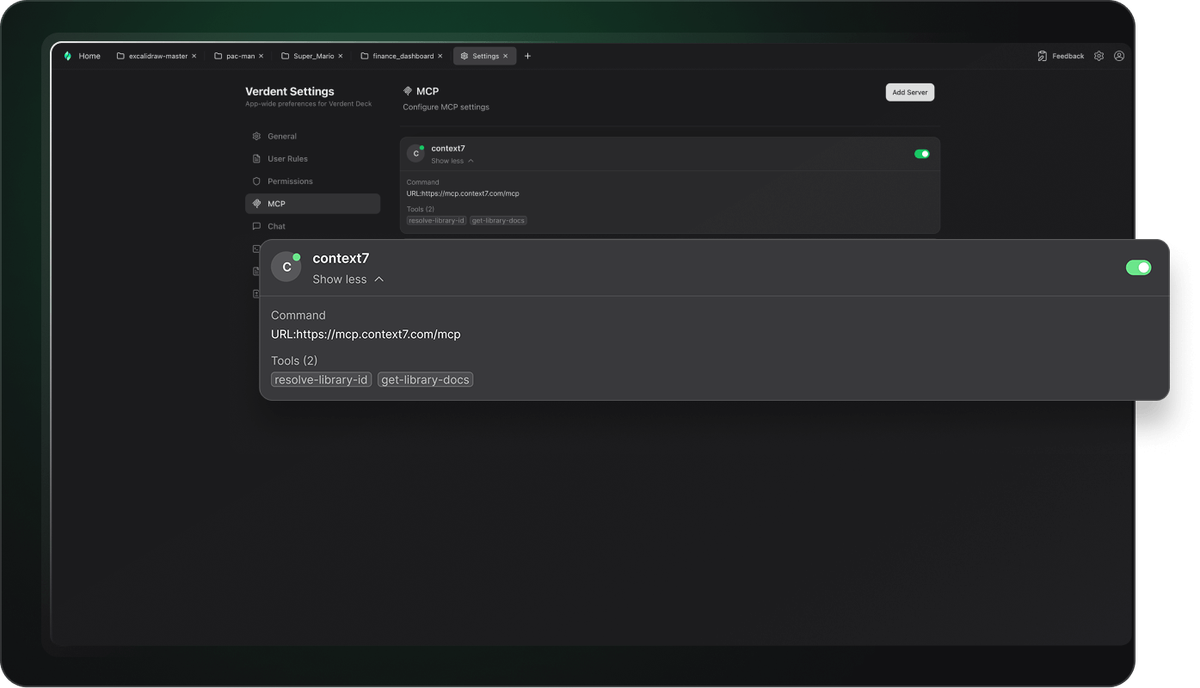
  • MCP Integration: Seamlessly connect with MCP tools and extend functionality through toolchains and custom plugins.
mcp
  • Optimized Interface: A redesigned interface built for smooth concurrent execution, making it easier to view, run, and manage multiple tasks at once.
Optimized Interface