
Most searches for "Codex CLI resume" return GitHub issues from mid-2025 saying the feature doesn't exist. Those issues are out of date. /resume, codex continue, and codex fork are all in the current CLI. The confusion is understandable: these features shipped gradually and weren't prominent in early documentation. Here's what each one actually does, and where the real limits are.
Verified against developers.openai.com/codex/cli/slash-commands and developers.openai.com/codex/cli/reference, May 2026.
How Codex CLI Sessions Work
What a session stores
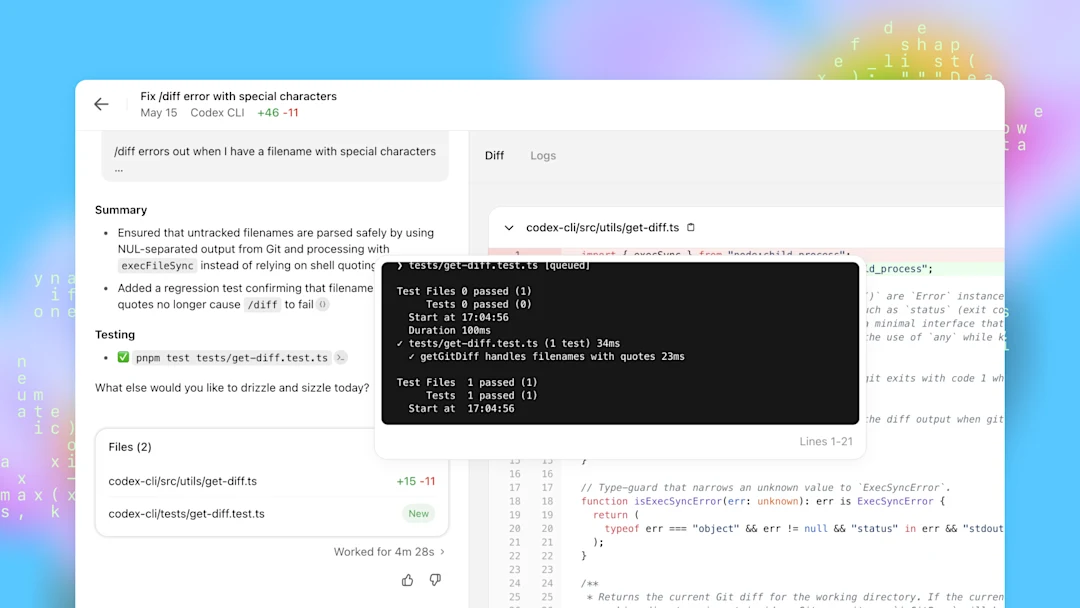
Every Codex CLI session is automatically saved as a JSONL file in ~/.codex/sessions/. Each file contains the full conversation transcript: your prompts, model responses, tool calls, and tool results, timestamped and structured for replay. After you can reliably resume sessions, extend the agent further with the MCP Setup Guide.
The session file persists after you close the terminal. What doesn't persist is the model's in-context state — if you reopen a session, the model reads the transcript history to reconstruct context, rather than resuming from an actual saved model state. The conversation is preserved; the model's internal "memory" of working through the problem is reconstructed from the record.
Why users expect resume and history
Other terminal tools — Claude Code with -c and -r, many shell-based CLIs — have had session continuity as a visible feature for longer. Codex CLI launched without a prominent resume workflow, which led to a wave of feature requests and GitHub issues in 2025. The current CLI has addressed this, but the 2025-era "no resume in Codex" results still rank in search.
Resume vs Continue vs Save Chat
What each command or pattern does
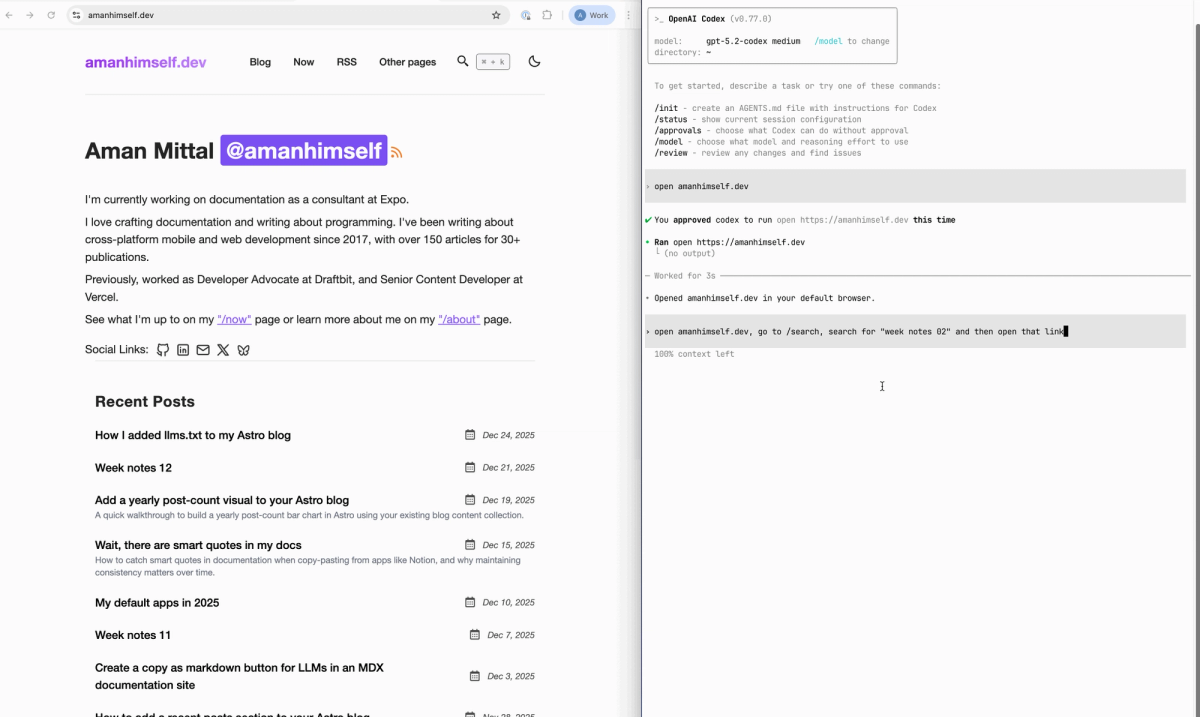
/resume — slash command inside a running session. Opens a saved-session picker. Select a past session and Codex reloads the transcript, letting you continue from where you left off. The original session's history is preserved; you're adding to it in the current thread.
/resume
# → opens picker: select session by title or timestamp
codex continue — CLI command run from your terminal before starting a session. Continues the most recent interactive session from the current working directory. With a session ID, continues that specific session.
codex continue              # resume most recent session in current directory
codex continue <session-id> # resume a specific session by ID
codex resume — opens the session picker from the terminal, equivalent to launching and immediately running /resume. Forks the selected session into a new thread, preserving the original transcript.
codex resume # opens session picker; selected session is forked into new threadcodex exec --last — in non-interactive exec mode, resumes the most recent exec session. Add --all to consider sessions from any directory, not just the current one.
codex exec --last "continue the previous refactor"
codex exec --resume-session-id <ID> "follow-up task"
/fork — inside a session, clones the current conversation into a new thread with a fresh ID. Use this when you want to explore an alternative approach without losing the current direction. The original session stays intact.
/side — inside a session, opens an ephemeral side conversation without switching away from the main task. Useful for a quick check ("does this approach have an obvious problem?") before returning to the main thread.
Current workflow limits
Session context is reconstructed from transcript, not from a saved model state. This means:
- Long sessions that were mid-task when closed don't resume with the model's working memory of intermediate steps — they resume with a model that reads the full transcript and infers state
- Very long transcripts may hit context limits before the model has finished reading the history, effectively truncating the resumable history
- Session IDs can be looked up in
~/.codex/sessions/if you need to reference a specific session by ID forcodex continue <id>
The /clear slash command clears the terminal and starts a new conversation — it does not resume or save. Ctrl+L clears the terminal view but keeps the current chat context. Don't confuse the two.
Safe Ways to Keep Context
Local transcript habits
The automatic JSONL saving in ~/.codex/sessions/ means your session history is already being written to disk. For most workflows, the built-in /resume or codex continue is sufficient.
For sessions you know you'll need to return to:
- Use
/resumeorcodex continuerather than starting fresh - Note the session's first prompt or a distinctive phrase you can use to find it in the picker
- For exec mode (automation workflows), use
codex exec --lastto chain follow-up tasks to the same session context
If you want a human-readable export of a specific session, the JSONL files in ~/.codex/sessions/ can be read directly or processed with jq:
# Read the latest session file:
ls -lt ~/.codex/sessions/ | head -5

# Extract just the user prompts from a session:
jq 'select(.role == "user") | .content' ~/.codex/sessions/path/to/session.jsonl
Project notes and AGENTS.md
For context that needs to survive across multiple sessions and multiple weeks — project conventions, architecture decisions, constraints — the right place is the repository, not the session history. Codex reads AGENTS.md at session start automatically:
# AGENTS.md (in project root — Codex reads this at session start)

## Current status
- Auth module migration to JWT: in progress
- Tests passing: src/api/ and src/auth/
- Blocked: refresh token rotation (separate ticket, not in scope)

## Conventions
- Error format: src/core/errors.py ErrorResponse class
- JWT pattern: src/api_keys/jwt_util.py (PyJWT 2.x, HS256)
- No new dependencies without listing in the PR

## Ongoing context
- Using branch: feature/jwt-migration
- Outstanding questions: session expiry policy (ask PM before implementing)
Anything you'd need to tell a fresh Codex session to get it up to speed belongs in AGENTS.md. Session history is for "continue what I was doing." Project notes are for "understand this project."
When to start fresh
Not every session warrants resumption. Starting a new session is better when:
- The previous session went in a wrong direction and you want to reset assumptions
- The task has meaningfully changed scope since the last session
- The session history is so long that context reconstruction will be slow or truncated
- You're working on a different part of the codebase that doesn't share context with the previous session
Starting fresh with good AGENTS.md documentation is often faster and more reliable than resuming a long, messy session.
Common Mistakes
Confusing login with persistence
codex login and codex logout manage authentication credentials — your ChatGPT or API key auth. They have nothing to do with session persistence. Running codex login again after a session does not affect saved sessions. Sessions persist based on the JSONL files in ~/.codex/sessions/, regardless of authentication state.
Expecting long-term memory by default
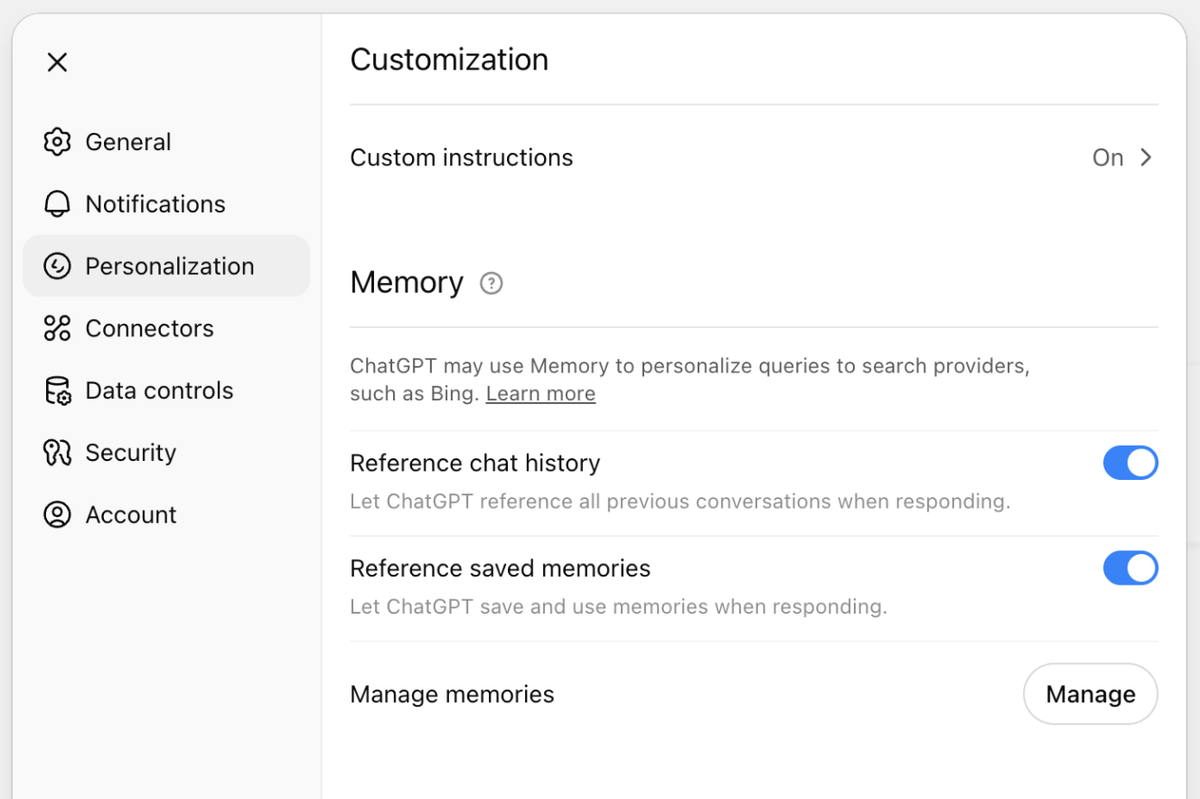
Codex doesn't have long-term memory across sessions by default. The Memories feature (when enabled) can carry some context forward, but it's a separate mechanism from session resumption. Session resume reconstructs the specific transcript of a previous conversation — it doesn't merge memories from all past sessions into the current one.
If you've turned Memories off for security reasons (recommended for sessions touching new or untrusted domains), that setting also affects what session context carries forward. Review your Memories toggle setting in Codex settings before relying on cross-session context.
Assuming /resume equals full state restoration
After resumption, Codex has the conversation history. It doesn't have a saved state of whatever the model was "thinking" mid-task. For tasks that were interrupted mid-step — in the middle of a test-fix cycle, or mid-refactor — expect the model to need to reorient from the transcript. A brief "we were in the middle of X, here's the current state" prompt after resumption helps the model reconstruct its working context faster than waiting for it to infer from the full transcript.
FAQ
Does Codex CLI support session resume or continue?
Yes. /resume (inside a session), codex continue (from the terminal), and codex resume (from the terminal, opens a picker) all exist in the current CLI. Sessions are automatically saved as JSONL files in ~/.codex/sessions/. The "no resume in Codex CLI" results in search are from 2025 when the feature wasn't yet implemented — they don't reflect current capability.
How do I save or export my Codex CLI chat history?
Sessions are automatically saved in ~/.codex/sessions/ as JSONL files (see Codex CLI session storage). There's no explicit "save" command needed — saving is always on. To export a session in a human-readable format, read the JSONL directly or use jq to extract the content you want. There's no built-in export command that produces a formatted Markdown or plain-text transcript.
Will I lose my conversation if I close the terminal?
No — the session is written to ~/.codex/sessions/ as it progresses. Closing the terminal doesn't delete the session file. Use codex continue or /resume to reload it. What you lose is the model's in-context "working state" — it will reconstruct from the transcript, which takes a moment for long sessions. The conversation record itself is preserved.
What's the best way to keep long agent sessions?
Two complementary approaches: Use codex continue to resume when the session is interrupted. Put persistent project context in AGENTS.md so each new session starts with the relevant background without needing to reconstruct it from history. For very long tasks, break them into smaller scoped sessions rather than trying to maintain one multi-hour session — this avoids context limit issues and makes resumption cleaner.
Related Reading
