An AI coding agent can write a feature, generate its tests, repair a failure, and still misunderstand the requirement. Playwright automation provides a repeatable browser check, but only when the expected behavior and approval boundary live outside the agent’s answer.
For developers, QA engineers, and engineering leads, the useful unit is a test run tied to a revision, browser project, explicit assertions, preserved failure evidence, and human decision—not “the agent says it passed.”
Playwright sources were checked on September 14, 2026. The 2027 framing describes an operating model, not unreleased product behavior or a claimed team benchmark.
Why Playwright Matters More with AI Coding Tools
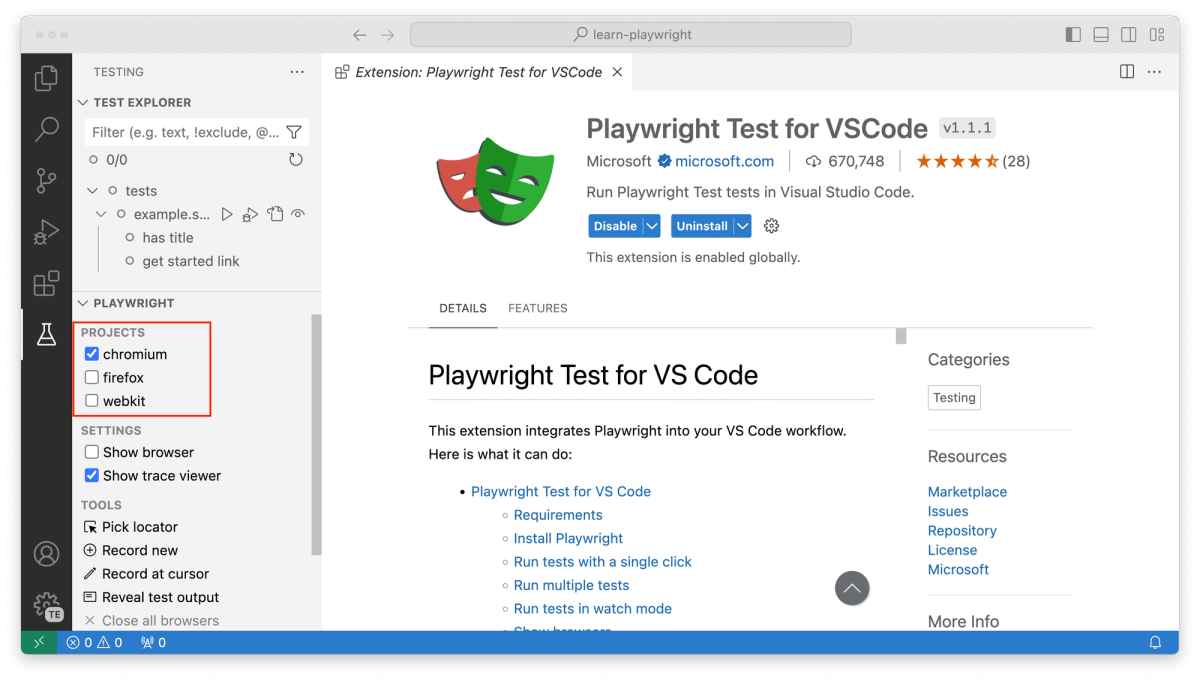
AI-assisted testing reduces the cost of drafting scenarios and test code. It does not reduce the cost of a false pass. Playwright now documents planner, generator, and healer agents that create plans, tests, and proposed repairs. The Playwright Test Agents workflow therefore makes an important boundary visible: generated specs and repaired tests are repository changes, not independent proof.
The durable layer is deterministic: a browser follows a known flow, assertions compare observed and expected state, and CI records what happened. An agent may propose a route or explain a trace, but it must not quietly weaken an assertion, skip a case, or approve its own new screenshot baseline.
What to Automate Before an Agent Ships Code
Start with behavior whose failure would block release, expose data, or make the interface unusable. A small end-to-end test automation suite that proves the right boundary is stronger than many shallow page visits.
Critical User Flows
Choose flows from business risk, not what is easiest to record: signup and cancellation for a subscription app, or creating a record and confirming that another authorized user can see it in an internal tool.
Each test needs a visible start state, a meaningful action, and an outcome beyond navigation. Playwright favors user-visible behavior over implementation details. Assert persisted data or resulting access—not merely that a button was clickable.
Authentication and Permissions
Authentication is not one happy-path login. Create fixtures for anonymous, ordinary, and privileged roles, then check allowed and denied behavior. Hiding an admin control is insufficient if a normal user can still open its URL.
Playwright can reuse storageState and run roles in separate browser contexts. Its authentication guidance warns that saved state may contain impersonation-capable cookies and headers, so keep it out of source control and restrict CI access.
Visual Regressions and Broken States
Visual checks help where a DOM assertion can pass while the page is unusable: clipped dialogs, overlapping controls, or empty error containers. Pair a focused screenshot with structural assertions.
Do not let an agent regenerate every baseline after failure. Rendering varies by operating system, version, settings, hardware, and headless mode, so produce visual baselines in the comparison environment. Baseline changes belong in the diff and need a reason.
How to Structure Tests Agents Can Maintain
Playwright testing automation should remain human-maintainable even when an agent edits it: the selector reveals its target, the assertion states the requirement, and the data setup can run alone.
Stable Selectors
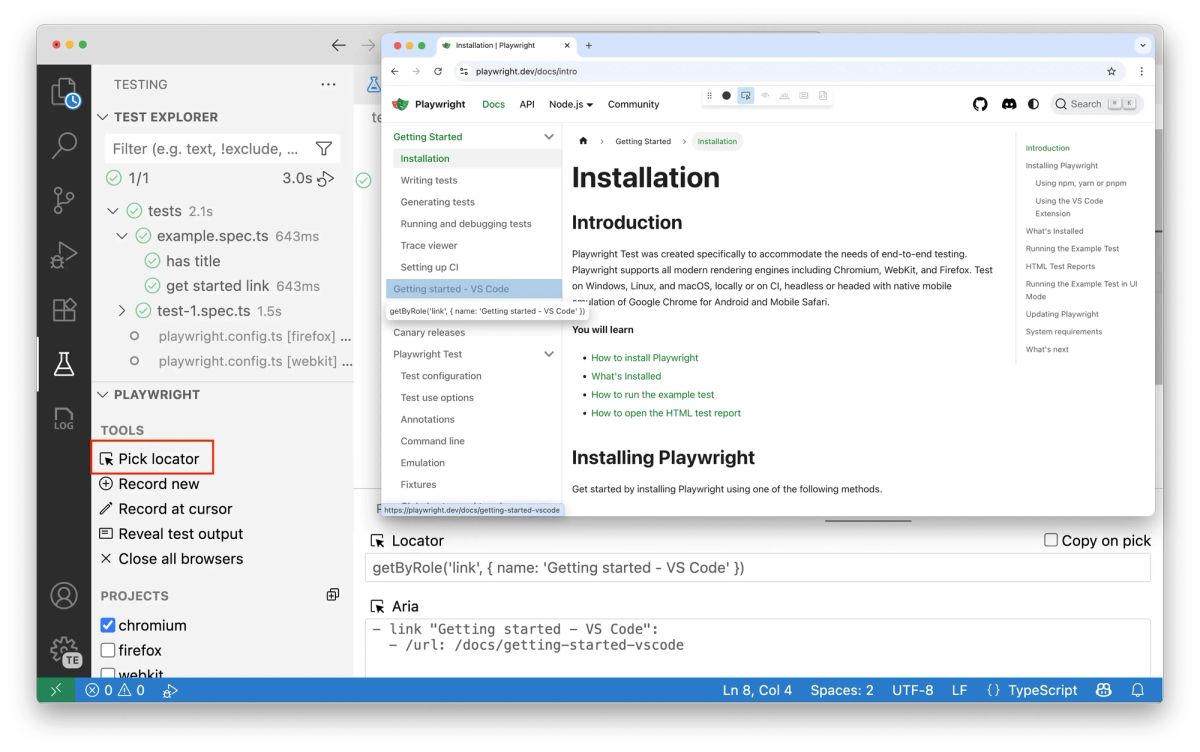
Prefer roles, accessible names, labels, text, and deliberate test IDs. Long CSS and XPath chains invite repairs that chase markup instead of behavior. Playwright recommends user-facing locators or an explicit test-ID contract, making an agent’s selector change easier to review.
A selector edit should reveal whether the user-facing contract changed or the old selector exposed an implementation detail. Otherwise, an automatic locator rewrite deserves suspicion.
Clear Assertions
Assert where the requirement becomes observable. “The request returned” is not enough if the page shows stale data. Web-first Playwright assertions retry against current page state, so use them instead of hand-built sleeps.
await page.getByRole('button', { name: 'Invite member' }).click();
await expect(page.getByRole('alert')).toHaveText('Invitation sent');
await expect(page.getByRole('row', { name: /sam@example.com/ }))
  .toContainText('Pending');
This makes an agent’s semantic change from “Pending” to “Sent” obvious in review.
Isolated Test Data
Each test should own its data, use a unique identity where parallel writes collide, and clean up through a controlled API or disposable environment. Never depend on test order.
Playwright gives each test a fresh context for cookies and browser storage. That browser-context isolation does not reset a database or third-party sandbox; server-side fixtures still need unique keys and cleanup.
Review Failures Without Trusting AI Alone
A failed run is evidence to inspect, not a prompt to keep editing until green. Preserve the commit SHA, Playwright version, browser project, assertion, retry classification, screenshot diff, and trace. Review the application diff beside every test change made after failure.
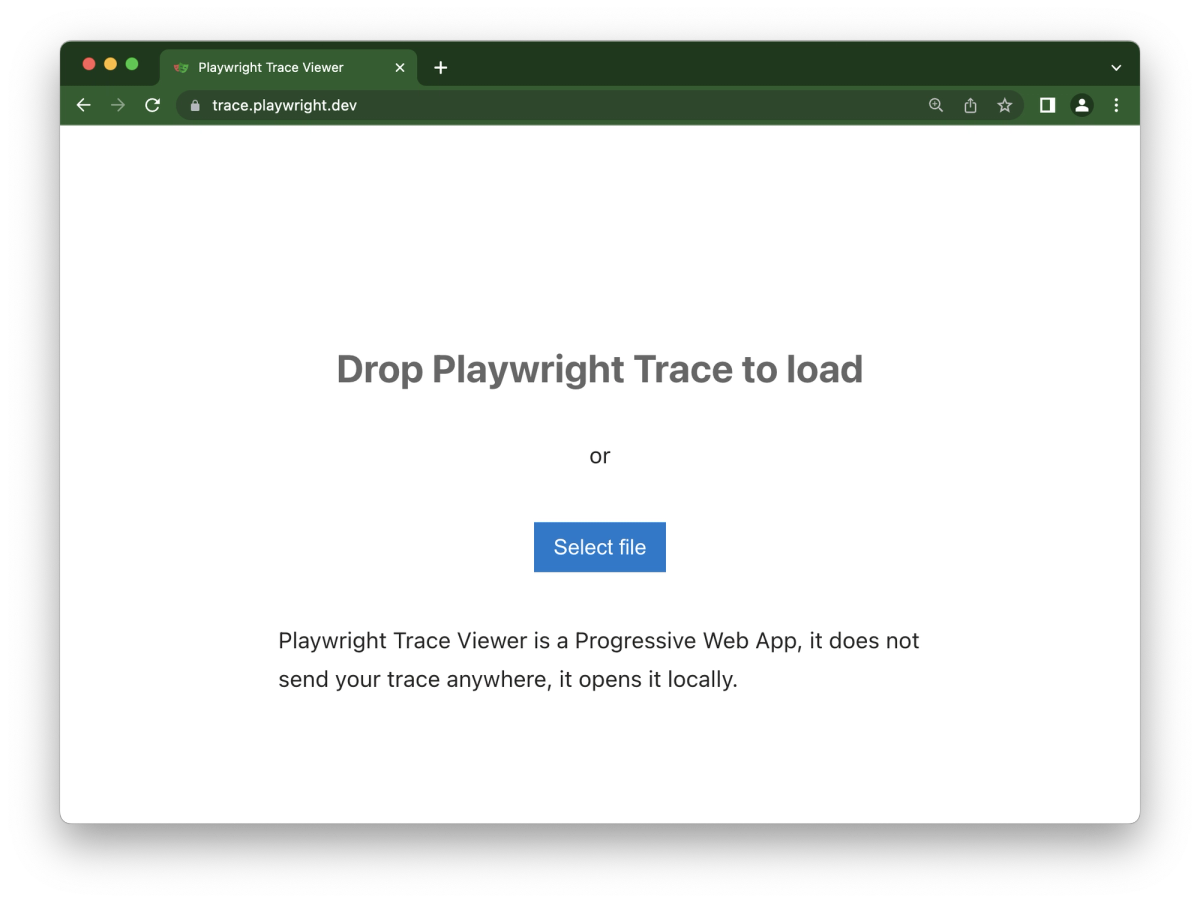
The trace retains actions, DOM snapshots, console and network activity, errors, and attachments. Playwright recommends recording it on the first CI retry; Trace Viewer connects an assertion to the state that produced it. A passing retry remains flaky evidence, not a clean result.
For Playwright CI, pin dependencies, install matching browser binaries, and keep the report as an artifact. The current GitHub Actions example installs dependencies and browsers, runs the suite, and uploads the HTML report. Traces can contain page and network details, so restrict artifact access.
If Verdent generated the feature, the same boundary applies. Its current Verify Loop documentation lists Playwright among end-to-end tools, but that does not prove a repository is configured correctly or that one result is sufficient. The defensible handoff is a repository-owned command, CI artifacts, code and test diffs, and human acceptance—not a second AI summary.
Limits of Playwright for Agentic Testing
Playwright can prove that specified browser behavior occurred under recorded conditions. It cannot prove the specification was complete or that an agent explored every damaging path.
A self-confirming test is not independent evidence. If one agent invents the requirement, writes the code, edits the assertion, and approves the baseline, green may mean only internal consistency. Keep acceptance criteria human-owned and review changes to assertions, fixtures, mocks, retries, or skips.
Playwright can integrate @axe-core/playwright, but its accessibility testing guidance retains manual assessment and inclusive user testing. Automation narrows uncertainty; it does not erase it.
FAQ
Which browsers are covered in current Playwright releases?
As checked on September 14, 2026, Playwright 1.63 lists Chromium 153.0.8010.12, Mozilla Firefox 155.0, and WebKit 26.6, and says it was also tested against Google Chrome 153 and Microsoft Edge 153. Browser builds move with Playwright releases, so pin the package and binaries in CI and recheck the current release notes when upgrading. Playwright uses patched Firefox and WebKit builds; those are not the branded Firefox or Safari applications.
Which language bindings support the same Playwright APIs?
The current supported-languages page lists JavaScript/TypeScript, Python, Java, and .NET. They share the same underlying browser-automation implementation and core features, but their testing ecosystems differ: Node.js has Playwright Test, Python recommends its Pytest plugin, Java works with frameworks such as JUnit or TestNG, and .NET provides MSTest, NUnit, xUnit, and xUnit v3 base classes.
What mobile emulation limits should teams verify?
Playwright device profiles configure browser-facing parameters such as user agent, screen size, viewport, and touch support; teams can also set geolocation, locale, timezone, permissions, and color scheme. That mobile emulation is not a physical-device lab. It does not reproduce device hardware, OEM browser changes, native-app behavior, radio conditions, or every Safari/iOS integration, so risks tied to those surfaces still need real-device coverage.
Which frameworks are listed in Playwright component testing docs?
The current documentation no longer defines component testing as a closed set of framework-specific packages. It uses a framework-agnostic story gallery served by your own dev server and explicitly names React, Vue, Svelte, and Solid—plus anything else that the server can render. The component testing page also says the former experimental React, React 17, and Vue packages are no longer published, so older setup guides need version-aware migration.
Which network mocking limits affect third-party APIs?
Playwright can mock HTTP/HTTPS traffic, replay HAR files, and inspect or modify WebSockets, but a mock proves how your application handles the defined response—not that the live provider’s authentication, quotas, latency, webhooks, or contract still behave that way. Service Workers can also hide requests from page.route() and browserContext.route(); the network guide recommends blocking Service Workers when route events appear missing. Keep a smaller live integration check outside the mocked browser path.
Conclusion
Playwright automation in 2027 should be the stable checkpoint around AI-assisted code, not a stage the agent can rewrite until it congratulates itself. Automate the flows that carry release risk, keep selectors and assertions legible, isolate data, and preserve enough CI evidence for someone else to reconstruct the failure.
The final review question is simple: did this run test the agreed behavior at the submitted revision, or did the agent change the definition of success? If the evidence cannot answer that, the feature is not ready to ship.