

Most people discover Claude Skills and immediately think of one or two things they'd use it for. Then they install a skill, get a result in ten seconds that used to take twenty minutes, and spend the next hour asking themselves what else they've been doing the slow way.
That's the pattern I've seen play out on my own team and in every developer forum since Skills launched. So instead of explaining what Skills are — there's a whole guide for that — this post is about what they actually do. Ten use cases, each one solving a real problem, each one with the SKILL.md trigger logic that makes it work.
Why Use Cases Matter More Than Features

A feature list tells you what a tool can do. A use case tells you what it's actually worth setting up.
Claude Skills are modular instruction packages — folders with a SKILL.md file that Claude loads dynamically when relevant. The design lets you encode your team's procedures, standards, and domain knowledge once, then have Claude apply them automatically across every session. Anthropic's official skills repository spans creative work, enterprise communication, document handling, and technical workflows — a useful reference before you build anything from scratch.
The ten below are the ones I'd install first.
Use Case 1 — Automated Code Review
The problem: You open a PR, skim the diff, miss a subtle logic error on line 340, and the bug ships to production. Or you spend forty minutes writing review comments you've written a hundred times before.
What the skill does: A code review skill encodes your team's checklist — naming conventions, security patterns to flag, test coverage expectations, performance antipatterns — and runs it against any diff Claude receives. It can bundle a pre-written script for static analysis, so deterministic checks (like unused imports or missing null guards) run as code rather than token generation.
SKILL.md trigger description:
description: >
  Reviews code diffs against team standards including naming conventions,
  security patterns, and test coverage requirements. Use when the user
  shares a diff, PR link, or asks for code review.
Time saved: 20–40 minutes per PR for senior engineers who were previously writing comments from memory.
Use Case 2 — Blog Drafting from Raw Notes
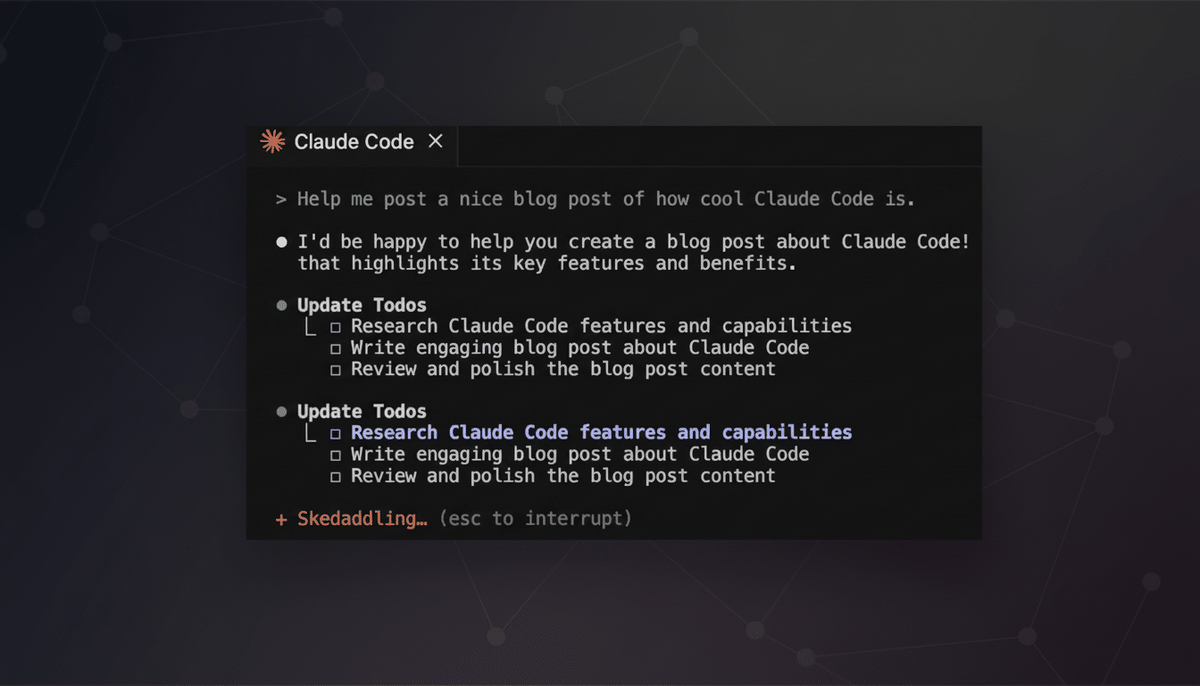
The problem: You have a Notion page full of bullet points, a few data points from a report, and a vague idea of what you want to say. Turning that into a publishable draft takes two hours minimum.
What the skill does: A content drafting skill encodes your publication's voice, structure preferences, SEO requirements (keyword placement, heading patterns, meta description format), and any brand guidelines. Feed it your raw notes and it produces a structured draft that matches your style — not generic AI prose that sounds like everyone else's blog.
SKILL.md trigger description:
description: >
  Drafts blog posts from bullet notes or outlines following brand voice
  and SEO structure guidelines. Use when user provides raw notes and asks
  to write, draft, or structure a post.
Time saved: 90+ minutes per post. The draft still needs editing, but you're editing instead of writing from scratch.
Use Case 3 — Product Requirement Docs (PRDs)
The problem: PRDs take forever because they require filling in the same structural sections every time — problem statement, user stories, success metrics, edge cases, open questions — while also thinking through the actual product logic.
What the skill does: A PRD skill encodes your team's template, section definitions, and quality standards (e.g., every user story must have an acceptance criterion, every metric must be measurable). Give it a feature brief and it generates a complete structured PRD. Edge cases and open questions sections are pre-populated based on common failure patterns for the feature type.
SKILL.md trigger description:
description: >
  Generates Product Requirement Documents from feature briefs using the
  team's PRD template. Use when user describes a feature and asks for a
  PRD, spec, or requirements document.
Time saved: 2–3 hours per PRD, depending on complexity. PMs on our team use this before every sprint kickoff.
Use Case 4 — Data Report Summarization
The problem: Your analytics dashboard exports a CSV. Someone needs a plain-English summary with key trends, anomalies, and recommended actions by end of day. Nobody has time to stare at 4,000 rows.
What the skill does: A data report skill encodes your reporting format, the metrics your team cares about, threshold definitions for what counts as an anomaly, and the narrative structure of your weekly reports. It can bundle a Python script for statistical analysis — finding outliers, computing week-over-week delta — so the numbers are computed deterministically rather than estimated from tokens.
SKILL.md trigger description:
description: >
  Summarizes data exports into structured reports with trend analysis,
  anomaly flags, and action items. Use when user uploads a CSV, spreadsheet,
  or asks to analyze or summarize data.
Time saved: 1–2 hours per report cycle. The bottleneck shifts from data interpretation to decision-making.
Use Case 5 — Meeting Notes → Action Items
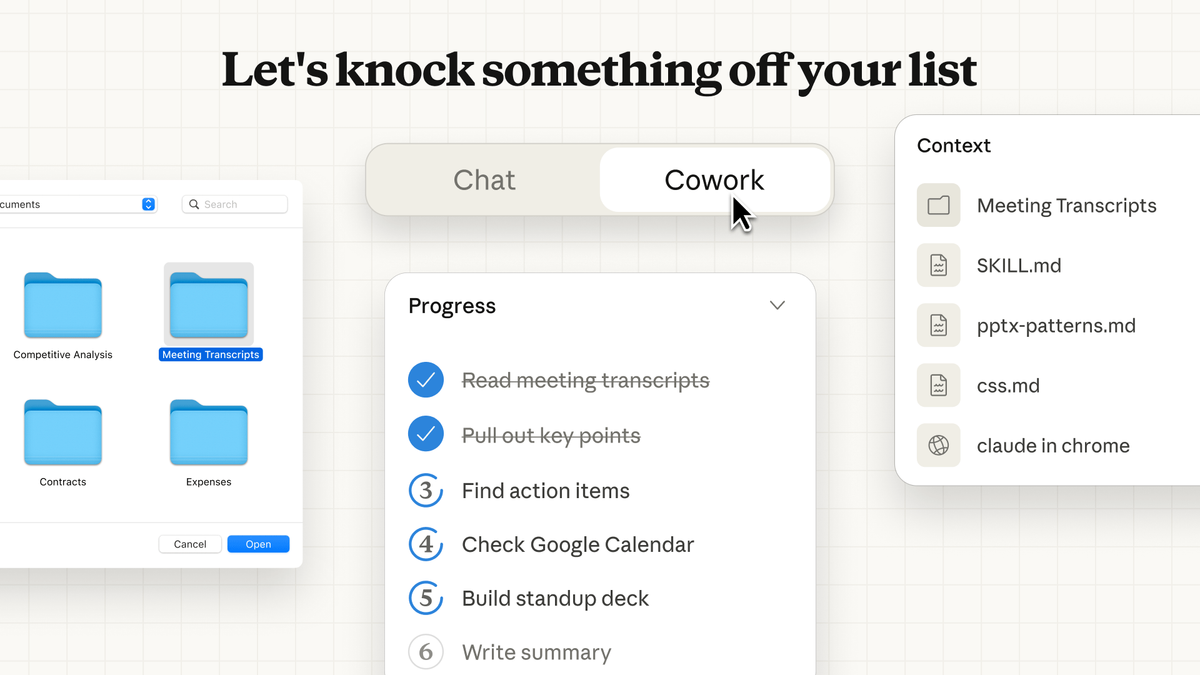
The problem: You have a 45-minute meeting transcript. Someone needs a summary, a decision log, and a list of action items with owners and deadlines before the next Slack message. This task is urgent, repetitive, and deeply tedious.
What the skill does: A meeting processing skill encodes your action item format (owner, deadline, context), decision log structure, and follow-up escalation rules. Feed it a raw transcript — from Otter, Fireflies, or even a rough paste — and it produces a formatted output ready to paste into Notion or Linear.
SKILL.md trigger description:
description: >
  Processes meeting transcripts into summaries, decision logs, and
  action items with owners and deadlines. Use when user pastes a
  transcript or asks to process meeting notes.
Time saved: 25–35 minutes per meeting. Multiply by the number of meetings you're in.
Use Cases 6–10
Contract Review
Problem: Flagging non-standard clauses in vendor contracts requires reading every line carefully — or missing something expensive.
Skill: Encodes your legal team's red-flag checklist (liability caps, IP ownership, termination clauses, auto-renewal traps). Produces a structured risk summary with flagged sections and plain-English explanations. Trigger: user uploads a PDF contract or pastes contract text.
Lesson Planning
Problem: Building a lesson plan that hits curriculum standards, scaffolds appropriately for grade level, and includes assessments takes an experienced teacher 2–3 hours.
Skill: Encodes curriculum standards, learning objective formats, scaffolding guidelines, and assessment rubric templates. Trigger: user describes a topic, grade level, or learning objective. Useful for educators building out units or coaches running training sessions.
Scientific Literature Summaries
Problem: Reading and synthesizing five papers to understand the state of evidence on a topic takes a researcher half a day. Most of that time is skimming for relevance.
Skill: Encodes your summary structure (hypothesis, methodology, key findings, limitations, relevance to your research question) and quality signals to flag (sample size, replication status, conflict of interest disclosures). Trigger: user uploads a PDF, pastes an abstract, or asks to summarize a paper. This directly targets the claude skills for research query cluster where Skills are significantly underutilized.
Frontend Component Generation
Problem: You know what component you want, but spinning up a properly typed, accessible, styled React component that matches your design system takes 30 minutes of boilerplate.
Skill: Encodes your design system's token names, component patterns, accessibility requirements (ARIA roles, keyboard handling), and TypeScript conventions. Can bundle a script that validates generated components against your ESLint config. Trigger: user describes a UI component or provides a Figma description.
Inbox Triage
Problem: Monday morning, 200 emails. You need to know what's urgent, what's FYI, what needs a response, and what can be deleted — in under ten minutes.
Skill: Encodes your priority rules (who always gets a same-day response, what subject line patterns signal urgency, what recurring digests can be archived unread), response templates for common request types, and your escalation logic. Trigger: user pastes email content or asks to triage, sort, or prioritize messages.
Where to Find and Install Pre-Built Skills
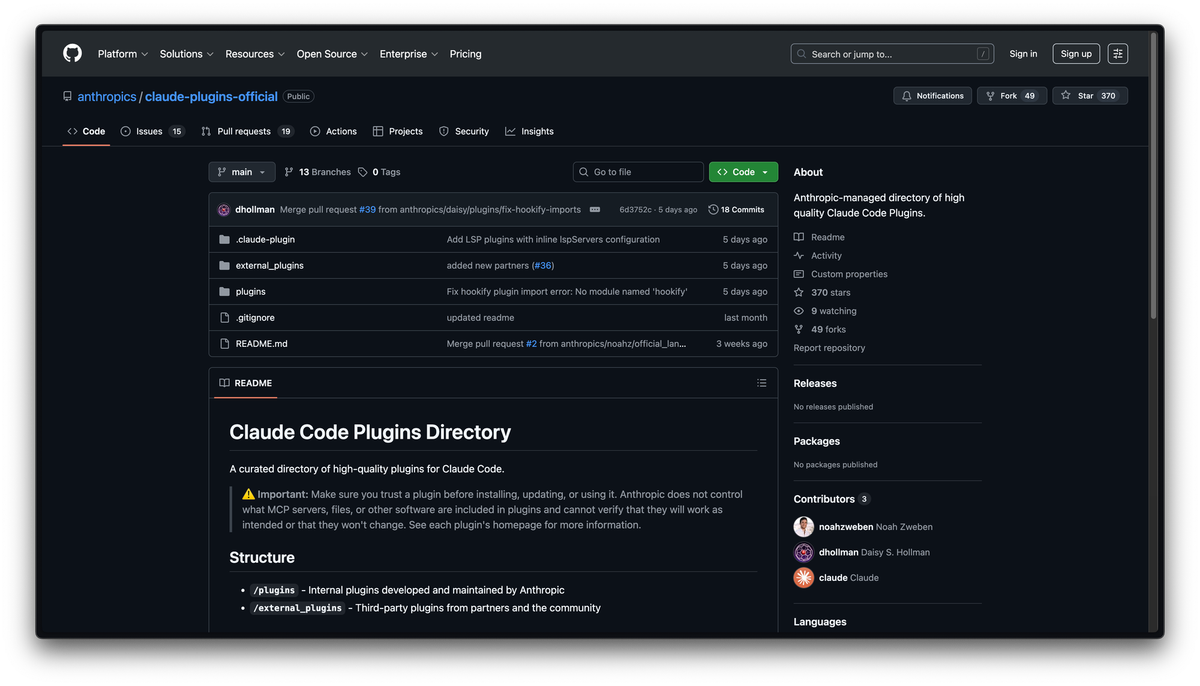
You don't have to build from scratch. Here's where to look:
Anthropic's official repository at github.com/anthropics/skills is the first stop. It includes production-grade document skills (PDF, Word, Excel, PowerPoint), plus example skills for creative and enterprise workflows. These are the same skills powering Claude's built-in document creation features — well-tested and ready to fork.
Community awesome lists are growing fast. The travisvn/awesome-claude-skills repository on GitHub curates community-built skills by category, updated regularly since Skills launched in October 2025.
Third-party discovery platforms like skillsmp.com aggregate skills from GitHub and make them searchable by use case — useful once you know what you're looking for but don't want to trawl repositories.
Installing is straightforward: upload the skill folder via Settings → Capabilities → Skills in Claude.ai, or drop it into .claude/skills/ in your project directory for Claude Code. Anthropic's support guide for using Skills covers the exact steps for each plan type.
FAQ
Q: Do all these use cases work out of the box, or do I need to customize the skills? The document skills (PDF, Word, Excel) work immediately from Anthropic's repository. The workflow skills — code review, PRD generation, meeting notes — work better with customization, because their value comes from encoding your team's standards and templates. Expect 30–60 minutes to configure a workflow skill properly. It pays back within a week.
Q: Can I use multiple skills at the same time? Yes. Skills are composable — install as many as you need and Claude selects the relevant ones per task. The only practical limit is keeping individual skill descriptions concise (under 50 words) to avoid system prompt bloat when you have many skills installed simultaneously.
Q: Are Claude Skills available on all plans? Skills require a Pro, Max, Team, or Enterprise plan, and Code Execution must be enabled under Settings → Feature Previews. They're not available on the free tier.
Related resources:
