
Most "Codex alternatives" lists rank tools by model benchmark scores. That's the wrong lens. Codex (OpenAI's terminal coding agent) is capable — developers leave it not because the model is weak, but because the workflow doesn't fit: they want a different interface, more control over repo changes, multi-agent parallelism, or a review structure Codex doesn't impose. The right alternative depends on which of those you're missing. This guide compares Codex alternatives by workflow fit, not benchmark ranking.
Features and plans verified as of June 2026. OpenAI's Codex policies, pricing, and capabilities change frequently — confirm current details at each tool's official documentation before deciding.
Why Developers Look for Codex Alternatives
Workflow fit, not just model quality
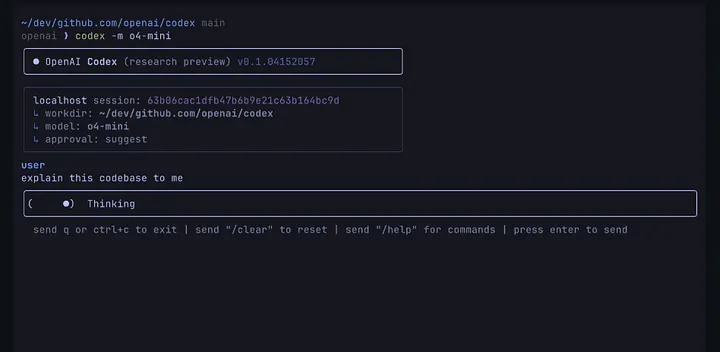
OpenAI Codex is a terminal-native coding agent (the Codex CLI) backed by OpenAI's models, with a cloud agent and ChatGPT integration. It's genuinely capable. The reasons developers look for alternatives are rarely "the model isn't good enough" — they're about fit:
- Interface: you want an IDE (visual editor) instead of a terminal, or a terminal instead of an IDE
- Model preference: you want Claude or Gemini rather than OpenAI models
- Repo control: you want more explicit control over what the agent changes and when
- Review structure: you want enforced verification gates rather than relying on your own discipline
- Parallelism: you want multiple agents working in parallel with isolation
- Cost or ecosystem: pricing, billing model, or which platform you're already invested in
Each of these points to a different alternative. There's no single "best Codex alternative" — there's the best fit for the specific thing Codex isn't giving you.
When a coding assistant is not enough
A related reason developers move: the realization that a single-agent coding assistant (Codex included) has a ceiling. For scoped tasks — implement this function, fix this bug, write these tests — a single agent works well. For structurally larger work — a feature spanning frontend, backend, and tests developed in parallel, or a migration touching many files where coordination and verification become the bottleneck — the single-agent model strains.
At that point, the alternative isn't another single-agent assistant; it's a different category of tool entirely (multi-agent workflow platforms). Recognizing which category you need is the first decision, before comparing specific tools within a category.
Codex Alternatives by Workflow
Claude Code for terminal agent workflows
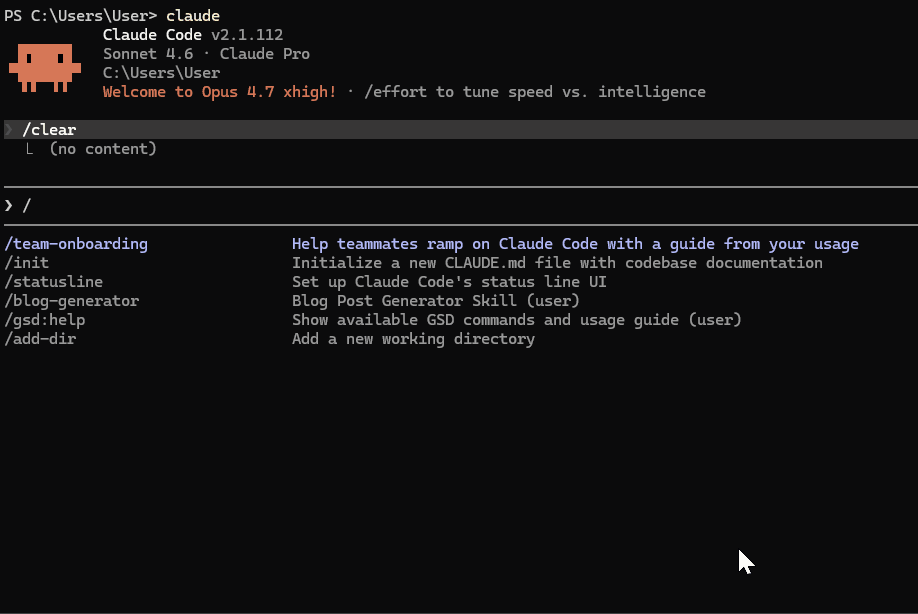
If you like Codex's terminal-native model but want Anthropic's Claude models or a different feature set, Claude Code is the closest direct alternative. It's also a CLI coding agent — you describe tasks, it reads files, makes changes, runs commands. The differences: it runs on Claude's models (Sonnet 4.6, Opus 4.8), offers /ultrareview (multi-pass code review), task budgets (token spend caps), and Claude Code Routines (scheduled automation). Like Codex, it scripts cleanly into CI/CD.
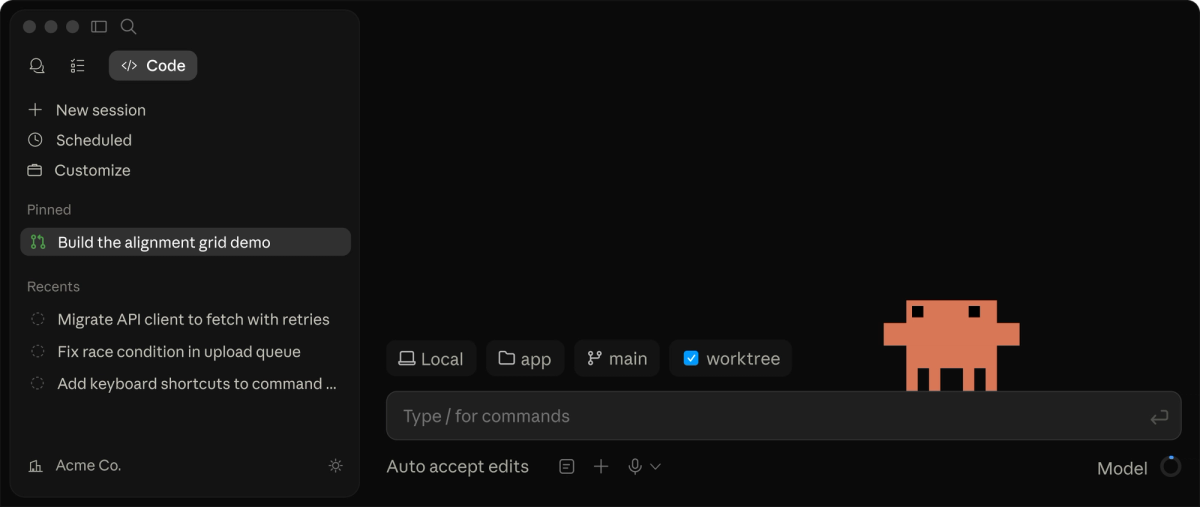
Choose Claude Code over Codex when you prefer Claude's models, want /ultrareview-style review depth, or want the specific agentic features (Routines, task budgets) that Anthropic's surface offers. It's the natural switch for terminal-native developers who want to change models or feature sets without changing workflow style. Note that Claude Code can also run DeepSeek V4 as a backend via environment variables, giving model flexibility.
Cursor for AI IDE workflows
If you want to leave the terminal entirely for a visual editor, Cursor is the leading AI IDE alternative. It's a VS Code fork with AI agent capabilities built in — Agent mode for multi-file work, Tab autocomplete, visual diffs, Background Agents (async cloud agents), and the .cursor/rules/ system for conventions. Where Codex is terminal-first, Cursor is editor-first.
Choose Cursor over Codex when you want a visual editor with integrated AI, rely on inline autocomplete, prefer seeing changes in an editor with visual diffs, or want broad model selection (Claude, GPT, Gemini) in one interface. For developers who don't want to work in a terminal, Cursor is the natural alternative. It's a workflow shift (terminal → IDE), not just a tool swap.
Replit Agent for hosted app building
If your goal is building and deploying full apps without managing local environment or infrastructure, Replit Agent is a different kind of alternative. Replit is a cloud development platform with an AI agent that builds, runs, and deploys apps entirely in the browser — no local setup, integrated hosting, database, and deployment. Where Codex works with your local repository, Replit operates in its hosted environment.

Choose Replit over Codex when you want zero local setup, integrated hosting and deployment, or a browser-based build-and-ship workflow (common for prototypes, MVPs, and learning). It's not a terminal-agent alternative so much as a different model of development entirely — hosted, integrated, deploy-first. The trade-off is less control over the underlying environment compared to a local CLI like Codex.
Verdent for multi-agent coding workflows
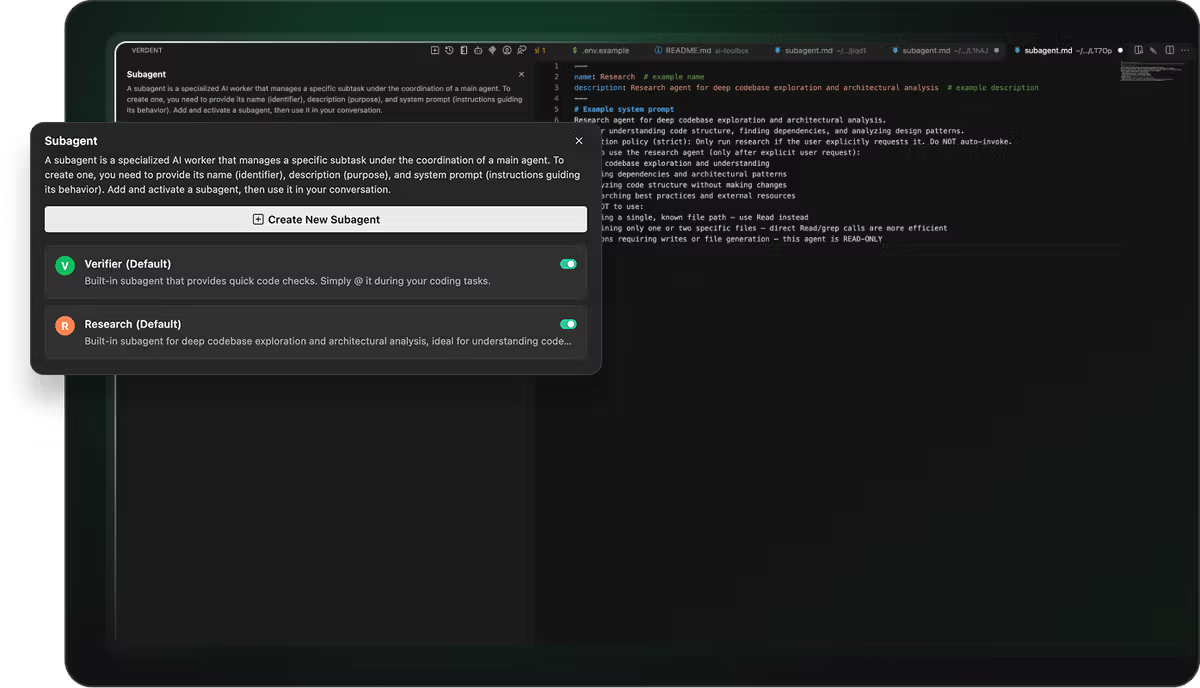
If the limit you've hit with Codex is single-agent — you need parallel agents working on different parts of a task with isolation and verification — Verdent is a multi-agent workflow platform addressing that specific need. It operates at a different layer than Codex: Plan-First task decomposition (a verifiable plan before code changes), parallel agents on isolated Git worktrees (so they don't interfere), and verification gates (reviewable diffs confirmed before integration).
Choose a multi-agent platform like Verdent when your work is structurally parallel — multiple parts of a feature developed simultaneously, or large migrations where coordination and verification are the bottleneck. This isn't a like-for-like Codex replacement for everyday scoped tasks; it's a different category for work whose structure exceeds what a single-agent assistant handles cleanly. Many developers use a single-agent tool (Codex, Claude Code, Cursor) for daily work and a multi-agent platform for the specific tasks that benefit from parallel execution.
Comparison Table
| Codex | Claude Code | Cursor | Replit Agent | Verdent | |
|---|---|---|---|---|---|
| Interface | Terminal (CLI) | Terminal (CLI) | AI IDE | Browser/cloud | Multi-agent platform |
| Primary model | OpenAI | Claude (+DeepSeek via env) | Claude/GPT/Gemini | Multiple | Multi-model routing |
| Repo control | Local repo | Local repo | Local repo (workspace) | Hosted env | Worktree isolation |
| Parallelism | Limited | Subagents | Parallel agents (up to 8) | — | Parallel agents (core) |
| Review | Manual | /ultrareview | Visual diffs, Bugbot | In-platform | Verification gates |
| Hosting/deploy | — | — | — | ✅ Integrated | — |
| Best for | OpenAI-native terminal work | Claude terminal work + review | Editor-centric work | Hosted app building | Structurally parallel work |
The table maps tools to workflows, not to a quality ranking. Each column is the strongest fit for a different need — terminal+OpenAI (Codex), terminal+Claude (Claude Code), editor (Cursor), hosted (Replit), parallel (Verdent).
How to Choose
Solo builder
For a solo builder, the choice usually comes down to interface preference and what you're building. If you're terminal-native and want a Codex-style workflow with Claude's models or /ultrareview, Claude Code is the natural switch. If you want a visual editor with autocomplete, Cursor. If you're prototyping apps and want zero setup with integrated deployment, Replit. Most solo builders don't need a multi-agent platform for typical work — pick by interface and model preference, and switch if the fit is wrong.
Team engineering workflow
For a team, the considerations expand: convention enforcement (Claude Code's CLAUDE.md, Cursor's Rules), review structure (Cursor's Bugbot, Claude Code's /ultrareview), onboarding cost (Cursor is familiar to VS Code users; terminal agents suit terminal-native teams), and how the tool fits your CI/CD. Teams standardizing on a workflow benefit from picking a tool whose conventions and review features match how the team already works. For teams doing structurally parallel work at scale, a multi-agent platform becomes relevant as a complement to (not replacement for) the everyday tool.
Production codebase
For production work, the priorities are review, verification, and safety. Whatever tool you choose, the non-negotiables are the same: every change diff-reviewed, tests run, and consequential changes gated behind human approval. Claude Code's /ultrareview and Cursor's Bugbot add review structure; a multi-agent platform like Verdent adds verification gates as a first-class step. The tool choice matters less than maintaining the discipline — a more capable agent doesn't reduce the need for review on production code; it raises the floor on quality while the review ceiling stays in place.
FAQ
What are OpenAI Codex alternatives?
Tools that offer a different workflow than OpenAI's Codex (a terminal-native coding agent backed by OpenAI models). The main categories: Claude Code (a terminal agent on Anthropic's models with /ultrareview and Routines), Cursor (an AI IDE with visual editing and agent mode), Replit Agent (a hosted, browser-based build-and-deploy platform), and multi-agent platforms like Verdent (for parallel, verification-gated workflows). The right alternative depends on what Codex isn't giving you — a different interface, model, control level, or parallelism. Verify each tool's current capabilities at its official documentation.
Can developers replace Codex with Claude Code or Cursor?
Yes, for most workflows. Claude Code is the closest direct alternative if you want to stay terminal-native but use Claude's models or features like /ultrareview — the workflow style is nearly identical. Cursor is a fuller switch (terminal → visual IDE) suited to developers who want an editor with integrated AI rather than a CLI. Both are capable Codex replacements; the choice is about interface (terminal vs editor) and model preference. Test the candidate on your actual work before fully migrating, since workflow habits matter as much as features.
What are the risks of switching from Codex?
Workflow habits built around Codex may not transfer directly (each agent behaves differently, so expect re-tuning), agent-specific config like AGENTS.md needs porting, and OpenAI-specific features may lack exact equivalents. There's also switching cost — the time to adjust can exceed the benefit if your Codex setup works well. Mitigate by testing on a side project first. Since OpenAI's Codex policies change often, verify current capabilities before assuming you need to switch.
When should teams use a multi-agent coding platform instead?
When work is structurally parallel — multiple parts of a feature built simultaneously, or large migrations needing coordinated changes across many files. Single-agent tools (Codex, Claude Code, Cursor) extend one developer's session; even their parallel features coordinate within that session rather than orchestrating independent isolated agents. Multi-agent platforms like Verdent add that orchestration layer (Plan-First decomposition, worktree isolation, verification gates). Most teams use both — a single-agent tool daily, a multi-agent platform for genuinely parallel tasks.
Related Reading
