

Cursor and Windsurf both turned the AI code editor into an AI agent platform that lives in your editor. The difference between them isn't capability — both are capable — it's philosophy. Cursor gives you granular control and asks permission at each step; Windsurf's Cascade agent acts more autonomously with less configuration. For solo developers, the choice usually comes down to whether you value control or speed-to-result. Here's the full breakdown.
Pricing and features verified against multiple sources as of May 2026. Both tools adjust tiers frequently — confirm current pricing at cursor.com and windsurf.com before deciding.
Quick Answer
Pick Cursor if: you want granular control over the AI's actions, you live in VS Code and want maximum extension compatibility, you value the .cursorrules system for encoding team conventions, or you want the most autonomous stock agent loop (Background Agents, Bugbot, parallel agents). Cursor suits power users and teams that want to configure their AI environment precisely.
Pick Windsurf if: you want fast, autonomous task completion with minimal setup, you prefer automatic codebase context over manual file selection, you want to use the editor in JetBrains/Vim/Xcode (Windsurf has 40+ IDE plugins; Cursor is a VS Code fork only), or you want the lower price point. Windsurf suits solo developers and indie hackers who want speed and low friction.
It's not a case of a clear loser — they're optimized for different workflows, and picking the one that mismatches your style will frustrate you within a week.
Windsurf and Cursor Positioning
Cursor is a VS Code fork rebuilt around AI. Its Agent mode (in Composer) is among the most autonomous stock coding loops available, with Background Agents that run async in cloud sandboxes on separate branches and Bugbot for PR review. Cursor's differentiators are control and configurability: the .cursorrules (now Rules) system lets you encode conventions and banned patterns, the @-mention system gives explicit control over context, and the model selection is broad (Claude, GPT, Gemini, plus Cursor's own Composer model). Cursor also supports bring-your-own API keys.
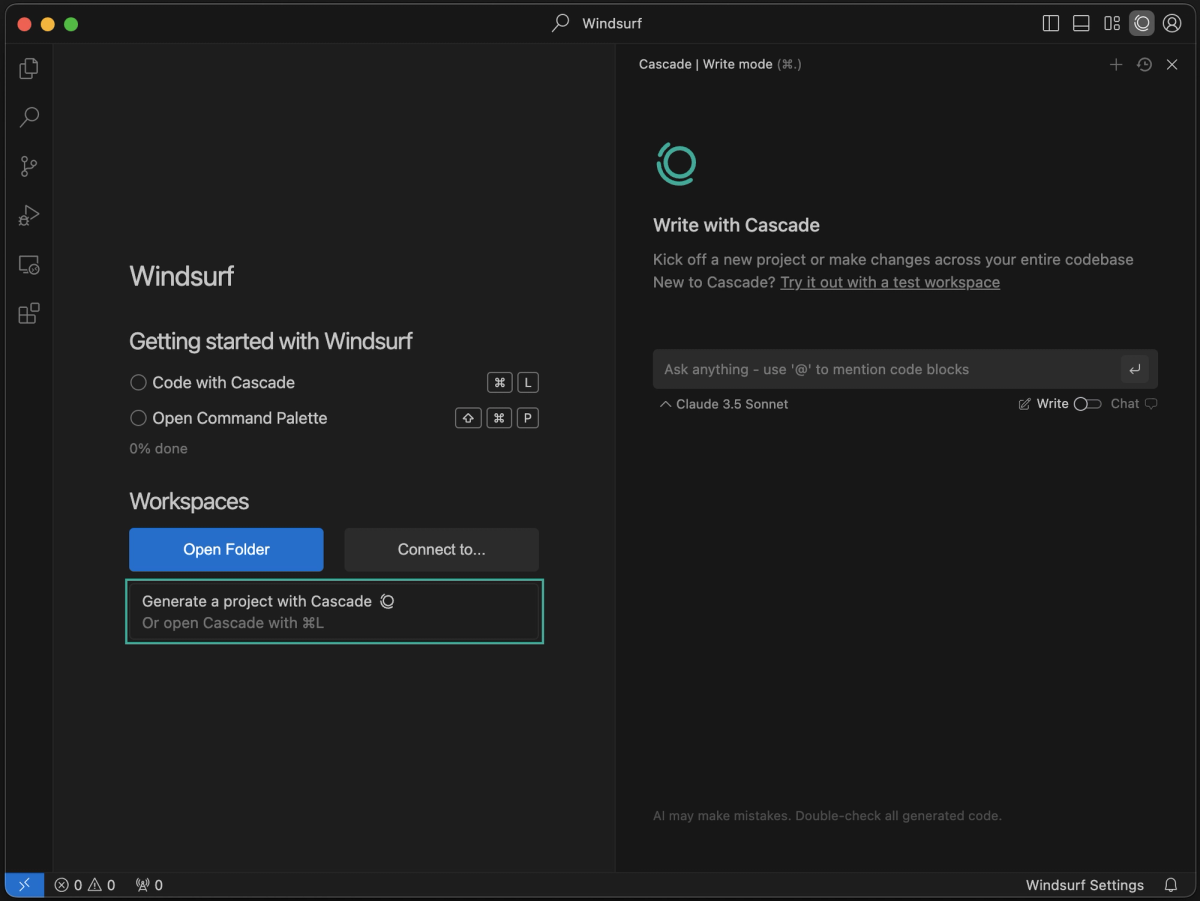
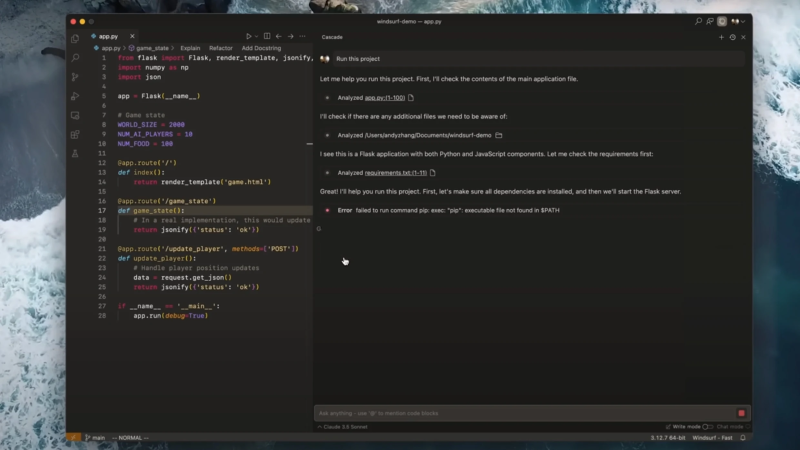
Windsurf (formerly Codeium) evolved from a code-completion tool into a full AI IDE built around Cascade, its autonomous agentic system powered by the in-house SWE-1.5 model. Cascade emphasizes speed and proactive action — it pulls in relevant codebase context automatically rather than requiring manual file selection, and it completes longer multi-file tasks with fewer interruptions. Windsurf 2.0 (April 2026) added an Agent Command Center (a Kanban board for managing agent statuses), Spaces (bundling agent sessions into task units), and Devin Cloud integration following Cognition's acquisition of Windsurf. Windsurf also runs as plugins across 40+ IDEs.
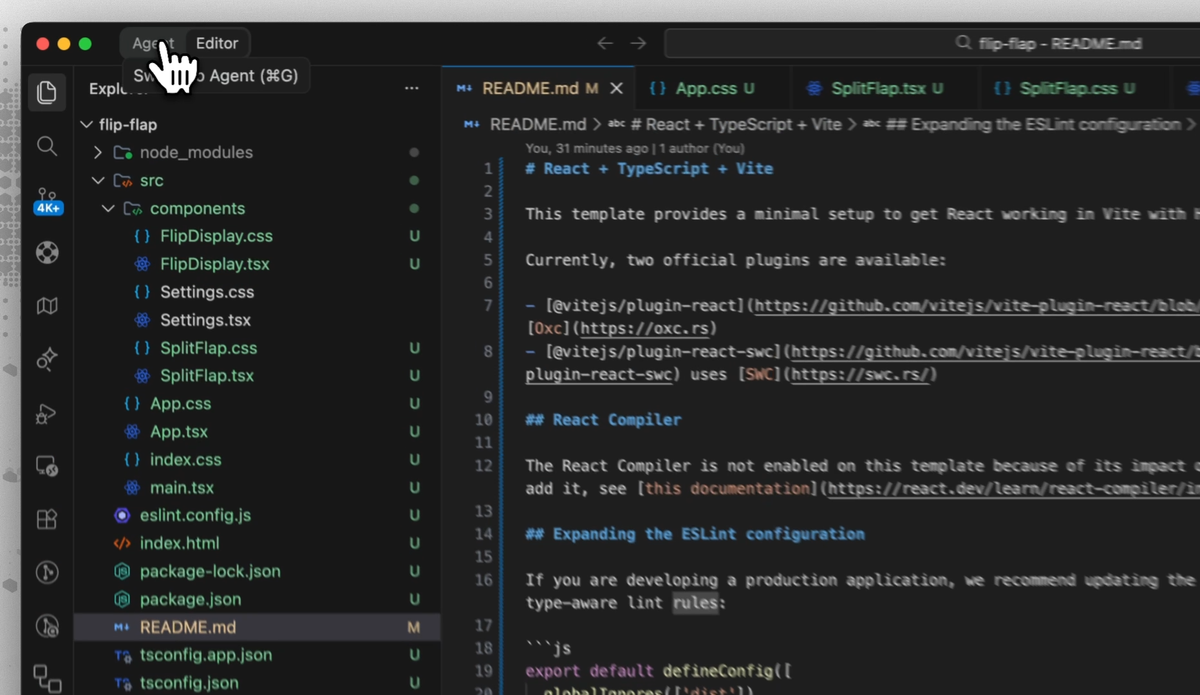
Comparison Table
| Cursor | Windsurf | |
|---|---|---|
| Base | VS Code fork | Standalone IDE + 40+ IDE plugins |
| Agent | Agent mode (Composer) | Cascade (SWE-1.5) |
| Agent philosophy | Control — asks permission | Autonomy — acts proactively |
| Context | @-mention (explicit) | Automatic codebase context |
| Conventions | .cursorrules / Rules (robust) | More limited |
| Background/async agents | ✅ Background Agents | ✅ via Spaces / Devin Cloud |
| PR review | Bugbot | Via agent workflows |
| BYO API key | ✅ | ❌ (allocated model access) |
| VS Code extensions | High compatibility | Plugin-based across IDEs |
| Free tier | Usage-capped | Limited Cascade sessions/day |
| Pro | $20/month | ~$15–20/month (verify current) |
| Power tier | Pro+ $60 / Ultra $200 | Pro Plus $35 / Max $200 |
| Teams | $40/user/month | $25–30/user/month |
Agent mode
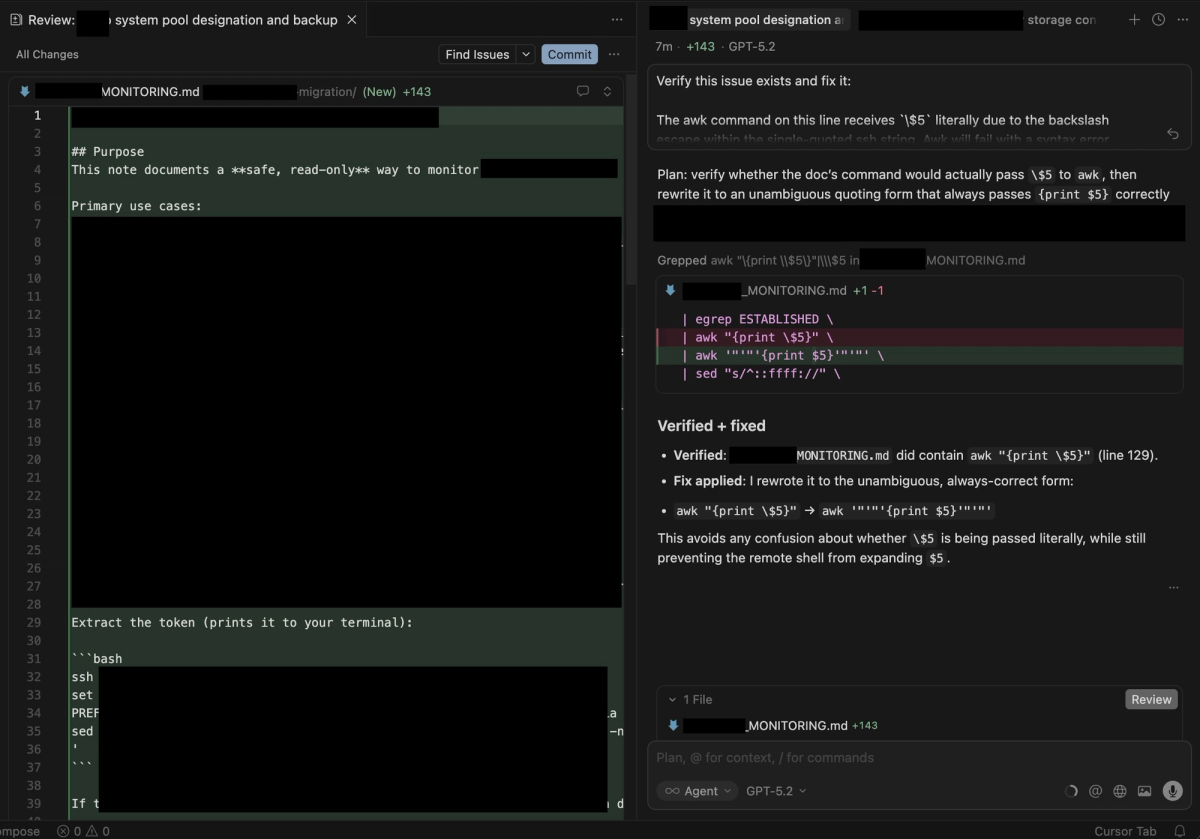
The core philosophical split. Cursor's Agent mode is highly capable but asks for more permission — it proposes, you approve, it acts. This gives you control over each step, valuable for complex refactors where you want to verify the direction before the agent commits. Cursor's Background Agents extend this: they run asynchronously in cloud sandboxes on separate branches, so you kick one off and return when it's done.
Windsurf's Cascade acts more autonomously, completing longer multi-file tasks with fewer interruptions. The trade-off: less hand-holding, but also less step-by-step control. For developers who trust the AI and want speed, Cascade finishes faster. For developers who want to verify each step, Cursor's approach fits better.
Codebase context
Cursor uses explicit @-mentions: you specify which files, functions, or symbols to include in context. This gives precise control over what the model sees. Windsurf's Cascade automatically pulls relevant context from across the codebase without manual specification. For developers who don't want to think about file selection, Windsurf's automatic approach is less effort; for developers who want explicit control over context (and the cost implications of context size), Cursor's approach is more predictable.
IDE experience
Cursor is a VS Code fork — it imports your VS Code extensions, settings, and keybindings, with high compatibility. If you live in VS Code, the transition is nearly frictionless. Windsurf offers a standalone editor plus plugins for 40+ IDEs (JetBrains, Vim, Neovim, Xcode). If your workflow spans multiple IDEs or you use JetBrains, Windsurf follows you where Cursor can't — though the full Cascade experience lives in the Windsurf editor, with plugins in other IDEs getting autocomplete and chat but not every agentic workflow.
Pricing
Windsurf has historically been priced below Cursor (~$15/month Pro vs Cursor's $20), though reporting indicates Windsurf raised Pro pricing in 2026 to align more closely with Cursor — verify the current figure at windsurf.com, as this has changed. The pricing models differ even at the same headline price: Cursor uses a monthly credit pool (burst hard one week, idle the next), while Windsurf has historically used more predictable daily/weekly quotas. Cursor's unlimited Auto mode (genuinely unlimited with rate limits, doesn't draw from your credit pool) gives heavy Auto users more raw inference per dollar. Both offer two-week Pro trials.
Team workflow
At the team tier, Windsurf has been cheaper ($25–30/user vs Cursor's $40/user). Windsurf includes admin analytics, knowledge base features, and (at enterprise) compliance infrastructure like SSO, RBAC, SOC 2 Type II, HIPAA, and FedRAMP High. Cursor's team strengths are the Rules system for encoding org conventions and the broader VS Code extension compatibility. For regulated industries, Windsurf's compliance certifications are a meaningful differentiator.
Where Windsurf Wins
Speed and autonomy. Cascade completes multi-file tasks faster and with less configuration. Windsurf publishes SWE-1.5 as running roughly 13× faster than Sonnet 4.5 at near-frontier quality (per their own model page — treat vendor speed claims as directional, but the felt difference in less per-turn waiting is real).
Lower friction onboarding. Windsurf's UX is closer to traditional autocomplete with AI added on, making it more familiar to developers transitioning from GitHub Copilot. Team onboarding to Windsurf typically takes about a week versus 2–3 weeks for Cursor's agent-first interface.
Multi-IDE reach. 40+ IDE plugins (JetBrains, Vim, Neovim, Xcode) versus Cursor's VS Code-fork-only model. If you don't want to leave your existing IDE, Windsurf works where Cursor requires switching editors.
Automatic context. Cascade's automatic codebase context means less manual file selection — lower cognitive overhead for developers who don't want to manage context explicitly.
Lower price (historically) and compliance. Cheaper at most tiers historically, with enterprise compliance certifications (SOC 2, HIPAA, FedRAMP High) that regulated industries need.
Where Cursor Wins
Granular control. Cursor's Agent asks permission at each step, giving you control over complex refactors. For high-stakes changes where you want to verify direction before the agent commits, this control is valuable.
The Rules system. .cursorrules (now Rules) lets you encode team conventions, banned patterns, and architectural preferences directly into the editor. Cursor's review data suggests teams using this configuration meaningfully reduce PR review comments and type errors — a customization depth Windsurf doesn't match.
VS Code extension compatibility. As a VS Code fork, Cursor has higher and more stable compatibility with the VS Code extension ecosystem. If you depend on specific extensions, Cursor is the safer bet.
Bring-your-own API key. Cursor supports using your own OpenAI/Anthropic key, paying the provider directly at API rates. Windsurf uses allocated model access included in the subscription — simpler but less flexible if you have specific model preferences or existing API credits.
Background Agents and Bugbot. Cursor's async Background Agents (running in cloud sandboxes on separate branches) and Bugbot (inline PR review) are the most autonomous stock agent features in the category for control-oriented workflows.
Unlimited Auto mode. For routine work, Cursor's genuinely unlimited Auto mode gives more raw inference per dollar than Windsurf's metered approach.
When Multi-Agent Workflows Matter More
Both Cursor and Windsurf are single-developer-centric AI IDEs — even their "parallel" and "background" agent features are extensions of a single developer's session, not a multi-agent orchestration architecture. For most solo developers, that's exactly right; you don't need multi-agent coordination for typical work.
The point where the IDE model reaches its limit is structurally parallel work: a feature requiring frontend, backend, and test changes developed simultaneously across isolated branches, or a large migration where multiple agents need to work on different parts of the codebase without interfering. At that scale, the coordination problem — keeping parallel agents from conflicting, verifying each agent's output before integration, maintaining a clean main branch — becomes the central challenge, and it's not what an IDE agent is built to solve.
This is where multi-agent coding platforms operate as a distinct layer. Tools like Verdent focus on Plan-First task decomposition, parallel agents on isolated Git worktrees, and verification gates before integration — the orchestration and isolation concerns that a single-IDE agent doesn't address. This isn't a replacement for Cursor or Windsurf for everyday coding; it's a different layer for work whose structure is genuinely parallel. Many developers use an AI IDE for daily work and a multi-agent platform for the specific tasks that benefit from parallel execution.
FAQ
Is Windsurf better than Cursor in 2026?
Neither is universally better — they're optimized for different workflows. Windsurf is better for solo developers who want fast, autonomous task completion with minimal setup, automatic codebase context, multi-IDE support, and (historically) a lower price. Cursor is better for power users and teams who want granular control, the Rules system for encoding conventions, VS Code extension compatibility, and bring-your-own-key flexibility. The right choice depends on whether you value speed-to-result (Windsurf) or control (Cursor). Try both on a real project during their two-week trials before committing.
Which is better for solo developers?
For most solo developers, Windsurf's autonomy and lower friction are a strong fit — Cascade completes tasks faster with less configuration, automatic context means less manual file management, and the lower price (historically) matters more for individuals than teams. Cursor is the better solo choice if you want granular control over the AI's actions, depend on VS Code extensions, or want to use your own API key. Solo developers who value speed lean Windsurf; those who value control lean Cursor.
How do Windsurf and Cursor compare with Copilot?
GitHub Copilot ($10/month) is the cheapest of the three and the best fit if you want strong inline autocomplete in your existing editor (VS Code, JetBrains, Neovim) with tight GitHub integration, without switching to an agent-first IDE. Windsurf (~$15–20) and Cursor ($20) are more capable as agent platforms — both go beyond Copilot's autocomplete-plus-chat into autonomous multi-file agent work. For pure code completion, Copilot is cheaper and sufficient. For agent-heavy workflows, Windsurf and Cursor are more capable. The three-way choice: Copilot for completion in any editor, Windsurf for autonomous agent speed, Cursor for controlled agent work. For terminal-native developers, also consider Claude Code or Codex CLI as a different category entirely.
When should I consider a multi-agent coding platform?
When your work involves genuinely parallel tasks — multiple parts of a feature developed simultaneously, large migrations needing coordinated changes across many files, or workflows where the bottleneck is throughput rather than single-task quality. AI IDEs like Cursor and Windsurf are single-developer-centric; their background and parallel features extend one developer's session rather than orchestrating multiple agents with isolation and verification. Multi-agent platforms (like Verdent) operate at that orchestration layer with Plan-First decomposition, Git worktree isolation, and verification gates. Most solo developers don't need this for everyday work — consider it when the structure of a specific task is parallel enough that single-agent sequential execution is the bottleneck.
Related Reading
