
If your app uses Apple Intelligence, Siri, or any on-device AI feature, the iOS 27 developer beta is where you find out what breaks before your users do. iOS 27 (announced at WWDC 2026) brings real changes to the Foundation Models framework, Siri, and the developer tooling around AI — and a beta is exactly the time to test against them while you can still adapt. This is a focused testing checklist for AI app builders: what to verify, what compatibility checks matter, and what not to assume from a beta build.
All iOS 27 details should be verified against Apple's official beta release notes and developer documentation, as of June 2026. A beta is a moving target — APIs and availability change between beta builds, so treat the Apple Developer documentation as the source of truth and any media report as background only.
iOS 27 Developer Beta in One Paragraph
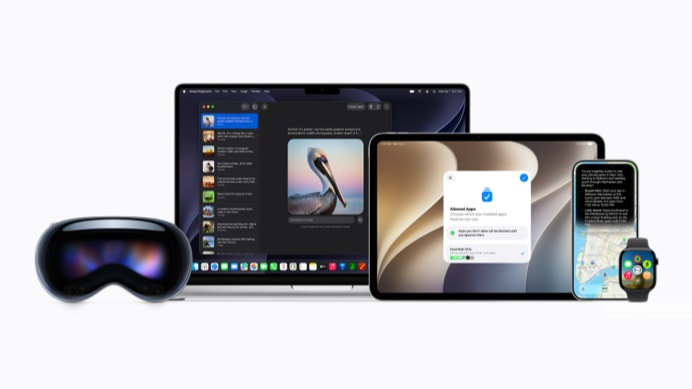
The iOS 27 developer beta is the pre-release build Apple distributes to registered developers to test their apps against the next OS before public release. For AI app builders specifically, it's the window to verify your Apple Intelligence, Siri, and on-device AI features work against iOS 27's changes — which, per Apple's WWDC 2026 announcements, include a rebuilt on-device model (now with Vision capabilities), the Foundation Models framework opening to third-party cloud providers, a new Evaluations framework, and updates to Siri and App Intents. The beta is for finding and fixing incompatibilities early; it is not a stable platform to ship production guidance from. Verify every specific API against the current beta release notes, since betas change between builds.
What AI App Builders Should Test
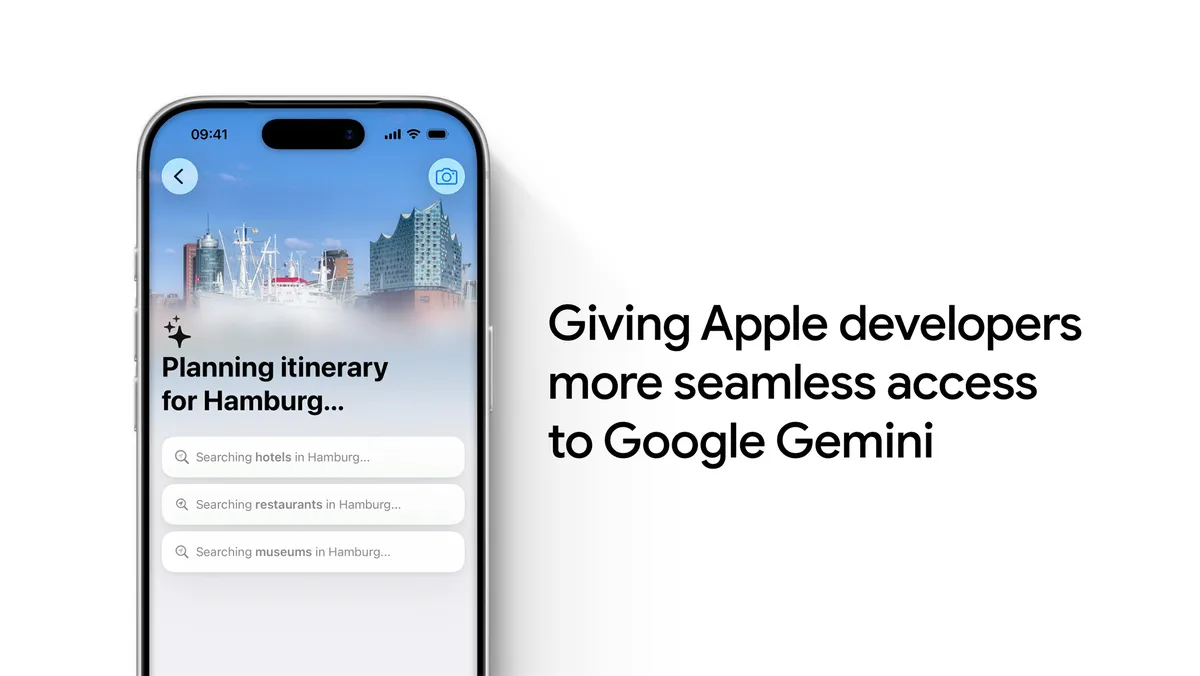
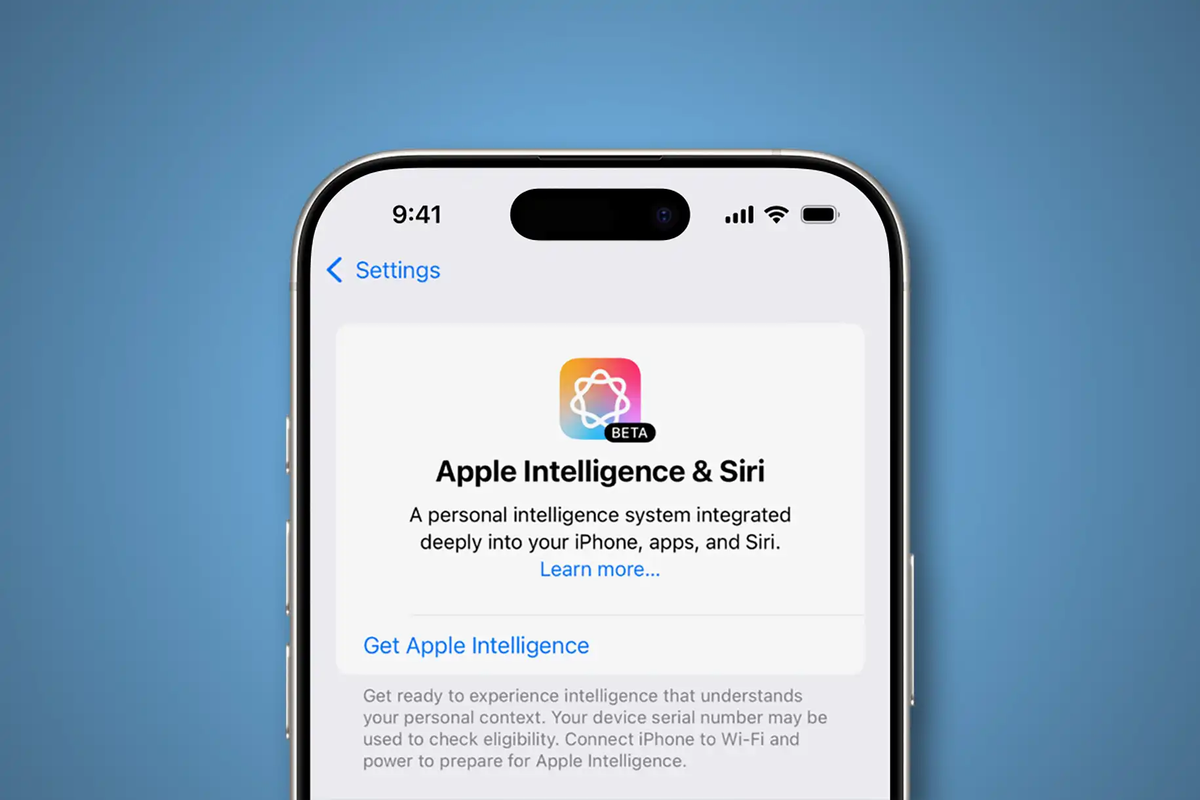
Apple Intelligence availability and behavior
Test whether your Foundation Models integration still behaves as expected on iOS 27. The on-device model was rebuilt for this release, so the same prompt may produce different output, different timing, or different structured-generation behavior than on iOS 26. Specifically check: does your model still return the structured types your app expects, has the guardrail behavior changed (Apple noted adjustments to reduce false positives), and does your token/context handling still hold (iOS 26.4 added APIs for inspecting context size and token counts — confirm your app adapts to them). If your app bundled its own vision model because the on-device model lacked image input, test whether iOS 27's new Vision capability changes your plan.
Siri / App Intents integration
If your app exposes actions through App Intents, verify they still register and trigger correctly under iOS 27's Siri changes. Test that Siri can discover and invoke your intents, that the parameters resolve correctly, and that any generative routing behaves as expected. Siri and App Intents saw updates in this release, so intents that worked on iOS 26 should be re-tested rather than assumed stable. Check both the happy path (Siri triggers the action) and the edge cases (ambiguous phrasing, missing parameters).
Shortcuts
Test your app's Shortcuts actions in the beta. Shortcuts depend on App Intents, so changes to the intents layer can affect Shortcuts behavior. Verify your actions still appear in the Shortcuts app, still accept the right inputs, and still produce the right outputs. If you've built any AI-powered Shortcuts actions, test that the generative behavior works under the beta's updated frameworks.
Permissions and privacy flows
Re-test every permission and privacy prompt your AI features trigger. Beta OS versions sometimes change permission flows, prompt wording, or entitlement behavior. Verify that your app correctly requests the permissions it needs, that the prompts appear at the right time, and that denial is handled gracefully. For AI features specifically, confirm any data-handling consent flows still work, and that the Foundation Models entitlement (if your app uses it) is correctly recognized under the beta. Privacy flow regressions are easy to miss and high-impact, so test these deliberately.
Xcode and Compatibility Checks
SDK changes
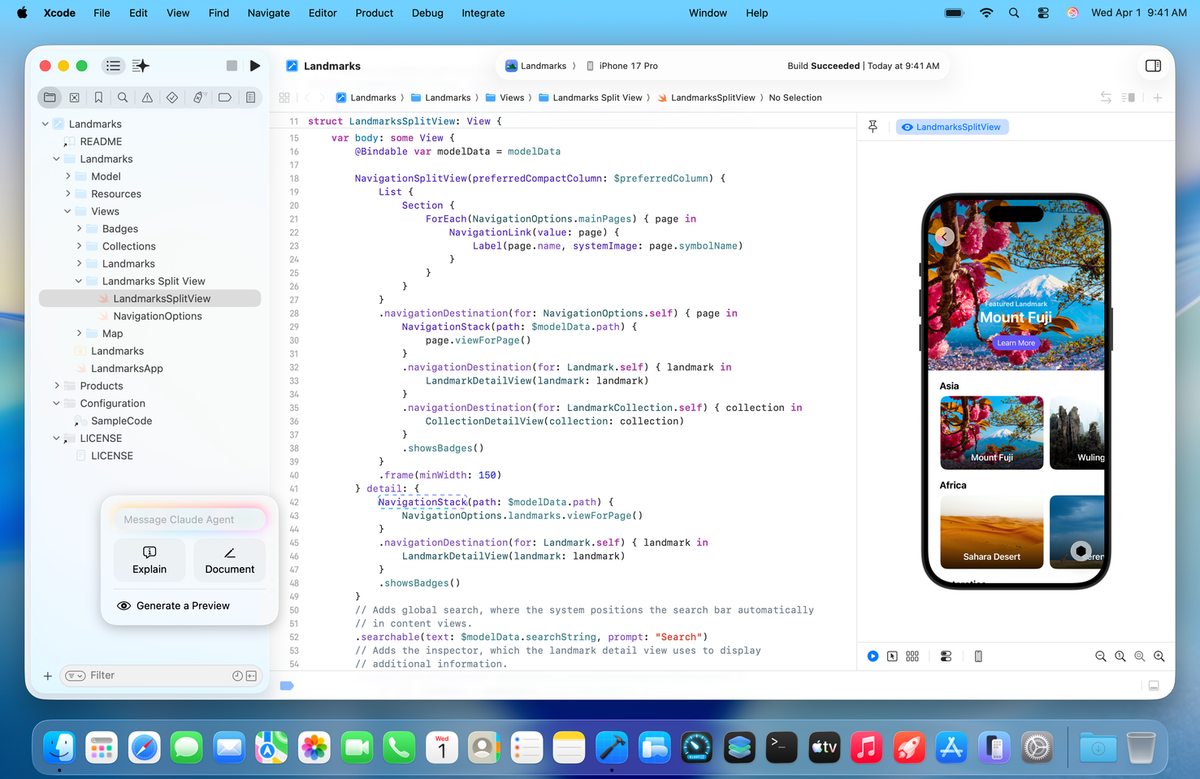
Build your app against the iOS 27 SDK in the current Xcode beta and address what surfaces. Watch for deprecation warnings (APIs Apple is phasing out), changed method signatures, and new required parameters. AI-related frameworks (Foundation Models, App Intents) are actively evolving, so expect SDK changes in those areas specifically. Compiling against the new SDK early surfaces the changes you'll need to handle before the public release lands.
Device and region limitations
Apple Intelligence features have device and region constraints, and these matter for testing. Apple Intelligence requires compatible hardware and must be enabled — so test on a device that supports it, and confirm your app degrades gracefully on devices or regions where Apple Intelligence isn't available. Don't assume every test device has Apple Intelligence enabled; verify the behavior on both supported and unsupported configurations, since a meaningful share of your users will be on the latter. Regional availability of AI features can also lag, so test how your app behaves where the features aren't yet offered.
Regression testing
Run your full regression suite against the beta, not just the new AI features. A beta OS can introduce regressions anywhere — UI layout, networking, background tasks, not only the AI paths. For AI features, pay particular attention to: structured-output parsing (did the model's output format shift?), error and refusal handling (does your app handle a model refusal gracefully?), and performance (did inference timing change enough to affect your UX?). Automated tests catch the obvious regressions; manual testing of the AI interaction flows catches the subtle behavioral shifts that automated assertions miss with probabilistic outputs.
What Not to Assume from a Beta
Features can change before release
The cardinal rule of beta testing: anything can change before the public release. An API in an early beta may be modified, renamed, or removed in a later build. A behavior you observe may be a bug that gets fixed (or a feature that gets cut). Build your testing around the assumption that the beta is a snapshot, not a contract — verify against each new beta build rather than locking in behavior from an early one. This is especially true for newly announced AI frameworks, which tend to see the most churn between betas.
Beta is not production guidance
Don't ship production decisions based on beta behavior. The beta is for finding and fixing incompatibilities and for preparing your app for the eventual release — not for making guarantees to users or basing production architecture on unstable APIs. If a feature only exists in the beta and isn't yet in the stable release, treat it as roadmap, not foundation. And never run a developer beta on a primary production device or distribute beta-dependent builds to users. The beta informs your preparation; it doesn't authorize production reliance.
FAQ
What is the iOS 27 developer beta?
A pre-release version of iOS 27 Apple distributes to registered developers to test apps against the next OS before public release. For AI app builders, it's the window to verify Apple Intelligence, Siri, and on-device AI features against iOS 27's changes (a rebuilt on-device model with Vision, Foundation Models opening to cloud providers, Siri/App Intents updates) while there's time to adapt. It's a testing tool, not a stable platform — verify specifics against Apple's official beta release notes.
How should I test AI app features in the beta?
Across four areas: Apple Intelligence behavior (does your Foundation Models integration still return expected structured output with the rebuilt model?), Siri/App Intents (do intents still register and trigger?), permissions and privacy flows (do consent prompts and entitlements still work?), and compatibility (build against the iOS 27 SDK, check deprecations, run your regression suite). For AI features, test structured-output parsing, refusal handling, and inference timing — the rebuilt model can shift these.
Is the beta safe for production app testing?
Safe for testing compatibility, not for production reliance. Use it to find incompatibilities, surface SDK changes, and prepare for release — but don't base production architecture on beta-only APIs, ship guarantees from beta behavior, or run the beta on a primary production device. Beta APIs can change or be removed before release. The beta informs preparation; the stable release is what you build production on.
When should teams wait for public beta or stable?
Depends on risk tolerance and AI dependency. Teams adapting to significant iOS 27 AI changes (rebuilt model, new frameworks) benefit from testing on the developer beta early, on dedicated test devices, to surface issues before the deadline. Teams with stable apps and less AI dependency can wait for the public beta (more stable) or the stable release. Rule of thumb: test early on the developer beta if AI features are core and you need lead time; wait otherwise. Either way, never test on production devices.
Related Reading
