
You described an app to Claude Design or Bolt.new, it generated the code, you exported a .zip — and now it's sitting in your downloads folder doing nothing. The gap between "AI generated my app" and "my app is live" used to mean Git, a CLI, and some local setup. Vercel Drop, launched June 12, 2026, closes that gap: drag the export into your browser and you get a live production URL in seconds. Here's exactly what it deploys, how, and where it stops being the right tool.
Verified against Vercel's official documentation as of June 2026. Confirm current behavior at the official Vercel Drop docs.
What Vercel Drop Does
Drag a file, folder, or .zip to a live URL
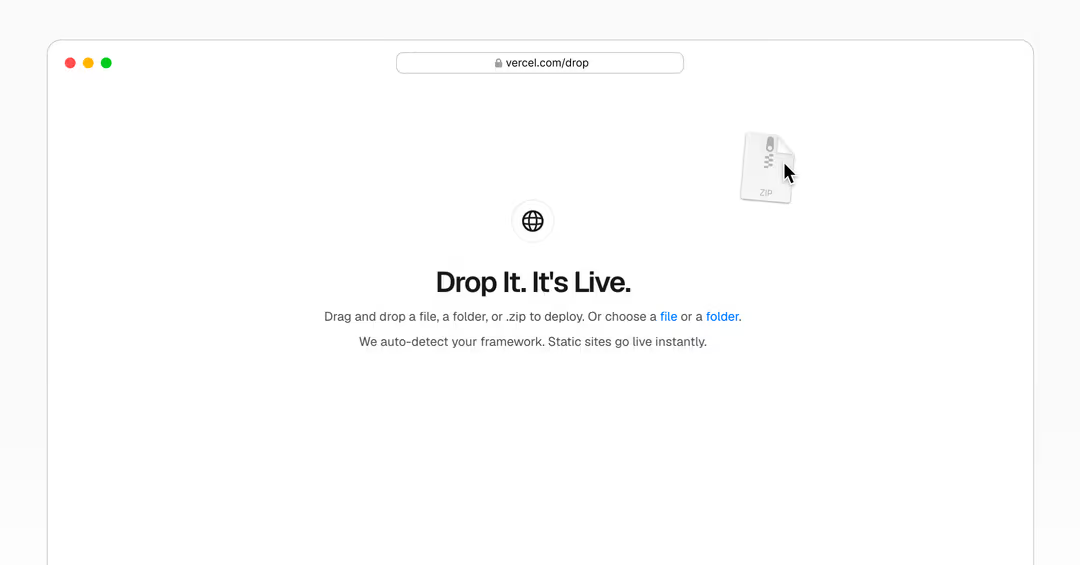
Vercel Drop lets you deploy a file, folder, or .zip by dragging it into your browser — no Git, no Vercel CLI, no local setup. The flow is genuinely that simple: go to vercel.com/drop, drag your project (or .zip) onto the page, pick a team and project name, and select Deploy. Vercel creates a new project, uploads your files, and publishes them straight to production with a shareable URL — in seconds. You need a Vercel account, and the free Hobby plan works for Drop.
Launched June 2026
Vercel announced Drop on June 12, 2026. The timing isn't incidental: it lands right as AI design and coding tools (Claude Design, Bolt.new, Google Stitch) have made "generate an app from a prompt" routine, and the friction shifted to deployment. Drop is aimed squarely at that last step — taking AI-generated output from export to live without the tooling overhead that used to stand in the way.
Deploying AI-Generated Code
Agent / Claude Design / Bolt.new export → drop → preview
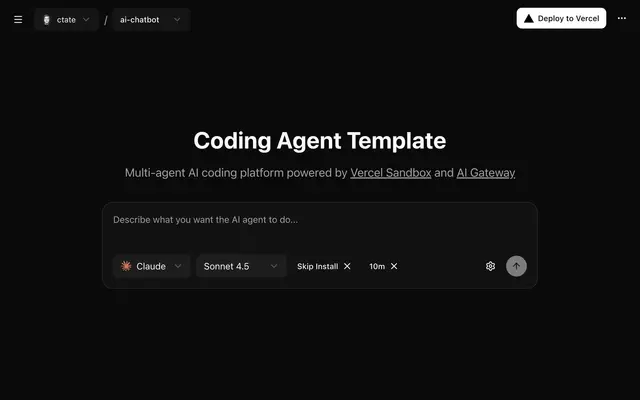
The reason Drop matters for AI builders is that the output of these tools is exactly the input Drop wants. The workflow is the same across them: generate your app, export it, drag the export onto vercel.com/drop, name it, deploy. Claude Design exports a .zip of website files that you drag in without even unzipping; Bolt.new exports a framework project; Google Stitch exports static files. In each case you go from a prompt in the AI tool to a live production URL in a couple of minutes, with no codebase to set up.
Static deploys as-is, frameworks auto-built
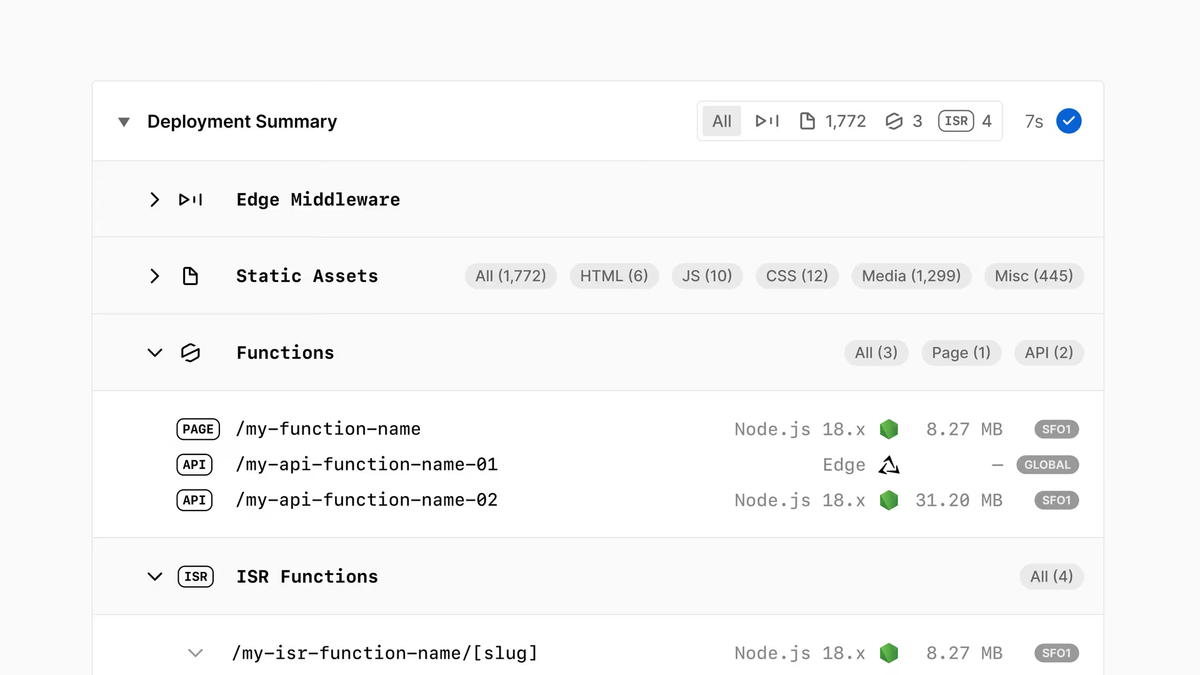
Drop handles two kinds of output, automatically detecting which it's looking at. Framework projects (Vercel detects the framework, e.g. Next.js, and runs the build for you) — this is how Bolt.new exports deploy, as source code that Vercel builds rather than pre-compiled output. Static sites (files with no framework) deploy as-is with no build step — this covers exports from Claude Design and Google Stitch. If your folder has no index.html at the top level, Drop lets you choose which page loads at your site's root. The practical upshot: you don't have to know or configure which type you have — Drop figures it out.
What It Doesn't Do
Each drop is a new project, no push-to-deploy
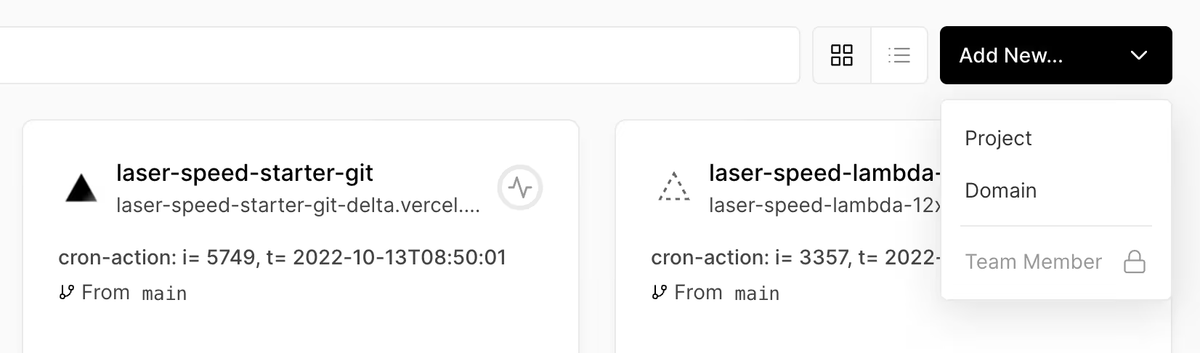
The key limitation: each drop creates a new project. Drop is a one-shot publish, not a continuous deployment pipeline. If you change your app and want to update the live site, dropping the new version again creates a separate project with a separate URL — there's no "push and it redeploys" because there's no Git connection. For a quick preview or a one-off share, that's fine. For anything you'll iterate on repeatedly, re-dropping every change gets old fast.
When you still need Git or CLI
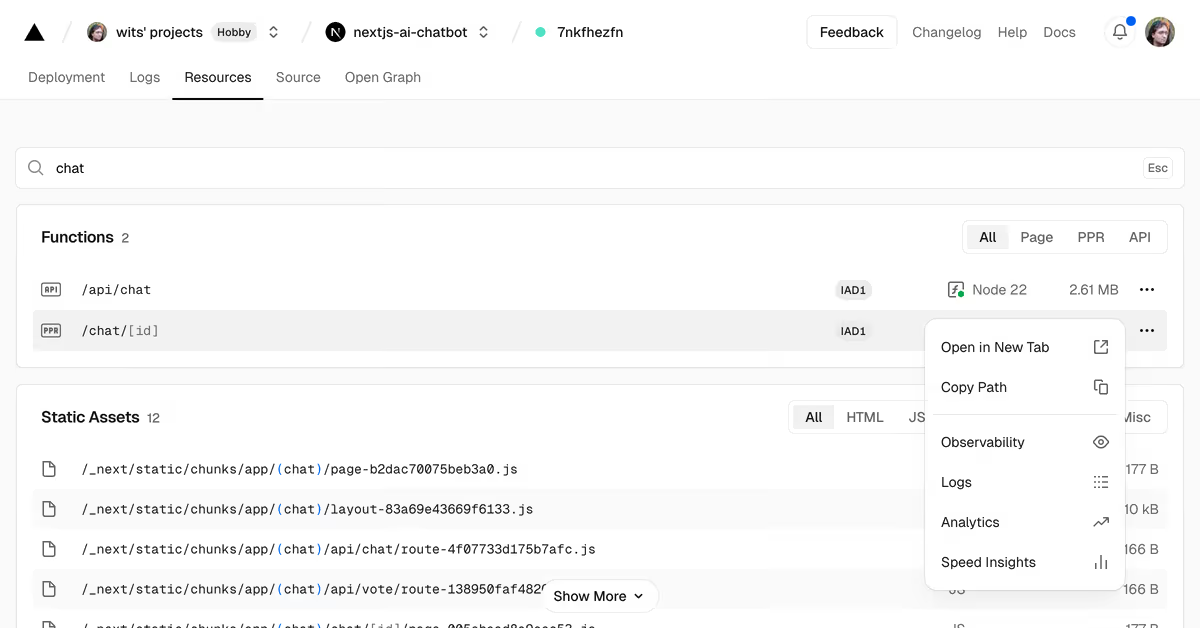
This is where Drop hands off to the normal Vercel workflow. The moment your AI-generated prototype becomes a project you'll maintain — iterating, updating, keeping a stable URL — you connect a Git repository (GitHub, GitLab, Bitbucket) to the project. After that, every push deploys automatically and the URL stays the same. Claude Design even supports a "Handoff to Claude Code" export to move the project into a real codebase for exactly this. The pattern Vercel itself recommends: keep dropping while you're exploring, connect a repository once the design becomes a site you maintain.
FAQ
Can Vercel Drop deploy framework projects like Next.js or only static HTML?
Both. Vercel Drop automatically detects whether your project is a framework project or a static site. For frameworks like Next.js, it runs the build for you — so you can drop source code (like a Bolt.new export) rather than pre-compiled output. For static files with no framework, it deploys them as-is with no build step (like exports from Claude Design and Google Stitch). You don't have to configure which type you have; Drop detects it. If a folder has no top-level index.html, it lets you pick which page loads at the root.
Do I need a Vercel account to use Drop?
Yes. You need a Vercel account to use Drop, but the free Hobby plan works — you don't need a paid plan to deploy this way. Once you have an account, the process needs nothing else installed: no Git, no Vercel CLI, no local build tools. You go to vercel.com/drop in your browser, drag your file/folder/.zip, name the project, and deploy. The account is the only prerequisite on the Vercel side.
Can I update a Drop deployment, or does each upload create a new project?
Each drop creates a new project — there's no in-place update through Drop itself. If you re-drop a changed version, you get a separate project with a separate URL. To update the same project and keep one stable URL, you connect a Git repository to the project after the initial drop; then every push deploys automatically. So Drop is for one-shot publishing; for ongoing updates, the Git connection (or the Vercel CLI) is the path, not repeated drops.
Is Vercel Drop OK for production or just quick previews?
It does publish to production — the URL you get is a live production URL, not a throwaway preview, so it's genuinely fine for shipping a demo, a one-off site, or a prototype you want to share. The honest limitation is maintenance, not production-readiness: because each drop is a new project with no continuous deployment, Drop suits sites you publish once and don't iterate on. For a project you'll keep updating, the lack of push-to-deploy makes Drop awkward — you'd connect a Git repository instead. So: production-fine for demos and one-off sites, not the right fit for an actively maintained project.
Does it work with code exported from AI tools like Claude Design?
Yes — that's a primary use case Vercel calls out. Claude Design exports your project as a .zip of website files, and Drop deploys that .zip by dragging it in, no unzipping needed. The same works for Bolt.new (framework export, auto-built) and Google Stitch (static export). The output of these AI tools is exactly what Drop takes as input, so you go from prompt to live URL in a couple of minutes. If you later want to keep iterating, Claude Design's "Handoff to Claude Code" export moves the project into a codebase you can connect to Git.
Conclusion
Vercel Drop is a small tool that removes a specific, real friction: getting AI-generated code from an export file to a live URL without touching Git or a CLI. For builders using Claude Design, Bolt.new, or Google Stitch, it's the fastest path from prompt to shareable production link — drag, name, deploy, done. Just know its boundary: each drop is a new project with no continuous deployment, so it's built for previews, demos, and one-off sites, not for projects you'll maintain. When your prototype becomes something you keep iterating on, connect a Git repository and switch to push-to-deploy. Used for what it's for — fast, one-shot publishing of AI-coded output — Drop is exactly the right tool.
Related Reading
