

Cursor is an AI-native code editor — a fork of VS Code rebuilt so that AI is a first-class part of the editor, not a plugin bolted on. If you've used VS Code, Cursor looks and feels familiar: your extensions, themes, and keybindings transfer in a couple of clicks. The difference is what's built into the chrome: agent mode that reads your whole codebase and edits across files, background agents that run tasks asynchronously in the cloud, and codebase-aware context that knows about the function three files away. This guide explains what Cursor actually does, how its agents work, and where the limits are.
Features and pricing verified against multiple sources as of May 2026. Cursor ships frequently — confirm current capabilities at cursor.com.
What Is Cursor IDE?
Cursor is an AI-first integrated development environment built on the open-source VS Code codebase. It started as a VS Code fork in 2023 and, by 2026, has matured into a standalone agentic IDE (see the official docs) with its own AI models, background and cloud agents, a JetBrains plugin, native iOS and Android apps, a headless CLI, and BugBot (a service that reviews pull requests on GitHub).
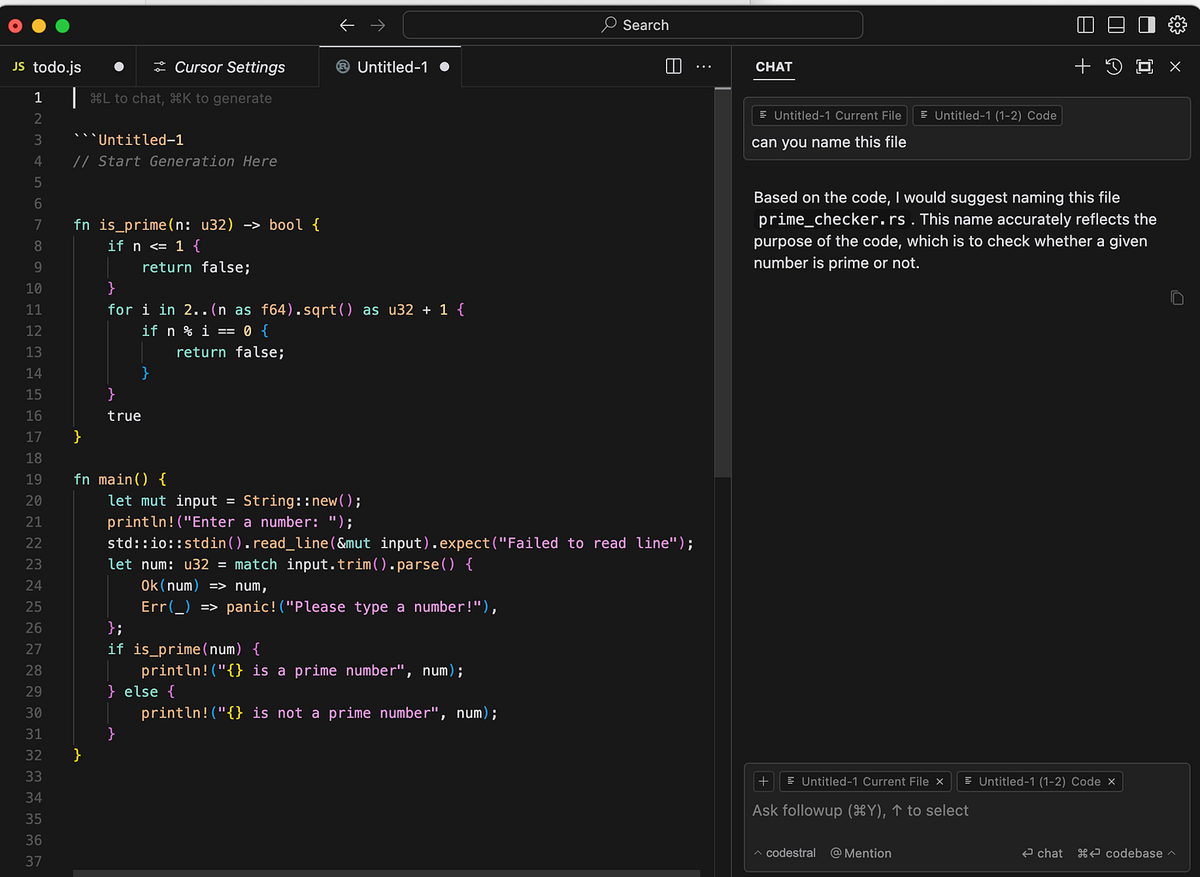
The core idea: instead of adding a chat window to an existing editor, Cursor puts AI at the center of every interaction. It indexes your entire codebase semantically, so the AI can find relevant files you didn't open, understand imports and call graphs, and propose or execute changes across multiple files at once. Inline edits, multi-file refactors, codebase-wide chat, and autonomous agents all live inside the same window.
Pricing spans Free, Pro ($20/month), Pro+ ($60/month), Ultra ($200/month), Business, and Enterprise (cursor.com/pricing), on a metered usage model where prompts to frontier models consume request-equivalent credits. More than a million developers use Cursor daily, and the product reportedly crossed $100M ARR within twelve months of its public launch — context for why it's become a category-defining tool.
How Cursor Differs from VS Code
The surface is nearly identical — Cursor inherits the VS Code interface, the extension ecosystem (Prettier, ESLint, Docker, GitLens, language servers), keybindings, and themes. The difference is architectural.
Because Cursor is a fork rather than an extension, it controls the entire editor chrome: the chat panel, the diff UI, agent switching, the file tree. A VS Code extension runs in a sandbox with limited access to the editor's internals; Cursor can build AI interaction patterns directly into the editor that an extension simply can't. This is why Cursor's agent experience feels more integrated than AI plugins for standard VS Code — the AI isn't a guest in the editor, it's part of the editor's foundation.
The trade-off: you're running a separate application that tracks VS Code's updates rather than VS Code itself, and you depend on Cursor keeping pace with the upstream editor. For most developers the compatibility is high enough that this isn't a practical concern.
Cursor AI Features
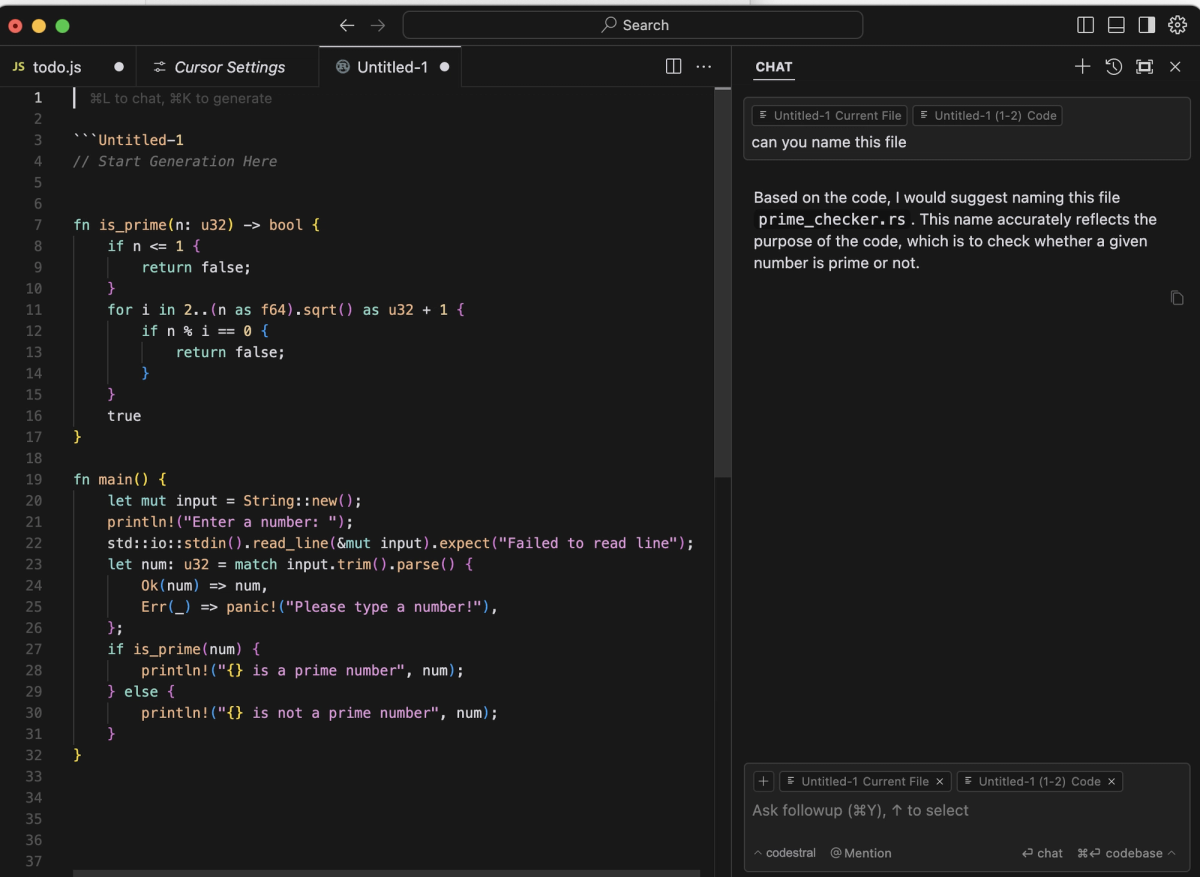
Chat and composer
Cursor offers three AI interaction modes: Ask (conversational chat about your code, no edits), Agent (autonomous multi-file work, the default), and Manual (inline edits with explicit control).
Composer is the multi-file editing interface — it handles tight multi-file edits with diff review, letting you see and approve changes before they're applied. Cursor shipped its own frontier model, also called Composer (Composer-1, with later Composer 2.5), trained specifically for the agentic loop the editor cares about: short turns, tool calls, and iterative edit
s. It's roughly 4× faster than similarly capable models and completes most interactive turns in under 30 seconds. Tab completion — Cursor's inline autocomplete — uses a separate fast model trained on edit patterns.
Agent mode
Agent mode (cursor agent / cursor-agent in common usage) is the headline feature and the default interaction mode. Activate it with Cmd+I / Ctrl+I and toggle from Chat to Agent (see the agent mode docs). You describe a task in plain language, and Cursor:
- Searches your codebase for relevant files (via the semantic index)
- Opens, reads, and edits multiple files
- Runs terminal commands (tests, linters, build steps) — with your approval
- Browses the web via
@webfor documentation not in your codebase - Iterates until the task is done or it hits a guardrail
Agent mode runs interactively on your local machine and handles up to 25 tool calls (200 in Max mode). Use it when a change spans more than two files, when you need the AI to discover which files are relevant rather than specifying them yourself, or when the task involves a chain of steps (write the migration, update the model, add a test, update the docs).
The Cursor agents are most effective with clearly scoped tasks. Agent mode is capable but not magic — a vague task produces vague results.
Background agents
Cursor background agents (introduced in the v3.0 release) extend agent mode by running tasks asynchronously. Where standard agent mode runs interactively on your local machine, background agents run in a dedicated cloud VM, work on a separate branch, and push changes as a pull request. You assign a task with Ctrl+E, the agent works independently, and you get a status bar notification when it completes or needs input.
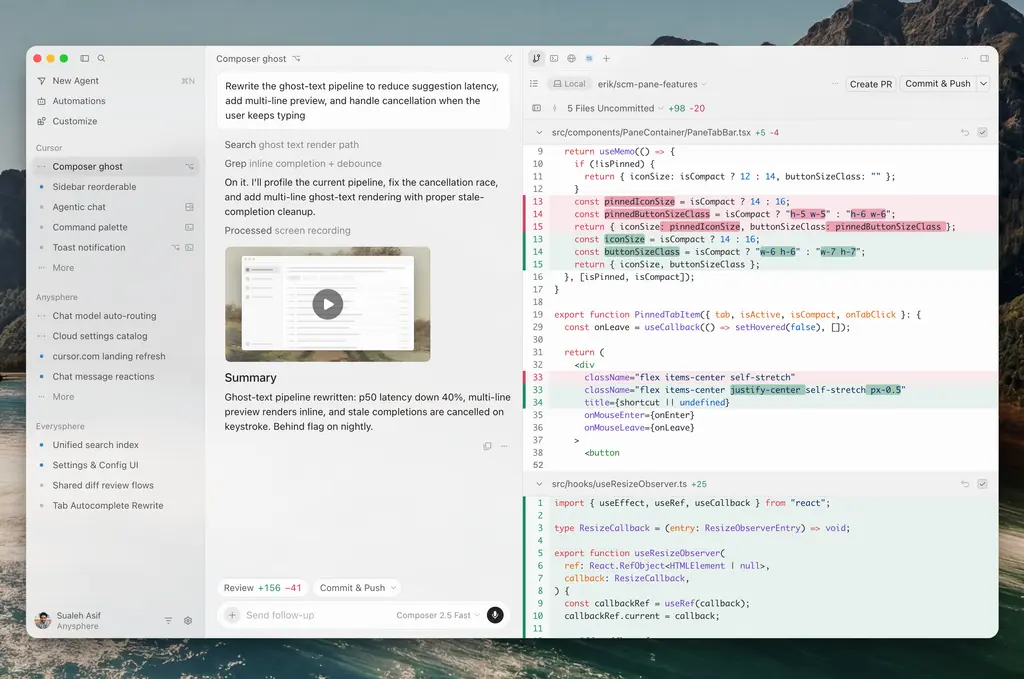
Background agents auto-execute without per-step confirmation, which makes them suited to long-running refactors you'd otherwise have to babysit. They cost more (they use Max-mode-compatible models and dedicated cloud VMs) and require a paid plan. Cursor 3.5 (May 2026) extended this with Cloud Agents — agents in isolated cloud VMs with full terminal, browser, and desktop access that can work across multiple repos in parallel.
Cursor's Agents surface, built out across 2.0 and 3.x, introduces multiple parallel agents in the same workspace — each with its own working set, model selection, approval policy, and conversation history. Parallel agents run on git worktrees locally or remote machines in the cloud, with a ceiling of up to 8 parallel agents.
Codebase context
The feature that makes everything else work: Cursor indexes your entire codebase semantically using a vector index. Chat and agent calls pull in semantically relevant chunks automatically — the AI knows about the function three files away, not just the line you're editing. In a large codebase (100k+ files), this is the difference between an agent that works and one that hallucinates module paths.
Context control is via @-mentions (specify files, functions, symbols) and project rules. The .cursor/rules/ directory (the preferred 2026 format, replacing the legacy single .cursorrules file) holds multiple rule files scoped to file globs, so Cursor loads only the rules matching the current context — your standing conventions, banned patterns, and architectural preferences applied automatically.
Where Cursor Works Well
Cursor is strongest for interactive, editor-centric development where you want AI woven into a familiar workflow:
- Multi-file features and refactors — Agent mode's semantic codebase understanding handles changes that span files, discovering relevant code you didn't explicitly point to
- Developers who want visual feedback — seeing changes in the editor with inline diffs, approving steps, watching the agent work
- Tab autocomplete in daily flow — the inline completion is a productivity feature with no terminal-agent equivalent
- VS Code users — the near-frictionless transition from VS Code makes adoption easy
- Mixed model needs — the model aggregator (Claude, GPT, Gemini, Grok, plus Composer) lets you pick the right model per task
For solo developers and small teams doing interactive feature work, Cursor is a category leader. The 20–40% faster feature delivery that teams report (per Cursor's own figures) reflects real productivity gains when the full agent workflow is adopted — though, as always, treat vendor productivity numbers as directional.
Where Cursor Hits Limits
Large tasks
Agent mode's tool-call ceiling (25 standard, 200 in Max mode) bounds how much a single agent run can do. Very large tasks — a migration touching hundreds of files, a refactor spanning many interconnected modules — can exceed what one agent loop handles cleanly, requiring you to break the work into smaller scoped runs. Background and cloud agents extend this, but the fundamental unit is still a single agent working through a task.
Parallel execution
Cursor's parallel agents (up to 8, on git worktrees) are a real capability, but they're parallel agents within one developer's workspace, coordinated through the Cursor UI. For workflows where the parallelism is structural — independent agents owning the frontend, backend, and test coverage of a feature, each verified before integration — the coordination, isolation, and verification become the central engineering problem, and that's a different concern than running parallel agents from one editor session. Cursor provides the parallel execution; the orchestration discipline around it is largely on you.
Verification depth
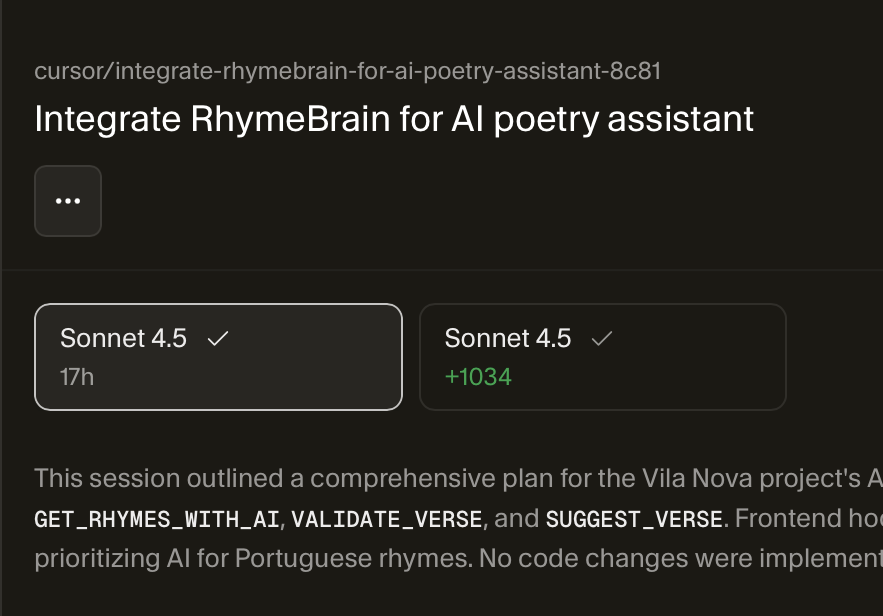
Cursor generates and applies code, with diff review and (via BugBot) PR review. What it doesn't provide is a structured verification layer that confirms agent output meets acceptance criteria before integration as a first-class workflow step. The diff review is visual and manual; the tests run if you tell the agent to run them. For production workflows, the verification discipline — does this pass tests, does the diff match intent, is it safe to merge — remains the developer's responsibility, not an enforced gate.
This is where multi-agent coding platforms operate as a distinct layer. Tools like Verdent focus on Plan-First task decomposition, parallel agents on isolated Git worktrees, and verification gates before integration — the orchestration and verification concerns for genuinely parallel, large-scale work. This isn't a replacement for Cursor for everyday editor-centric coding; it's a different layer for work whose structure is parallel enough that coordination and verification become the bottleneck. Many developers use Cursor for interactive work and a multi-agent platform for the specific tasks that benefit from structured parallel execution.
FAQ
Is Cursor an IDE or a VS Code fork?
Both — and the distinction matters less than it sounds. Cursor is a full IDE built by forking the open-source VS Code codebase. It's a standalone application (not a VS Code extension), so it inherits VS Code's interface, extension ecosystem, and familiarity while controlling the entire editor to build AI features directly into the chrome. Functionally, it's an AI-native IDE; architecturally, it's a VS Code fork. You install it as its own application, and your VS Code extensions, themes, and keybindings transfer.
What is Cursor agent mode?
Cursor agent mode is the autonomous, multi-step interaction mode — the default and most capable way to work in Cursor. You describe a task in plain language, and the agent searches your codebase, reads and edits multiple files, runs terminal commands (with approval), browses the web for documentation, and iterates until the task is complete or it hits a guardrail. Activate it with Cmd+I / Ctrl+I and toggle to Agent. It handles up to 25 tool calls (200 in Max mode) and is best for changes spanning multiple files or requiring the AI to discover relevant code. Use it for multi-file features; use inline edits or Ask mode for smaller, scoped changes.
Are Cursor background agents useful for real projects?
Yes, for the right tasks. Background agents run asynchronously in a cloud VM on a separate branch and push changes as a pull request, so they're suited to long-running work you'd otherwise have to supervise — large refactors, repetitive changes across files, tasks you can assign and walk away from. They cost more (dedicated cloud VMs, Max-compatible models) and require a paid plan. They're most useful when you have well-scoped, time-consuming tasks that don't need step-by-step interaction. For tasks needing tight control or frequent course correction, interactive agent mode is better. Confirm current background agent availability and pricing at cursor.com.
When should developers consider multi-agent coding tools?
When your work involves genuinely parallel tasks — multiple parts of a feature developed simultaneously, large migrations needing coordinated changes across many files, or workflows where throughput rather than single-task quality is the bottleneck. Cursor's parallel agents (up to 8 on git worktrees) extend a single developer's workspace; for structurally parallel work where coordination, isolation, and verification before integration are the central challenge, multi-agent platforms (like Verdent) operate at that orchestration layer with Plan-First decomposition and verification gates. Most developers don't need this for everyday work — consider it when a task's structure is parallel enough that single-agent execution, even with Cursor's parallel features, becomes the limiting factor.
Related Reading
