

$240. That's what the Cursor student discount saves you — one full year of Cursor Pro at no charge, verified through SheerID. It's been running since May 2025 and is still active as of May 2026. If you're a university student and you're paying for Cursor Pro or still on the free Hobby plan, you're leaving real money on the table. If you don't qualify for the student plan, the Cursor Free Trial and Hobby tier remain the main evaluation paths.
The catch is the verification process. SheerID handles it, and it's the single point where most students get stuck. This guide covers who qualifies, the exact steps, what to do when verification fails, and when the student plan isn't enough for your actual workflow.
What the Cursor Student Discount Includes
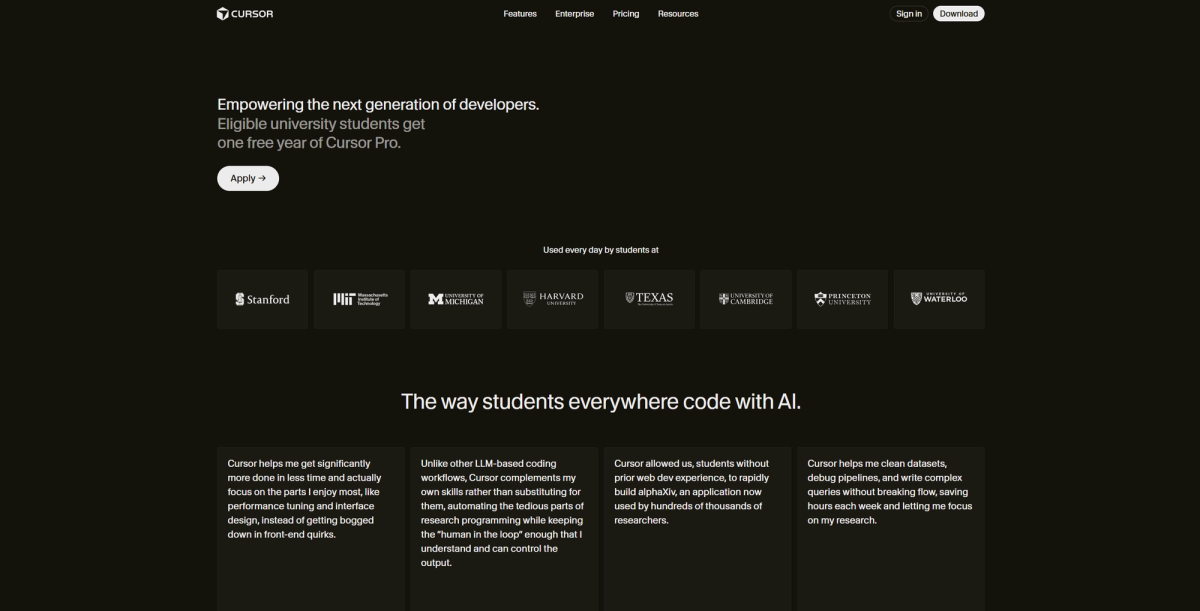
The Cursor education plan gives verified students the complete Pro tier for 12 months at no cost. This is not a limited or restricted version — it's the same Cursor Pro that costs $20/month for everyone else:
- Unlimited Tab completions (inline code suggestions)
- 500 premium model requests per month
- $20 of model usage credits per month
- Access to frontier models: Claude, GPT, Gemini
- Extended Agent mode limits
- Full Cursor IDE features (Agent mode, multi-file editing, codebase chat)
After the 12-month period, your subscription automatically reverts to $20/month billing. Set a calendar reminder before the year ends. You can cancel anytime in Settings → Billing — cancellation takes effect at the end of the current cycle with no surprise charges.
If you're already a paying Cursor Pro subscriber and verify student status, Cursor will refund the remaining balance of your current paid cycle and switch you to the student free plan automatically.

Who Is Eligible
Students
You need to be a currently enrolled university student. The Cursor AI student discount is verified through SheerID, a third-party identity verification service used by many tech companies for education pricing.
What works for verification:
- A .edu email address — the fastest path. Register your Cursor account with your .edu email before applying
- A student ID — physical or digital, with your name and institution visible
- An enrollment letter or tuition receipt — for institutions where .edu emails aren't standard
The discount is available globally, but students in mainland China, Singapore, and Hong Kong have reported additional friction with the SheerID verification process — more on that in the troubleshooting section below.
Educators or education email users
Cursor's student page specifically targets students, not educators. Some reports suggest that faculty with .edu emails have successfully verified, but this is not consistently documented. If you're an educator, attempt the verification — if it works, you're in. If it doesn't, Cursor hasn't published a separate educator program at the time of writing.
How to Apply
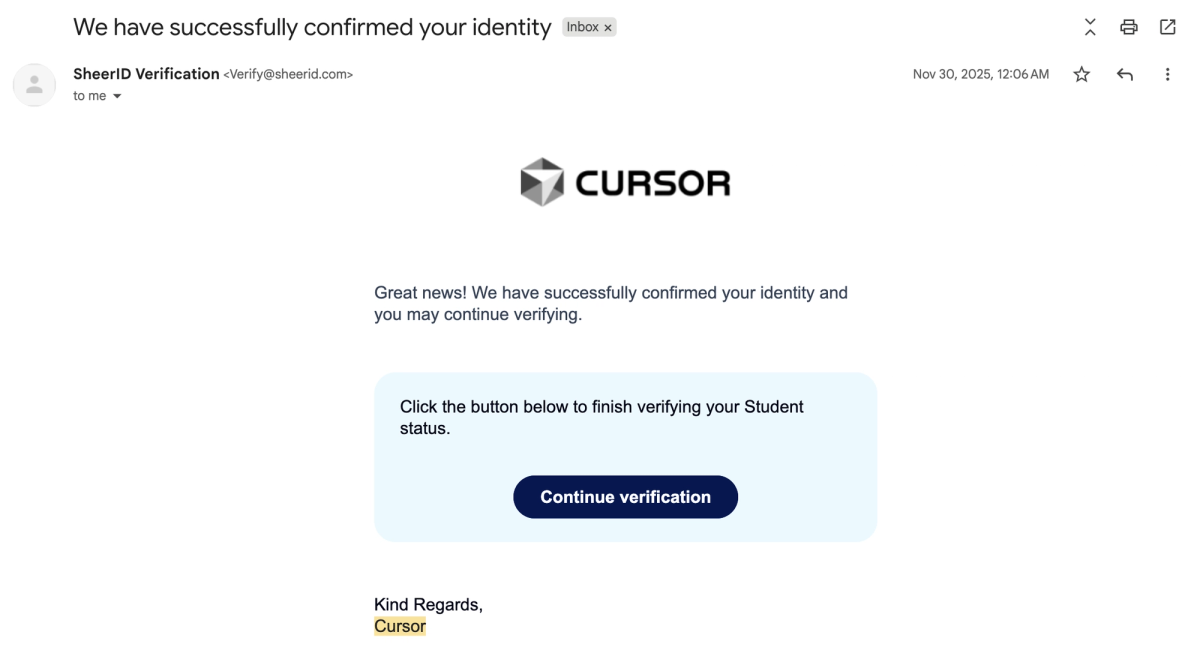
Account and verification steps
- Go to cursor.com/students
- Create or log into your Cursor account — use your .edu email for the account itself, not just for verification. This is the most common failure point: applying with a verified .edu email while logged into Cursor with a different personal email triggers an error
- Complete SheerID verification — enter your institution name, upload documentation if prompted (student ID, enrollment letter, or class schedule)
- Wait for verification — most approvals are instant with .edu emails. Manual document review can take 24–48 hours
- Confirm Pro activation — once verified, your account shows Pro status for 12 months. Check Settings → Billing to confirm
Time needed: 5–10 minutes for .edu email verification. 10–30 minutes if document upload is required. Up to 48 hours for manual review.
What to do if verification fails
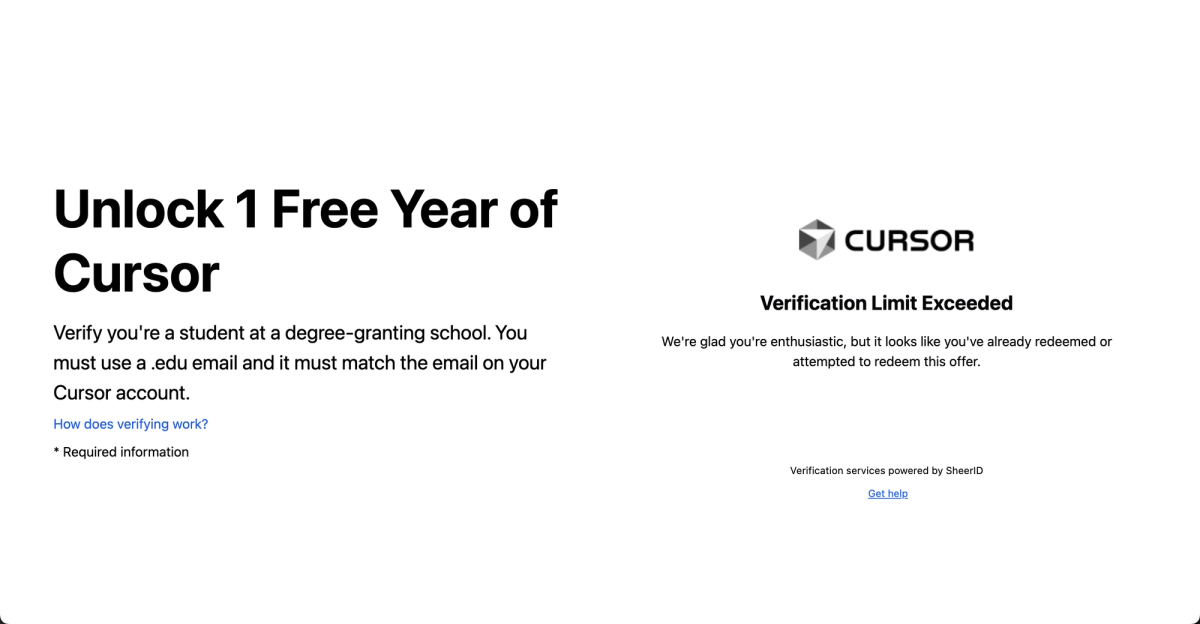
"Unable to verify your student status":
- Confirm you're logged into cursor.com with the same email you used for SheerID verification — mismatched emails are the #1 cause
- Try uploading additional documentation: combine student ID + enrollment letter + class schedule for a stronger submission
- Wait 1–2 weeks between retry attempts — SheerID flags rapid resubmissions from the same region as suspicious
Verification passes but discount doesn't appear at checkout:
- Log out completely and log back in with your student email
- Check that you're on the monthly Pro plan page — the discount appears as $0/month for 12 months
- Clear your browser cache and retry
Regional issues (China, Singapore, Hong Kong):
- Some institutions in these regions aren't in SheerID's database. Contact SheerID support directly with your documentation — they can manually add institutions
- Using a VPN during verification can trigger anti-fraud flags. Connect without a VPN if possible
Still stuck: Contact Cursor support through the in-app help or at the support email listed on cursor.com. Include your SheerID verification attempt ID (visible in the confirmation screen) and your .edu email.
What You Actually Save
| Without student discount | With student discount | |
|---|---|---|
| Monthly cost | $20/month | $0/month for 12 months |
| Annual cost | $240/year | $0 for year 1, then $20/month |
| Total first-year savings | — | $240 |
| Features included | Full Pro | Full Pro (identical) |
There is no annual billing discount for Cursor — monthly and annual pricing are equivalent at $20/month. The student discount is the single largest savings available: 100% off for a full year. It cannot be combined with other discounts.
For comparison: the GitHub Student Developer Pack includes a free Copilot Student tier (dedicated student plan with unlimited completions, premium models, and cloud agent access). Some students apply for both and use Cursor as primary and Copilot as backup inside VS Code when needed.
When a Student Plan Is Not Enough

The Cursor student plan gives you full Pro features in the Cursor IDE. For most coursework, personal projects, and learning, that's more than sufficient. There are two scenarios where it falls short — not because of the discount, but because of what a single IDE agent can do.
Solo projects that need structured code review
Cursor's Agent mode writes code and can iterate on feedback, but it reviews its own output. For student projects that are moving toward real deployment — a capstone project, an open-source contribution, a startup MVP — having a separate review pass by a different model or a structured review workflow catches the issues that self-review misses. Claude Code's /ultrareview or a multi-model review pipeline addresses this, but it's outside the Cursor IDE's scope.
Multi-agent work beyond one IDE
When your project involves parallel tasks across multiple files or services — a frontend and a backend developed simultaneously, a database migration running alongside an API refactor — a single Agent session in Cursor handles one task at a time. Multi-agent platforms that coordinate parallel execution across isolated Git worktrees (like Verdent's multi-agent mode) address this at the architectural level, handling the coordination that a single IDE can't. For student projects at that complexity level, Verdent's Starter plan covers this use case — worth evaluating alongside the Cursor student plan.
FAQ
How do I get the Cursor student discount?
Go to cursor.com/students, log in with your .edu email, complete SheerID verification, and the 12-month free Pro plan activates automatically. The full process takes 5–10 minutes with a .edu email, longer if document upload is required. Make sure your Cursor account email matches the email you verify with — mismatched emails are the most common failure.
Why is my Cursor student discount not working?
Three most common causes: (1) You're logged into Cursor with a personal email but verified with a .edu email — SheerID and your Cursor account email must match. Fix: log out, create a new Cursor account with your .edu email, and re-verify. (2) SheerID rejected your documentation — try combining student ID + enrollment letter for a stronger submission, and space retries 1–2 weeks apart. (3) Your institution isn't in SheerID's database — contact SheerID support directly at support.sheerid.com to request manual addition.
Is the Cursor education plan the same as Cursor Pro?
Yes. The Cursor student plan is full Cursor Pro — same features, same model access, same Agent mode limits. The only difference is pricing ($0/month for 12 months instead of $20/month) and the auto-renewal behavior (reverts to $20/month after the free year unless you cancel). There is no separate "education tier" with reduced features.
Are there better options for student developers?
For a free AI coding assistant inside VS Code without switching editors: the GitHub Student Developer Pack includes a free Copilot Student plan. For AI-powered code editing as a standalone IDE with Agent mode and multi-file editing: Cursor's student plan is the strongest free option at $240/year saved. For workflows that need multi-model routing, parallel agents, or structured Git worktree isolation: evaluate the free tiers or trials of multi-agent platforms alongside Cursor — they solve different problems. Most student developers benefit from having both Cursor (for daily IDE work) and Copilot (for VS Code integration when needed).
Related Reading
