
Bolt.new is the fastest path from prompt to working web app. That's its real strength — for a prototype that needs to exist in 20 minutes, nothing else competes. The alternatives are worth exploring not because Bolt fails at that, but because the workflow you need after the prototype is validated looks completely different from the one that created it.
Here's where each AI app builder alternative fits, and how to think about the transition from prototype to production code you actually own.
Why Builders Look for Bolt.new Alternatives
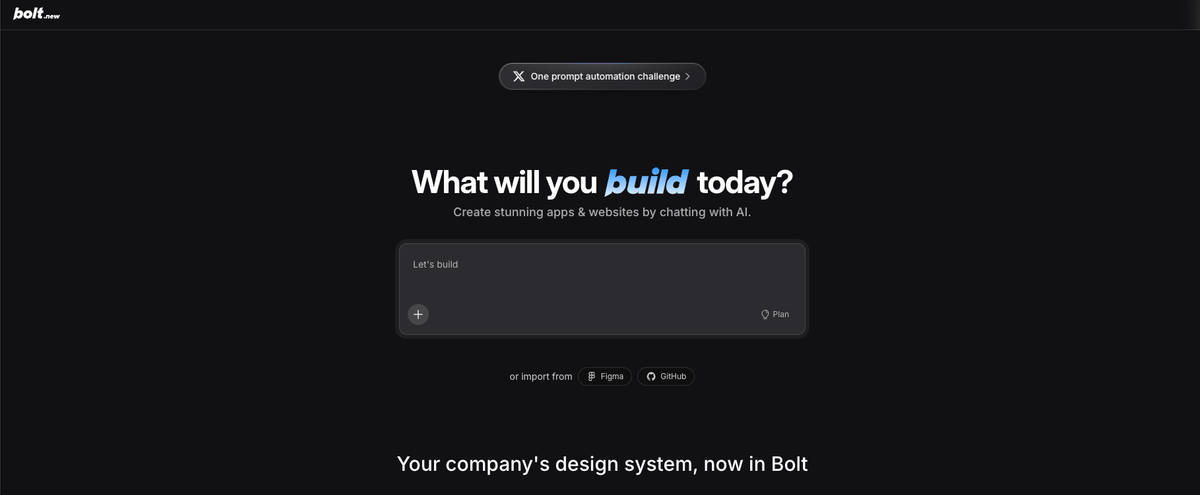
Bolt.new generates code that runs in a browser-based environment (StackBlitz WebContainers). It's optimized for speed-to-running-app, not for long-term maintainability or local development workflows. Builders typically start looking for alternatives when:
- The prototype is working and they need real Git history — Bolt exports exist, but the workflow isn't designed around version control from the start
- The codebase is growing beyond what Bolt's context window handles cleanly — complex multi-file changes degrade in quality
- They need to deploy somewhere other than StackBlitz — custom infrastructure, backend services, or databases beyond what WebContainers supports
- They want to hire a developer to continue the work — handing off a Bolt-generated codebase requires code that a developer can reason about
None of these are failures of Bolt. They're indicators that the project has grown beyond the prototype stage the tool is designed for.
Best Bolt.new Alternatives Compared
Multi-agent coding tools for real code workflows
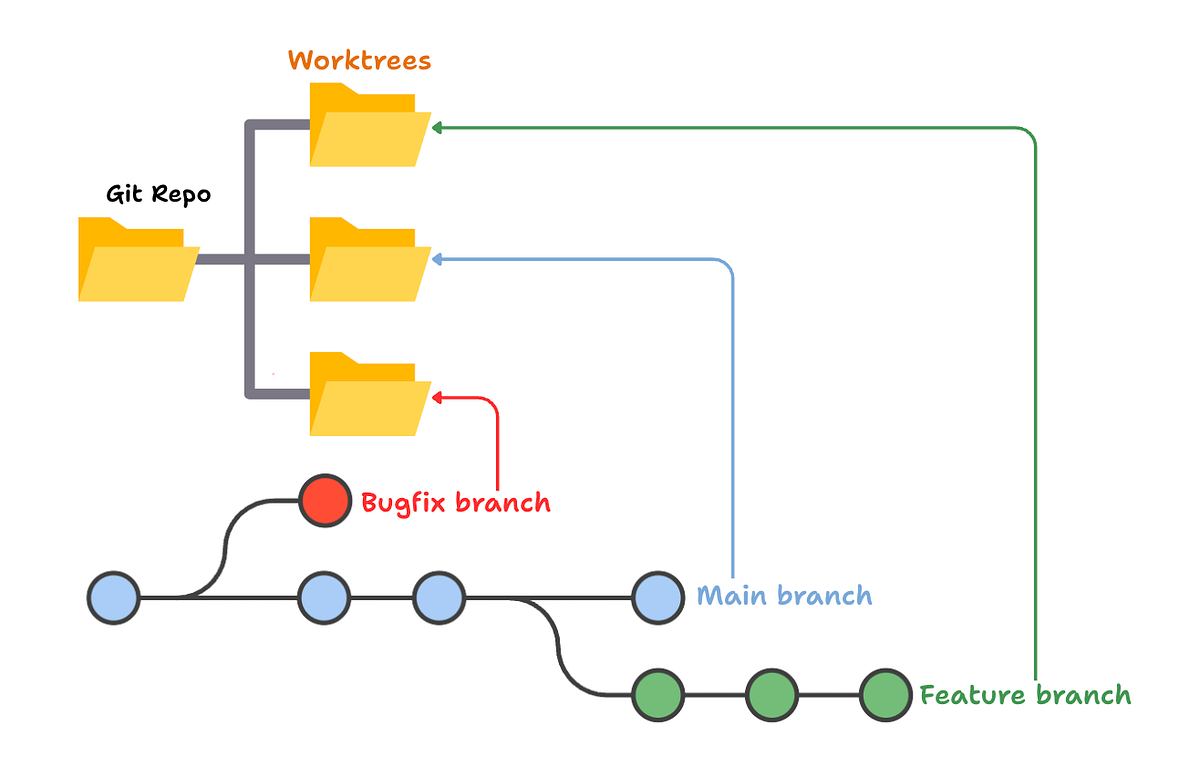
The biggest architectural difference between Bolt.new and tools like Verdent is the multi-agent execution model. Bolt runs a single AI session against your project. Multi-agent platforms coordinate parallel agents working on isolated branches — frontend agent on one branch, backend on another, test coverage on a third — with verification before integration.
Verdent is the clearest example of this category. Plan-First mode requires agents to decompose a task into a verifiable plan before touching code. Git worktree isolation gives each agent its own branch, preventing interference between parallel tasks. The Proof of Work step verifies agent output before it's accepted — this is the structural gap between vibe-coding speed and production-grade reliability. Starter plan begins at $19/month.
For projects that started as Bolt prototypes and are now being rebuilt properly, the multi-agent workflow addresses the core problem: not just generating code, but generating code that's safe to build on top of.
Replit for hosted app building
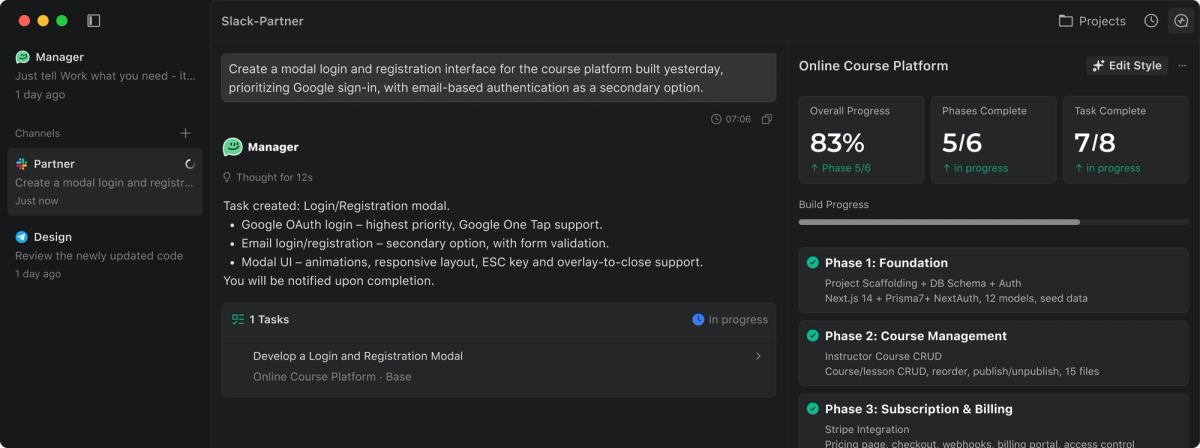
Replit is the closest structural analog to Bolt.new: a browser-based coding environment with AI assistance, instant deploy, and database support without local setup. Replit's AI agent handles multi-file generation and can deploy apps without leaving the browser.
Where Replit differs from Bolt: it has a persistent filesystem, real Git integration, and a broader infrastructure layer (databases, secrets management, deployments). Projects that start in Replit are more portable than Bolt projects — the underlying codebase lives in Replit's environment, but it's designed to be pulled locally or pushed to GitHub.
Replit's free tier covers evaluation. The Core plan at $25/month covers most solo founder workflows. For projects that need to stay browser-based but grow beyond Bolt's capability, Replit is the natural next step.
Lovable for fast prototypes
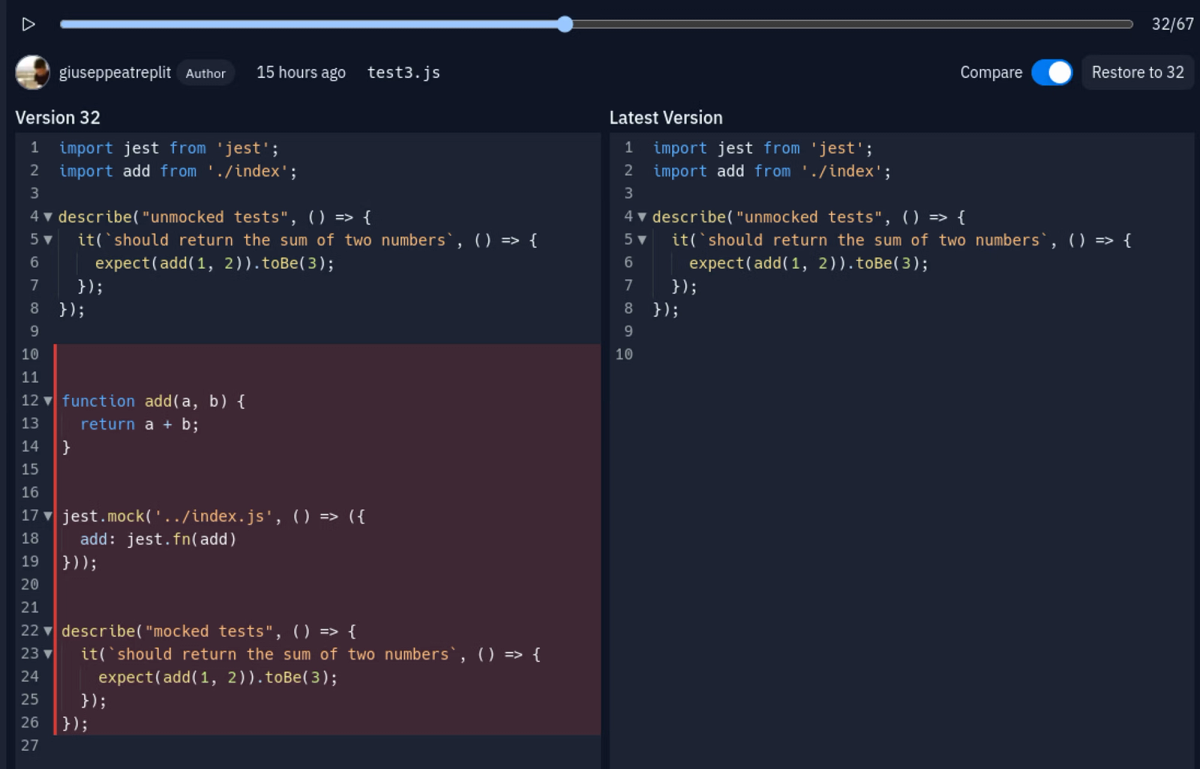
Lovable (formerly GPT Engineer) is the most direct Bolt.new competitor in the fast-prototype category. It generates React + Supabase apps from natural language prompts, with a visual editor for iteration. The key feature for builders: direct GitHub sync — every change pushes to your connected repository, giving you proper version control from the first prompt.
Lovable is also browser-based and AI-first, so it shares Bolt's strengths (speed, no local setup) but with better code ownership mechanics. The GitHub integration is the main reason Lovable appears in most "websites like bolt.new" comparisons — it closes the handoff gap between prototype and developer-maintained project.
Pricing: Free tier with limited monthly tokens; Pro at $25/month for unlimited projects.
Cursor for IDE-native coding
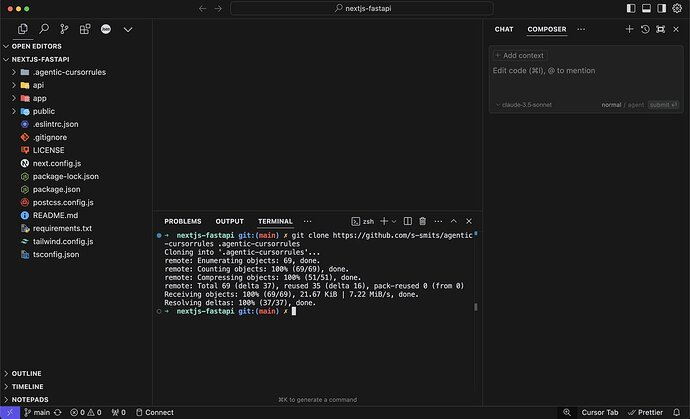
Cursor is a different product category from Bolt — it's a VS Code-based IDE with AI agent capabilities, not a browser app builder. The comparison is meaningful because many solo founders who outgrow Bolt reach for Cursor as the "more serious AI coding tool."
What Cursor adds that Bolt doesn't have: local development, full Git workflow, Agent mode for multi-file changes across an established codebase, and the ability to work with any framework or language. The shift from Bolt to Cursor means you're writing real code in a real IDE — AI-assisted, but engineer-native.
Cursor Pro at $20/month covers most solo developer workflows. The learning curve from Bolt is real: you're now responsible for your local environment, your Git history, and your deployment pipeline.
When a Prototype Needs a Real Engineering Workflow
The transition from "prototype that works" to "app I can maintain and extend" requires three things that browser-based AI builders don't provide by default.
Git worktree isolation for safer iteration
Bolt.new and similar tools make changes directly to the working project. There's no branch isolation — if an AI-generated change breaks something, you're either undoing in the tool or dealing with a broken codebase.
Git worktree isolation gives each feature or agent session its own branch. Changes that don't work are just branches that don't get merged. The main branch stays clean. This is the engineering practice that separates hobby projects from maintainable ones — and it's the foundational architecture of multi-agent coding platforms.
Parallel execution for larger builds
A single AI agent handles one context at a time. A feature that requires frontend changes, API updates, and database schema changes either requires multiple sequential sessions (slow, context lost between them) or one very long session (expensive, quality degrades in complex codebases).
Parallel agents — each owning a specific scope of the feature — complete the same work faster with cleaner context boundaries. The result is easier code review, because each change is scoped to what that agent was responsible for. This is where multi-agent platforms diverge from IDE tools and browser builders: the coordination architecture is the product, not just the generation.
Verification before accepting generated code
Bolt.new generates code and runs it. The developer decides whether the output is correct. At prototype stage, "does it look right?" is a reasonable standard. At production stage, you need tests that fail on regressions, type checks that catch incorrect changes, and code review that surfaces logic errors — not just visual inspection.
Multi-agent workflows with built-in verification (running the test suite against every agent-generated change before accepting it) systematize this. For solo founders without a team to catch errors, automated verification is the equivalent of a second developer reviewing every commit.
Comparison Table
| Tool | Category | Code ownership | Git integration | Local dev | Agent capability | Starting price |
|---|---|---|---|---|---|---|
| Bolt.new | Browser builder | Export only | Limited | No | Single agent | Free / $20/mo |
| Lovable | Browser builder | GitHub sync | ✅ Native | No | Single agent | Free / $25/mo |
| Replit | Hosted IDE | ✅ Full | ✅ Native | No (browser) | AI agent | Free / $25/mo |
| Cursor | IDE (local) | ✅ Full | ✅ Native | ✅ Yes | Agent mode | Free / $20/mo |
| Verdent | Multi-agent platform | ✅ Full | ✅ Worktrees | ✅ Yes | Parallel agents | $19/mo |
| v0 (Vercel) | Component builder | ✅ Export | ✅ Deploy | Partial | Single agent | Free / $20/mo |
When Bolt.new Is Still Enough
Bolt.new is still the right tool when:
- Speed to demo matters more than code quality — investor demos, validation experiments, hackathon prototypes
- The project is genuinely simple — landing page, single-page app, no-backend utility
- You don't need to maintain it — throwaway prototype that proves a concept
- You want to hand off the design, not the code — showing a designer or product person what you're building
The most common mistake is using Bolt for longer than the project needs it. When you're already thinking about "what comes next after this feature," you're past the prototype stage. The right time to migrate is earlier than feels necessary, not after the codebase has grown in ways that make migration harder.
FAQ
What is the best Bolt.new alternative for real code?
Depends on what "real" means for your workflow. For IDE-native development with the most AI agent capability: Cursor. For a browser-based alternative with proper GitHub integration: Lovable. For full infrastructure (database, hosting, secrets) without local setup: Replit. For production-grade multi-agent execution with Git worktree isolation and verification: Verdent. Most builders use a browser builder for prototyping and then move to an IDE or multi-agent platform when the project needs to be maintained.
Can I export a Bolt.new project to GitHub?
Yes, Bolt.new has GitHub export functionality. The exported code gives you a starting point for a real codebase. The gap between "Bolt export" and "maintainable codebase" varies with project complexity — a simple React app exports cleanly; a complex app with generated authentication and database logic may need refactoring before a developer can reason about it clearly. Lovable's native GitHub sync is the alternative if you want version control from the first prompt rather than as an export step.
Which Bolt.new alternative is best for solo founders?
Lovable for fast iteration with GitHub sync — it gives you code ownership without local setup overhead. Cursor for founders comfortable with a local development environment who want the most powerful IDE agent. Verdent for founders who've reached the point where single-agent sequential work is a bottleneck and parallel execution matters for delivery speed. Most solo founders spend time in both a browser builder (for speed) and an IDE tool (for production work), rather than choosing one permanently.
Is Bolt.new good for production apps?
For apps where "production" means "public, maintained, extensible, and potentially handed to a developer team": not ideal. Bolt.new's WebContainer environment, the difficulty of local debugging, and the context limitations on complex codebases are real constraints at that scale. For apps where "production" means "it's running and users are using it, but it's a solo founder's project with simple requirements": Bolt works. The honest answer is that the right tool depends on what the production requirements actually are, not on whether the label "production" applies.
Related Reading
