
Codex mobile doesn't exist as a standalone app. There is no "Codex mobile app" to download from the App Store or Google Play. What OpenAI shipped on May 14, 2026 is a Codex interface built into the existing ChatGPT iOS and Android apps — available on every plan including Free — that lets you remotely supervise a coding agent running on your Mac. That distinction shapes everything about what it can and cannot do.
What Codex Mobile Actually Means
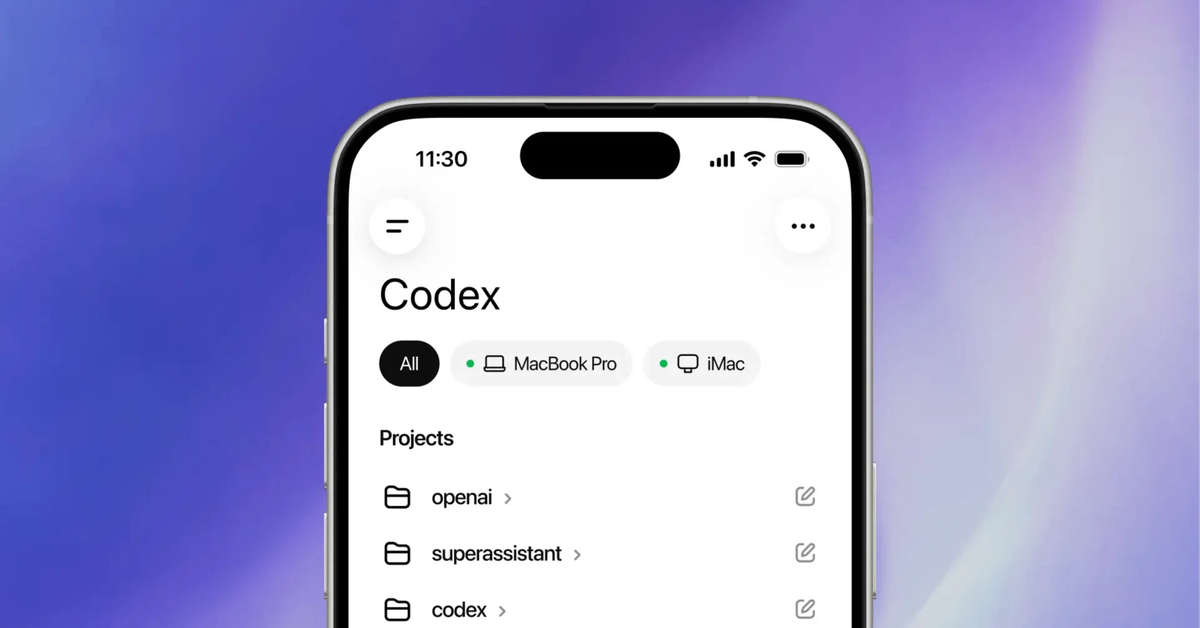
It lives inside the ChatGPT mobile app (no standalone Codex app)
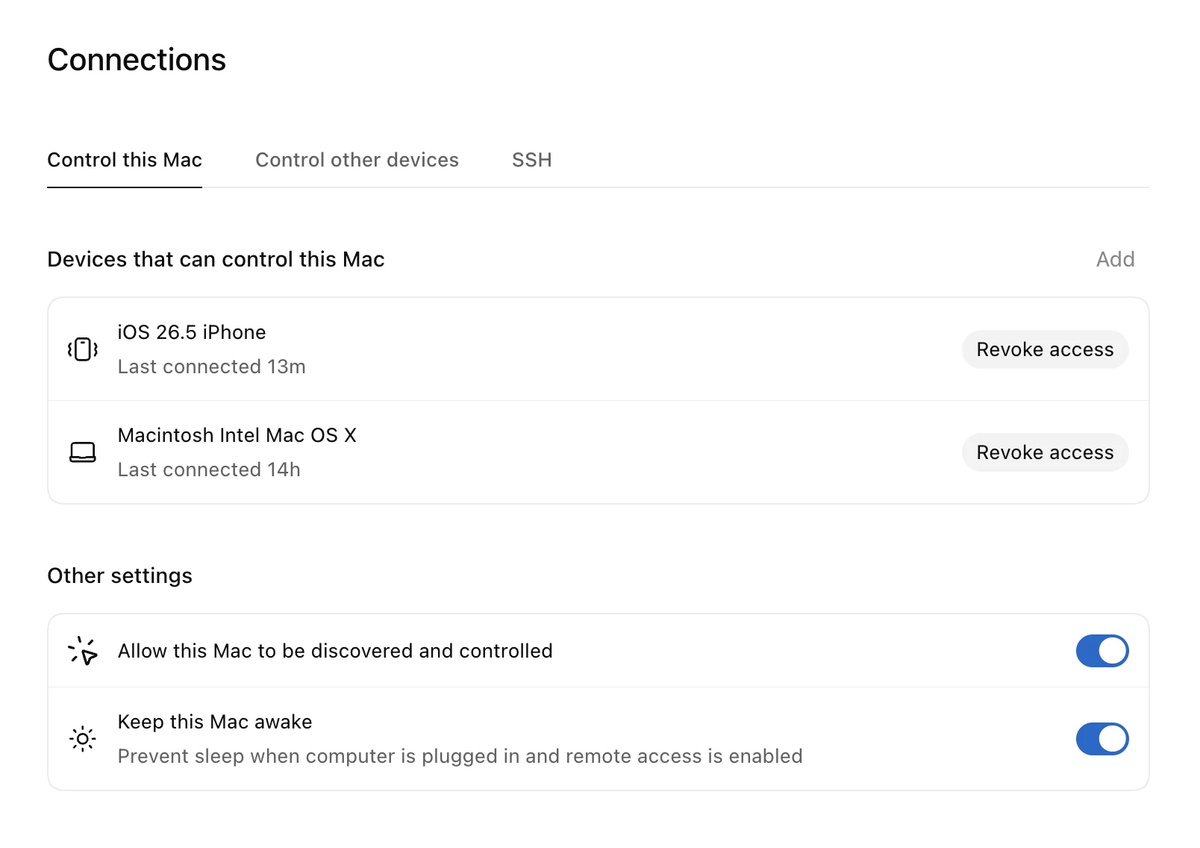
Search for "Codex mobile app" and you won't find a separate download. To access Codex on mobile, update the ChatGPT app on iOS or Android. The Codex capability appears inside the existing app. You connect to a running Codex session on your Mac via QR code — Codex for Mac generates one, you scan it from ChatGPT on your phone.
The mobile interface works across all ChatGPT plans, including Free and Go, per OpenAI's announcement. Rate limits on Codex apply at the plan level — Free plan users can supervise and approve, but Codex usage counts against the same limits as desktop use.
Execution still runs on your Mac host, devbox, or remote environment
No code runs on your phone. Every file write, shell command, git operation, and model inference executes on the host machine. Your phone receives output — screenshots, terminal logs, diffs, test results — and sends input: approvals, context, redirects, new task prompts. Your phone is the control panel; the Mac is the machine.
This is why remote SSH went generally available in the same release: if your primary environment is a devbox or a remote server rather than your local Mac, you can still use Codex mobile through the SSH-connected host. The phone connects to wherever Codex is running, not just to your laptop.
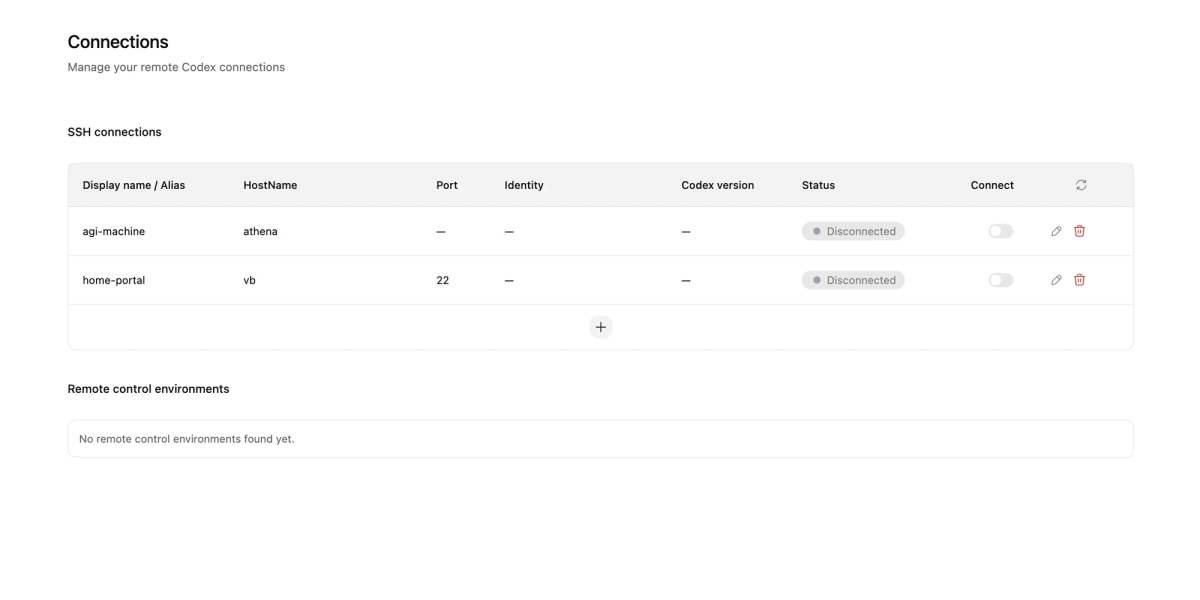
The host must stay awake and online. If your Mac sleeps, the mobile connection drops. Codex doesn't run autonomously in the cloud on your behalf — it's a foreground process on the host.
What You Can Actually Do from Your Phone
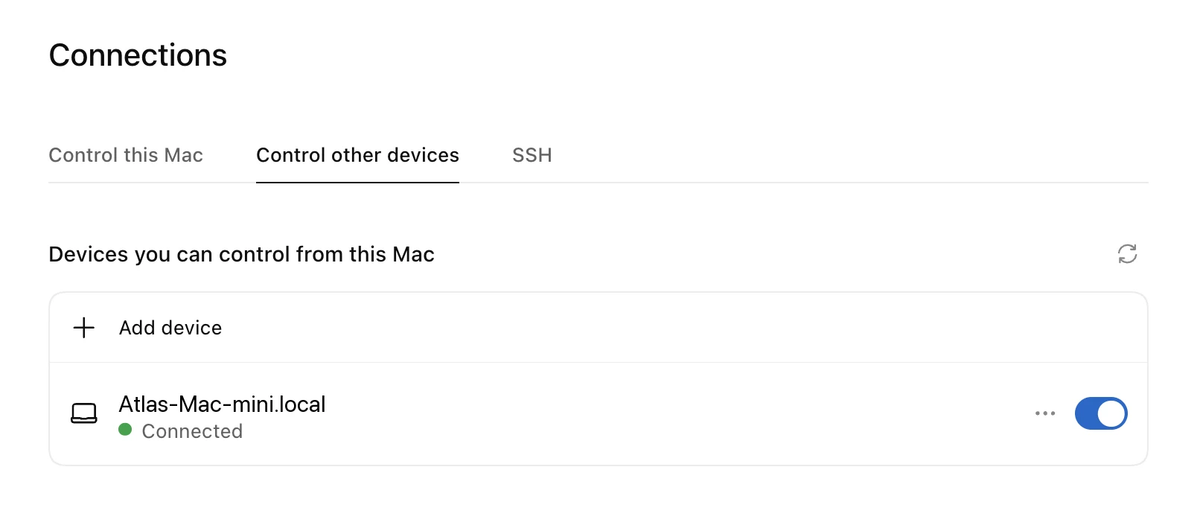
Review active threads and live outputs
The mobile view loads your active Codex threads and shows live state: what's running, what's complete, what's waiting. You can see what the agent has done, what it's trying to do next, and the output artifacts that support that decision — terminal output, screenshots of the UI, diff summaries, test results.
This is the monitoring surface. For long-running sessions — a two-hour refactor, an overnight investigation — being able to check in from your phone without staying at a desk is the core value.
Approve commands, diffs, and next steps
When Codex hits a decision point that requires your input — a command it wants to run, a file change in sensitive code, a fork in approach — the approval prompt appears on your phone. You see the context, approve or reject, and Codex continues on the host.
For teams that care about audit trails, this matters: every mobile approval is a logged interaction with your account, the same as approvals at the desk. There is no difference in how the approval is recorded — only in where you physically were when you gave it.
Change direction or start a new task
You're not limited to yes/no. From the phone you can add context that changes what Codex does next, redirect the approach if it's heading the wrong way, or start an entirely new task. The new task begins executing on the host immediately.
This is what separates mobile control from a notification system. A Slack alert tells you something happened. Codex mobile lets you act on it, redirect it, and queue follow-up work without returning to the desk.
Why This Matters for Long-Running Coding Agents
From sitting with the agent to asynchronous supervision
The conventional AI coding session is synchronous: you're at your desk, you prompt the agent, you wait, you review, you prompt again. Sessions are bounded by how long you're willing to sit there.
Long-running agent tasks break that model. A deep codebase investigation that runs for 90 minutes has multiple decision points along the way — places where the agent needs human judgment before continuing. Before mobile access, those checkpoints blocked the agent until you returned to the desk. Now they surface on your phone.
The shift isn't just about convenience. It's about throughput: agents can move faster when checkpoint latency is measured in minutes (phone response time) rather than hours (time until you're back at a desk). A session that would have paused for two hours at a decision point can now clear that checkpoint in five minutes.
How mobile approvals cut approval latency
The average gap between an agent surfacing a decision point and a developer responding drops from desk-response time (potentially hours) to phone-check time (typically minutes for attentive developers). For teams running multiple concurrent Codex sessions on a shared devbox or cloud infrastructure (see Codex docs on remote environments), this compounds: lower approval latency across all sessions means faster overall task completion.
The caveat is review quality. Mobile approval is faster, but the screen is smaller and context is compressed. Decision points that require reading a large diff or understanding a complex error trace are better deferred to the desk. Mobile approval is appropriate for actions where the summary is the complete picture; desk review is better for anything that needs full context.
What Codex Mobile Is Not
Not a mobile IDE or local coding environment
Codex on mobile has no editor. You can't open a file, write code, or run a local command from your phone. The ChatGPT interface shows you conversation threads and Codex session outputs — it's a supervision and communication layer, not a development environment. For developers who want to write code on a phone (an edge case, but a real one), Codex mobile is not the answer.
Not a replacement for deep code review
The mobile interface shows compressed diffs, screenshot previews of UI changes, and terminal output summaries. These are appropriate for in-session checkpoints — "should Codex continue with this approach?" — not for final merge decisions.
Before merging any agent-generated PR, review the full diff at a desk. Mobile approvals keep long sessions moving; they're not a substitute for the review that happens at merge time. Your branch protection rules, required reviewers, and CI gates should remain unchanged regardless of whether Codex sessions are supervised from a desk or a phone.
How This Compares to Multi-Agent Coding Platforms
Mobile control vs parallel execution
Codex mobile solves asynchronous supervision: one agent, running on one machine, with the developer able to stay in the loop without being physically present.
Multi-agent coding platforms solve a different problem: parallel execution, task decomposition across multiple agents, model routing, and verification gates built into the workflow. When you need multiple agents working on independent branches simultaneously — frontend and backend in parallel, or a refactoring agent running alongside a test-writing agent — mobile supervision of a single Codex session doesn't address that architecture.
Verdent's multi-agent mode, for example, handles parallel execution with Git worktree isolation: each agent works on its own isolated branch, with coordination happening at the platform level rather than through a single developer's approval queue. The Plan-First approach ensures agents decompose tasks correctly before execution; verification gates confirm outputs meet acceptance criteria before integration. These are architectural features that operate whether the developer is at a desk or on a phone.
The two capabilities aren't competing for the same slot. A team might use Codex for single-agent tasks where mobile supervision is valuable, and a multi-agent platform for workflows that require parallel execution and platform-level verification. They solve different structural problems in the agentic coding stack.
FAQ
Is there a separate Codex mobile app?
No. There is no standalone Codex mobile app on the App Store or Google Play. OpenAI Codex mobile is a feature inside the ChatGPT iOS and Android apps. To access it, update ChatGPT on your phone and connect to a running Codex session on your Mac via QR code.
Can I use Codex on iPhone and Android?
Yes. The Codex interface in ChatGPT is available on both iOS and Android, across all plans including Free and Go, in all ChatGPT-supported regions. The May 14, 2026 rollout covered both platforms simultaneously, as reported by 9to5Mac. Host support is currently macOS-only; Windows host connection is listed as coming soon.
Does Codex run code directly on my phone?
No. All execution happens on the host machine — the Mac, devbox, or remote environment where Codex is running. Your phone receives outputs (terminal logs, screenshots, diffs, test results) and sends inputs (approvals, prompts, context). The phone is the control surface; the host is the compute environment.
Is Codex mobile available for free users?
Yes. The Codex interface in ChatGPT mobile is available on all plans including Free and Go. Codex usage counts against your plan's limits — Free plan users have more restricted Codex access than Pro or Max, but the mobile interface itself is not gated to paid plans.
Related Reading
