
You kick off a big refactoring task at your desk. Forty files, a messy migration, Claude is mid-way through it. Then your phone buzzes — standup in 5. Sound familiar? I've been in this exact spot more times than I'd like to admit, watching a terminal I can't leave because disconnecting means losing the whole session.
On February 25, 2026, Anthropic shipped something that genuinely changes that calculus: Claude Code Remote Control. I tested it the day it dropped, and this guide covers everything — setup, real workflows, and the rough edges nobody's talking about yet.
What Remote Control Does (and What It Doesn't)
Remote Control launched on February 25, 2026 as a research preview. As of this writing, it's available to Pro and Max plan subscribers. Notably, it is not yet available on Team or Enterprise plans, and API keys are not supported — you need a direct claude.ai subscription.
Here's the mental model that actually matters: Remote Control is a window into your local session, not a cloud sandbox. Anthropic's own docs put it plainly — "Remote Control sessions run directly on your machine and interact with your local filesystem. The web and mobile interfaces are just a window into that local session."
That means your local MCP servers, tools, and project configuration all stay available. Claude isn't suddenly running on some Anthropic server in Virginia — it's still running on your MacBook, your filesystem, your environment. Your phone is just the controller.
What it actually does:
| Capability | Detail |
|---|---|
| Session continuity | Full conversation history carries over — no context reset |
| Device flexibility | Control from iOS app, Android app, any browser, orclaude.ai/code |
| Auto-reconnect | If your laptop sleeps or network drops, session reconnects automatically |
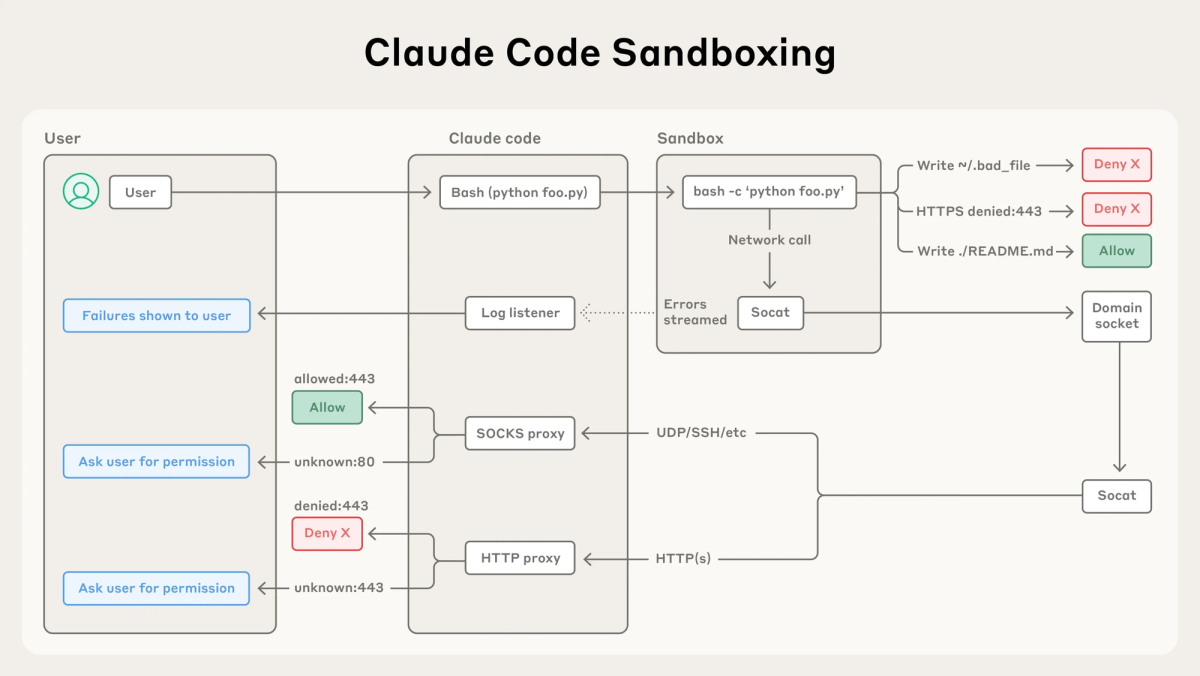
| Security model | Outbound HTTPS only — no inbound ports opened on your machine |
| One session per machine | Multiple Claude Code instances each get their own separate remote session |
What it is NOT — and I want to be direct here because I've seen some hype:
- It is not cloud computing. Your machine must stay on and your terminal must stay open.
- It is not "come back tomorrow." If your machine is unreachable for more than roughly 10 minutes, the session times out.
- It does not support the
--dangerously-skip-permissionsflag, which means every new action requires manual approval — plan for that in your workflow.
Quick reality check: this is a research preview. I hit a "Remote Control is not enabled for your account" error on first launch (even though I'm my own administrator). Logging out and back into the Claude Code terminal app fixed it instantly. Worth knowing before you panic.
How to Set It Up
Prerequisites
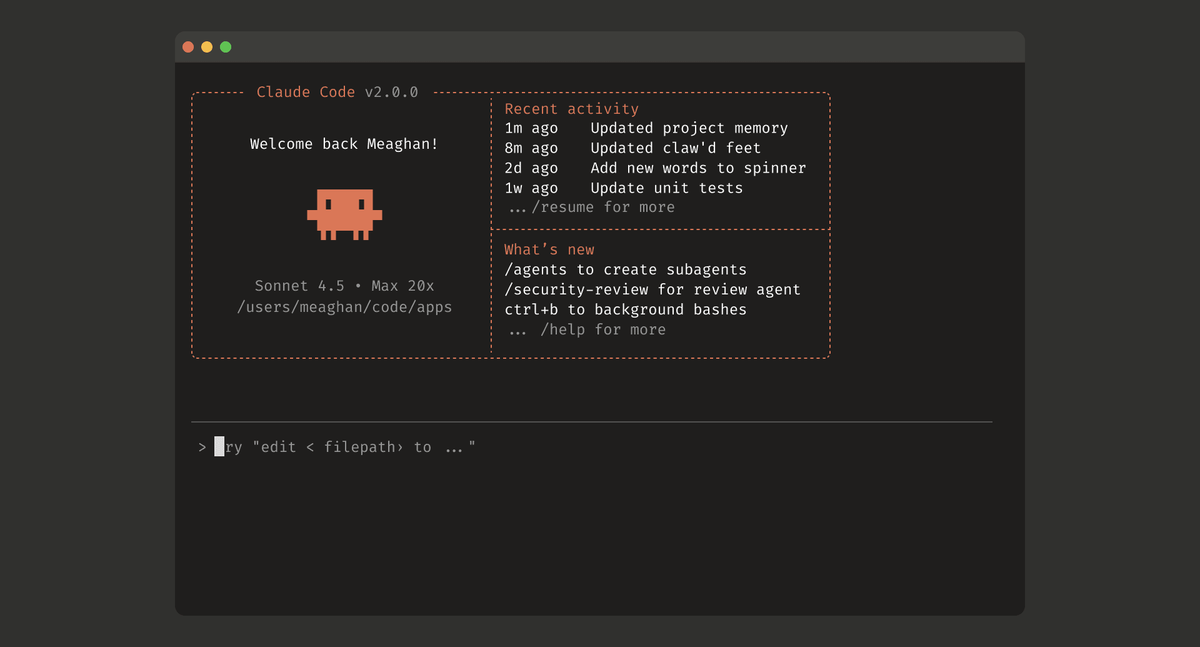
Before anything else, confirm you're on Claude Code v2.1.52 or later. Run this in your terminal:
claude --versionIf you're not on the right version, update first. Then make sure you've run claude at least once in your project directory to accept the workspace trust dialog — Remote Control won't work otherwise.
Plan requirements: Pro ($20/month) or Max ($100–$200/month). Pro access was announced as "coming soon" at launch; as of February 25, both tiers are included in the research preview per Anthropic's official docs.
Start a New Remote Session
Open your terminal in your project directory and run:
claude remote-control
# or the shorter alias:
claude rc
The terminal will display a session URL and a QR code toggle. From there, connect by:
- iOS/Android: Open the Claude app → Code tab → scan the QR code, or tap the session listed as "Remote Control Session (Mac)"
- Browser: Paste the session URL directly into any browser to open it on claude.ai/code
- claude.ai/code: Navigate to the page and find your session by name in the session list (look for the green status dot)
That's genuinely it. The terminal stays open and running, and your phone becomes the interface. I tested this over a spotty coffee shop connection and the reconnection logic held up well — session picked right back up after a 90-second network drop.
Go Remote From an Existing Session
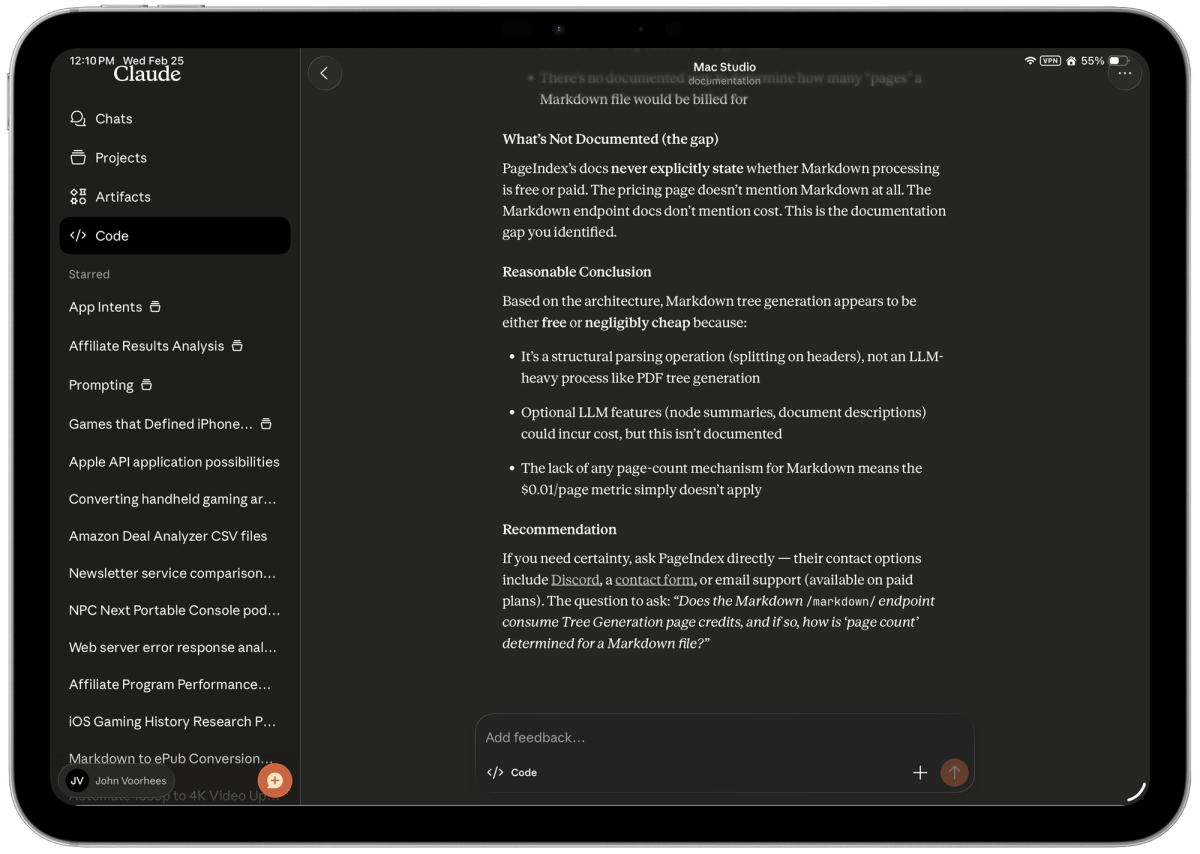
This is the workflow I actually use day-to-day. You're already deep in a conversation — context loaded, Claude mid-investigation — and you need to leave your desk. Don't start over. Type:
/rcOr the full version:
/remote-controlThis carries over your complete conversation history and immediately displays a session URL and QR code. One pro tip I'd strongly recommend: run /rename** first** before triggering /rc. Give the session a meaningful name like auth-refactor-feb26 so you can actually find it on your phone. The default name pulls from your last message, which is often something unhelpful like "okay now fix the tests."
If you want Remote Control enabled by default for all sessions without having to type /rc every time, flip it on in config:
/configNavigate to the remote control setting and enable auto-remote. From that point, every new claude session starts with Remote Control active.
When to Use Remote Control vs Claude Code on the Web
This is the question I get most from engineers on my team, and the answer is less obvious than it looks.
| Scenario | Use Remote Control | Use Claude Code on the Web |
|---|---|---|
| You have local MCP servers configured | ✅ Yes — they stay available | ❌ No — cloud session can't reach them |
| You have custom project configs or local tooling | ✅ Yes | ❌ No |
| You need to continue an existing session mid-task | ✅ Yes, use /rc | ❌ Starts fresh |
| You're on a completely different machine, nothing installed | ❌ No — needs your terminal open | ✅ Yes |
| Your laptop is closed / off | ❌ No — session will time out | ✅ Yes |
| You want to review diffs from your couch | ✅ Works fine | ✅ Works fine |
| You want to do deep code review or write complex prompts | ⚠️ Possible but awkward on phone | ✅ Better at a full keyboard |
The philosophical difference is worth understanding: Claude Code on the web runs on Anthropic's cloud infrastructure — convenient, always-on, no laptop dependency. Remote Control keeps your code local and gives you a remote window into your own machine — better for security, custom environments, and long-running sessions where context matters.
Neither is objectively better. It depends entirely on whether you need local environment access or cloud convenience.
My actual workflow: Before walking away from a long-running task, I give Claude a detailed set of instructions upfront — "if the tests fail on the auth module, check X first, then Y" — so it's not blocked waiting for input. Reviewing diffs on a phone is totally workable. Writing new feature prompts from scratch on mobile? I'd rather wait until I'm back at my desk.
One thing to be aware of: because --dangerously-skip-permissions doesn't work in remote sessions, Claude will pause and ask for approval on new actions. If you're stepping away and want uninterrupted execution, set up pre-approved tool permissions in your project config before going remote. That way you're not coming back to a stalled session.
FAQ
Does Remote Control work without a Pro or Max subscription? No. As of February 2026, it requires a Pro or Max plan subscription via claude.ai. API keys are explicitly not supported.
Can I run multiple remote sessions at once? No — one remote session per Claude Code instance. If you have three Claude Code terminals open, each has its own separate remote session.
What happens if my laptop goes to sleep? The session auto-reconnects when your machine comes back online. If it's unreachable for more than ~10 minutes, it times out and you'll need to restart.
Is my code sent to Anthropic's servers? No. Your code stays on your local machine. The only traffic through Anthropic's API is the message routing — all over TLS with short-lived credentials.
When is this coming to Team and Enterprise plans? No official timeline as of launch day. The research preview is limited to Pro and Max individual plans.
The Bottom Line
Remote Control is genuinely useful for the specific problem it solves: you have a long-running local task and you need to leave your desk without losing context. The setup is fast, the reconnection logic is solid, and the QR code workflow is smooth.
The limitations are real — your machine has to stay on, --dangerously-skip-permissions doesn't work, and deep mobile code review isn't ergonomic. But as a "keep your session alive while you move around" tool, it's exactly what I needed.
If you're on a Pro or Max plan, update to v2.1.52 and try it today. Start with a medium-complexity task, give Claude thorough upfront instructions, then walk away. You'll know within 10 minutes if it changes your workflow.
External links used in this article:
- Anthropic Remote Control official docs — setup requirements and full flag reference
- Help Net Security: Anthropic Remote Control feature — security model details (Feb 25, 2026)
- Simon Willison's notes on Remote Control — real-world first impressions and edge cases
- TechRadar coverage — plan availability and known limitations
Last verified: February 26, 2026. All features reflect the Research Preview state at launch.
