
Both tools are terminal coding agents from frontier AI labs. Both install via npm, support MCP, write to your filesystem, and run multi-turn agentic sessions in your repository. The decision between them usually comes down to two things: which model family you're already using, and whether you need Codex's product-surface integrations or Claude Code's more mature agentic feature set. Here's the full picture.
Comparison current as of May 2026. Codex CLI and Claude Code are both actively developed — feature parity shifts with each release.
Quick Positioning
Codex CLI as OpenAI's terminal agent
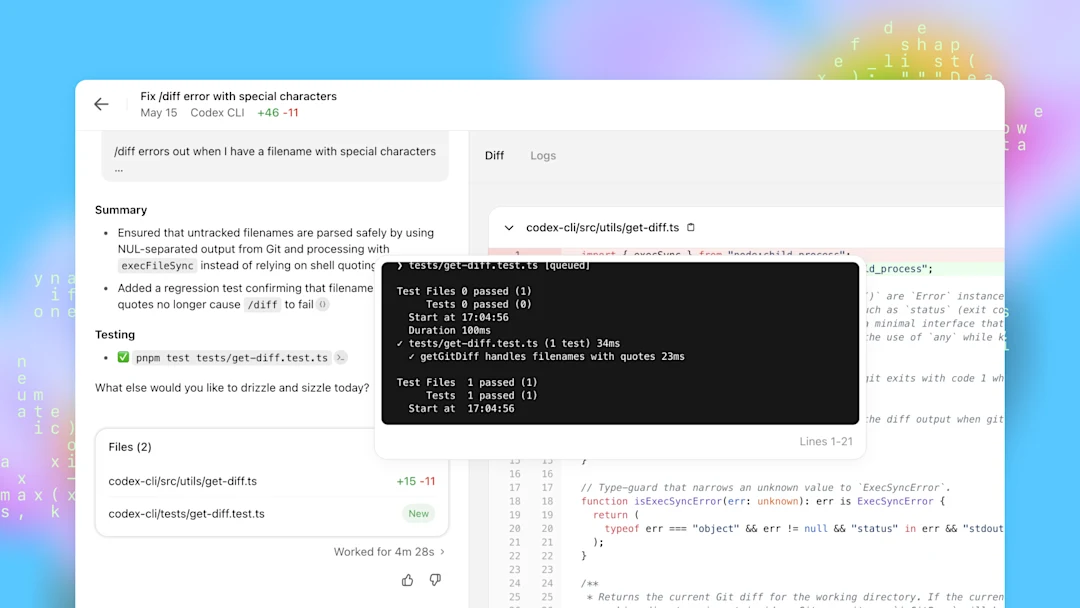
Codex CLI is OpenAI's first-party terminal coding agent, documented at developers.openai.com/codex. It connects to OpenAI's model family — GPT-5.5, GPT-5.4, GPT-5.3-Codex, GPT-5.4-Mini — and integrates with the broader Codex product surface (Codex Cloud, Codex Chrome extension, Codex IDE extensions). Authentication is via ChatGPT OAuth (subscription) or API key. Installed via npm, but the binaries are native Rust.
Claude Code as Anthropic's coding-first CLI
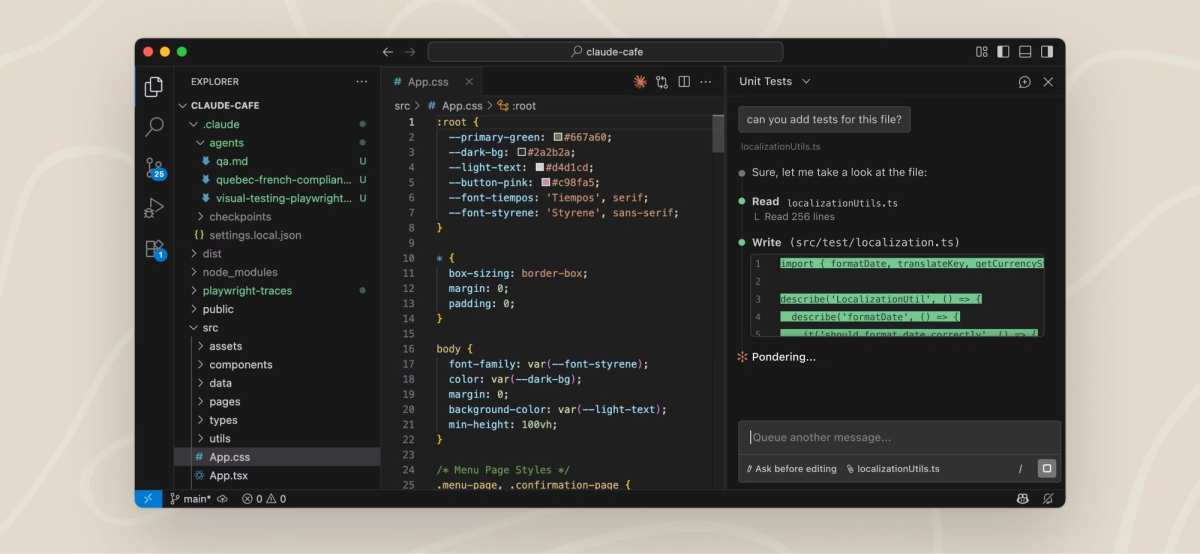
Claude Code is Anthropic's first-party terminal coding agent. It's built around the Claude model family — Claude Sonnet 4.6, Claude Opus 4.7 — with a mature set of agentic features: /ultrareview, task budgets, Claude Code Routines (scheduled automation), xhigh reasoning effort, and a subagent system via the Task tool. It also supports DeepSeek V4 as a backend via environment variable substitution, officially documented by DeepSeek. Authentication is via Claude OAuth or API key.
Comparison Table
| Codex CLI | Claude Code | |
|---|---|---|
| Install | npm install -g @openai/codex | npm install -g @anthropic-ai/claude-code |
| Runtime | Rust binaries (npm is a downloader) | Node.js |
| Node.js required | 22+ (for npm path; binary path needs none) | Yes |
| Default model | GPT-5.5 (ChatGPT auth) or GPT-5.3-Codex (API key) | Claude Sonnet 4.6 |
| Other models supported | GPT-5.4, GPT-5.4-Mini, GPT-5.3-Codex | Claude Opus 4.7; DeepSeek V4 via env var |
| Project instructions | AGENTS.md (layered, global + project + subdirectory) | CLAUDE.md |
| Skills | [[skills.config]] in config.toml, SKILL.md files | SKILL.md files |
| MCP transports | stdio + Streamable HTTP | stdio |
| MCP management | codex mcp add/list/show/remove | Configured via settings |
| Session resume | /resume, codex continue, codex exec --last | -c (continue), -r (resume) |
| Session history | ~/.codex/sessions/ JSONL | Managed by Claude Code |
| Parallel subagents | Supported via subagent configuration | Task tool |
| Code review | Built-in (uses GPT-5.3-Codex) | /ultrareview (multi-pass) |
| Task budgets | Not yet documented for CLI | Yes (public beta, beta header required) |
| Scheduled automation | Codex Routines (via web UI) | Claude Code Routines (schedule/API/GitHub triggers) |
| Windows support | Yes (AppContainer sandbox, labeled experimental) | Yes |
| EU/UK availability | Yes (CLI; Codex Chrome extension is region-restricted) | Yes |
Setup and login
Both install in a single npm command. The main setup difference: Codex CLI requires two things that Claude Code doesn't — the correct package name (@openai/codex, not codex) and Node.js 22 or later for the npm installation path. Claude Code's Node.js requirements are less strict.
Authentication flow is equivalent: both support OAuth via browser and API key for headless environments. Codex CLI stores credentials in the system keychain; Claude Code does the same.
Tool integrations and MCP
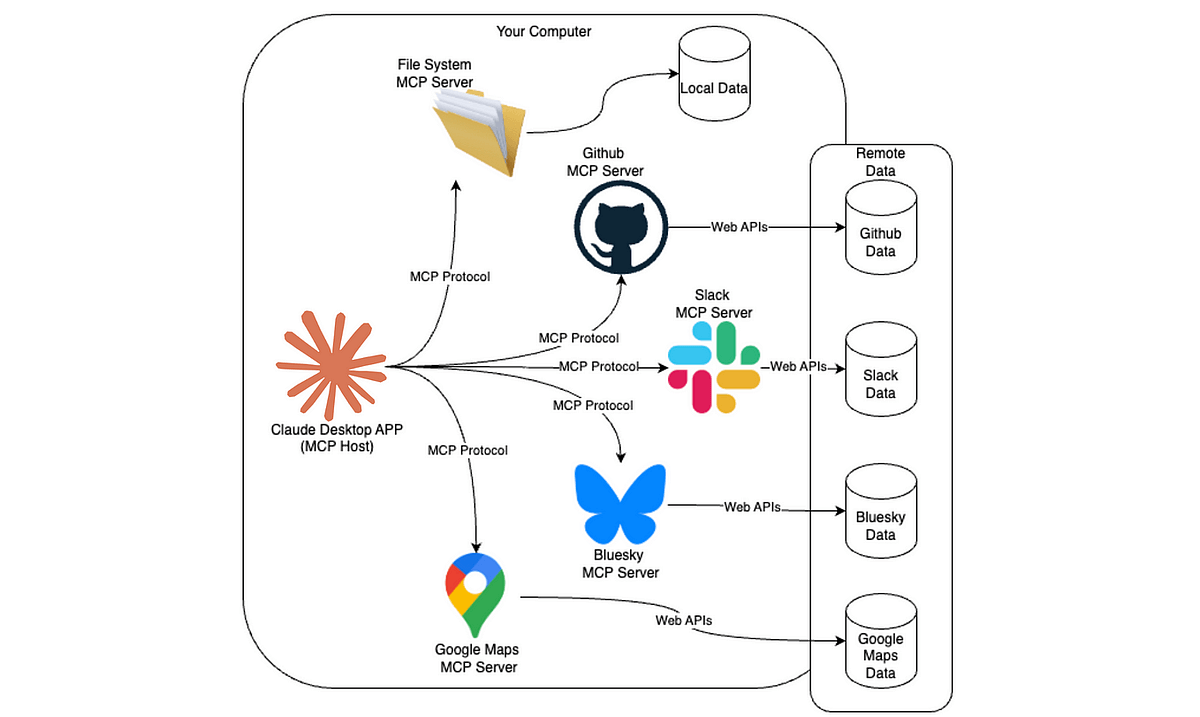
Both tools support MCP. Codex CLI has a richer built-in management surface (codex mcp add, codex mcp list, codex mcp login for OAuth, codex mcp logout). Claude Code's MCP configuration is through settings but covers the same functional ground.
The transport difference matters for remote services: Codex CLI supports both stdio (local processes) and Streamable HTTP (remote services with OAuth), while Claude Code's documented MCP support currently covers stdio. For cloud-hosted MCP servers like GitHub's official endpoint (https://api.githubcopilot.com/mcp/), Codex CLI's Streamable HTTP transport is the more direct integration path.
Session handling
Both tools save session history automatically and support resumption. Claude Code's session continuation has been a visible feature longer (-c and -r flags), while Codex CLI added /resume and codex continue more recently. Both approaches reconstruct model context from the transcript — neither preserves actual model state across sessions.
Claude Code's subagent Task tool creates independent agent sessions for subtasks, each with their own context. Codex CLI supports a subagent system as well, with configurable agent roles in config.toml and [[agents]] configuration.
Pricing and model access
Codex CLI:
- Included in ChatGPT Plus ($20/month), Pro ($100 or $200/month), Business ($30/user/month), Enterprise
- Pricing moved to token-based billing (April 2, 2026) — credits per million input/cached input/output tokens
- API key access available at standard API rates ($1.74/$14 per million tokens for GPT-5.3-Codex; $5/$30 for GPT-5.5)
- OpenAI estimates $100–$200/developer/month average with high variance (per the official Codex rate card)
Claude Code:
- Included in Claude Pro ($20/month), Max ($100 or $200/month), Teams, Enterprise
- API key access at Claude rates ($3/$15 for Sonnet 4.6; $5/$25 for Opus 4.7) per the Anthropic pricing page
- Batch API discount: 50% off for async workloads
- Task budgets (public beta) provide per-session token ceiling control
At equivalent subscription tiers ($20/month), both include meaningful usage limits. For API-key workloads where you pay per token, the comparison depends heavily on model selection and task type — GPT-5.3-Codex ($1.74/$14) is cheaper than Claude Sonnet 4.6 ($3/$15) per million tokens, but effective cost per task depends on token efficiency, which varies by workload.
Where Codex CLI Wins
OpenAI model ecosystem
If you're primarily building on OpenAI's models — GPT-5.4, GPT-5.3-Codex, GPT-5.5 — Codex CLI is the native path. Model-specific features like the five-level reasoning effort scale (including xhigh), Codex-specific context compaction, and GPT-5.3-Codex's coding-tuned behavior all work with their intended infrastructure.
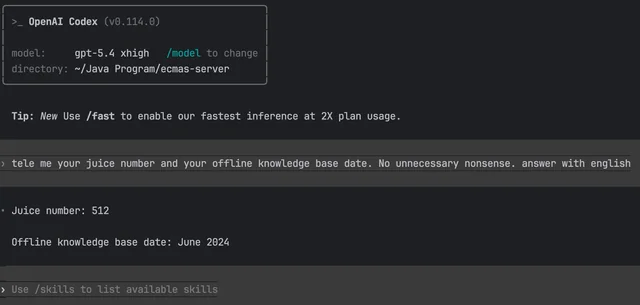
For teams where GPT-5.3-Codex is the preferred model for cost or performance reasons, running it through Codex CLI gives you better-aligned defaults, AGENTS.md designed around OpenAI's model behavior, and access to the full Codex product surface.
Codex product integration
Codex CLI shares configuration, session history, and AGENTS.md with the Codex IDE extension and Codex app — the same ~/.codex/config.toml applies to all surfaces. If your team uses Codex across CLI, VS Code extension, and Codex Cloud, this consistency matters. A Codex Routine set up in the web UI can trigger agent runs that use the same AGENTS.md your CLI sessions use.
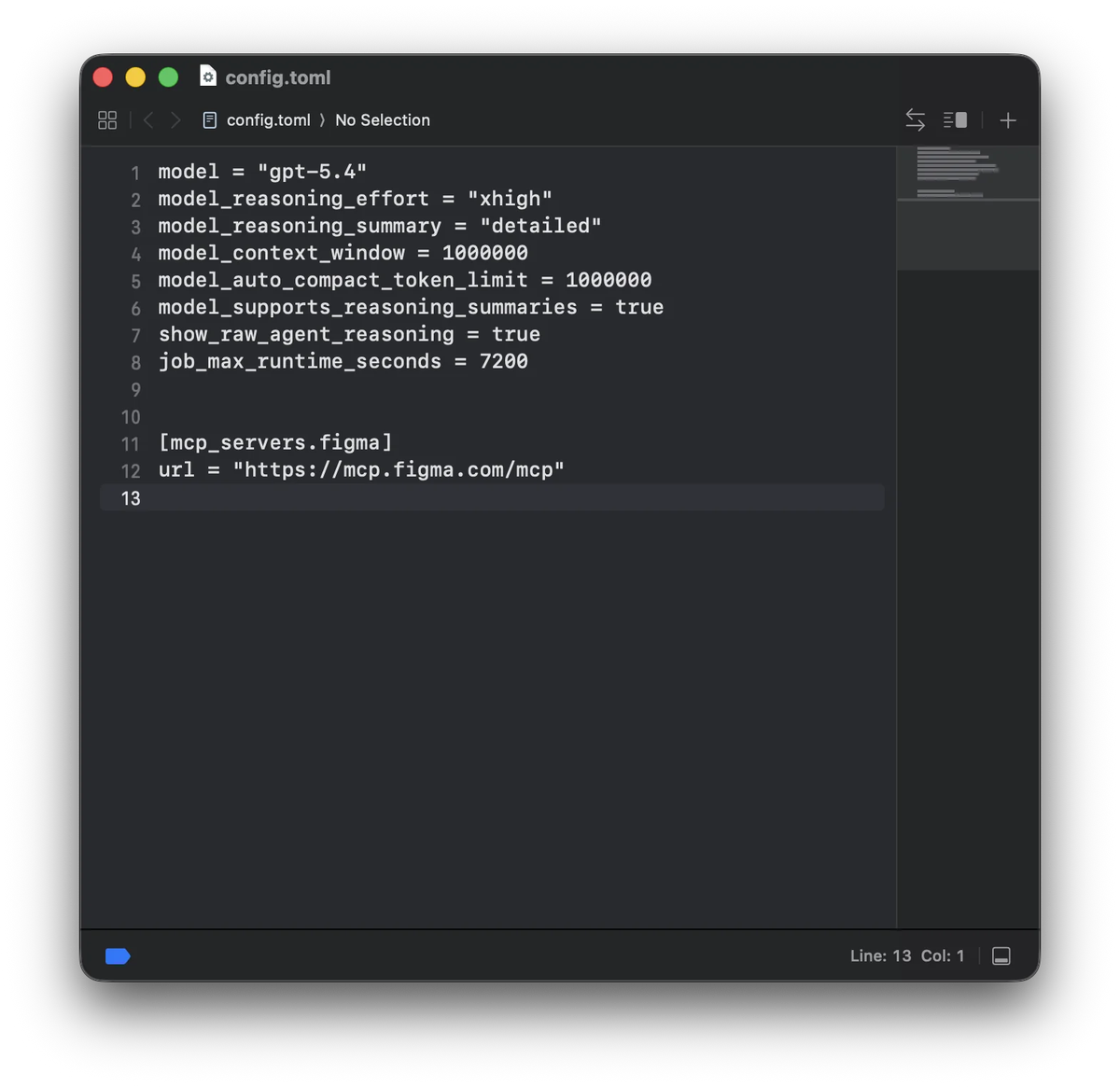
The plugin marketplace (GitHub, Slack, Figma, Linear, Notion, and more) bundles auth, skills, and MCP configuration as single installable units. For teams using these tools, the plugin path is simpler than manual MCP configuration.
Where Claude Code Wins
Mature terminal workflow
Claude Code has a more developed feature set for terminal-specific agentic workflows. /ultrareview provides multi-pass code review that GPT-5.3-Codex's standard review capability doesn't yet match. Task budgets let you set a soft token ceiling for an entire agentic loop, enabling cost control that Codex CLI doesn't expose in the same way. Claude Code Routines support schedule, API, and GitHub webhook triggers with configurable per-routine and per-account limits — more flexible than Codex's current automation surface.
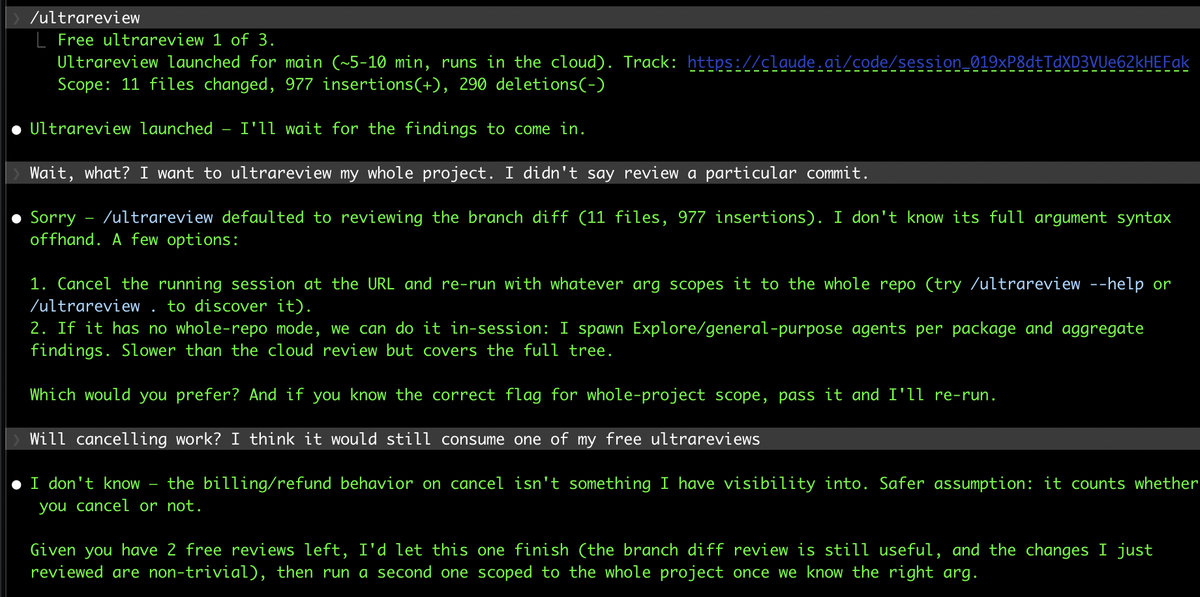
For teams where code review quality is the primary concern, /ultrareview on Claude Opus 4.7 (87.6% SWE-Bench Verified) is a strong differentiator.
Subagents and project context
Claude Code's Task tool creates full, independent Claude agent instances as subagents — each with its own multi-turn conversation, tool access, and file scope. This is richer than a lightweight parallel call: each subagent can reason, iterate, and maintain its own context across multiple turns within the parent session.
CLAUDE.md carries project instructions similarly to AGENTS.md, and Claude Code's Superpowers skill framework (if used) extends this with mandatory skill activation for defined task types. For teams that have invested in Claude's skill ecosystem, CLAUDE.md files, and Claude Code's instruction-following behavior, staying on Claude Code avoids migration overhead.
Decision Framework
Choose Codex CLI if:
- Your team is primarily on OpenAI models (GPT-5.4, GPT-5.3-Codex, GPT-5.5)
- You're using the Codex product surface across CLI, IDE extension, and Codex Cloud and want consistent configuration
- You're using the Codex plugin marketplace and prefer built-in MCP setup over manual configuration
- You want the lower API token rate (GPT-5.3-Codex at $1.74/$14 vs Sonnet 4.6 at $3/$15) for high-volume API workloads
Choose Claude Code if:
- You're primarily on Anthropic's model family (Claude Sonnet 4.6, Opus 4.7)
/ultrareview, task budgets, and Claude Code Routines are important to your workflow- You've invested in Claude Code's Superpowers skill ecosystem or CLAUDE.md patterns
- You need the best SWE-Bench Pro results (Opus 4.7 at 64.3% vs GPT-5.3-Codex at ~56%)
Neither is clearly better for:
- MCP integration — both are capable, with Codex CLI having an edge for Streamable HTTP remote servers
- Windows support — both are functional but not primary development environments for either tool
- Session persistence — both save JSONL transcripts and support resume; the workflows differ but the capability is equivalent
FAQ
Is Codex CLI or Claude Code better for terminal agents?
Neither is universally better. Codex CLI is better aligned for OpenAI model workflows and Codex product integration. Claude Code has a more mature agentic feature set (/ultrareview, task budgets, Routines) and stronger SWE-Bench Pro performance on complex coding tasks (Opus 4.7 at 64.3%). The right choice depends on which model family fits your workflow and which features you'll actually use.
Which one is cheaper for daily heavy use?
At subscription level, both Plus-tier plans are $20/month. For API-key workloads, GPT-5.3-Codex ($1.74 input, $14 output per million tokens) is cheaper than Claude Sonnet 4.6 ($3 input, $15 output). But actual cost depends on token efficiency per task, which varies by workload — the cheaper per-token rate only saves money if the model doesn't burn more tokens to complete the same task. Test on your actual workflow before optimizing for per-token rate.
Can I use both Codex CLI and Claude Code on the same project?
Yes. They're separate tools that operate at the filesystem level. AGENTS.md (Codex) and CLAUDE.md (Claude Code) can coexist in the same repository root without conflict. Both tools commit changes through git; there's no session conflict if you're not running both simultaneously in the same working tree. Some teams use one for interactive development and the other for specific automation workflows. The MCP configuration files (~/.codex/config.toml for Codex, Claude Code's own config) are separate.
Which tool has better MCP/tool support?
Both support MCP. Codex CLI's codex mcp add CLI management and Streamable HTTP transport support give it an edge for teams using cloud-hosted MCP servers (like GitHub's official MCP endpoint). Claude Code's stdio MCP support covers the same set of locally-hosted MCP servers. If your primary MCP servers are local processes, there's no meaningful difference. If you're connecting to remote MCP services via HTTP, Codex CLI's Streamable HTTP transport is the more direct path.
Related Reading
