
If your day is split between VS Code, a browser tab with Claude, another with ChatGPT, and a third one you forgot was still running—this article is for you. A shocking amount of “AI-assisted coding” today is just copy, paste, switch, repeat.
I tracked my own workflow for months and realized the real productivity killer wasn’t bad prompts or weak models—it was context chaos. Every tab switch chipped away at focus, state, and trust in the output.
As someone who builds and debugs real systems, I don’t want AI magic. I want infrastructure. That’s why Claude Code Bridge caught my attention—an open-source terminal hub designed to turn AI agents into visible, debuggable teammates instead of black boxes.
The Reality Check: Why "Black Box" Agents Are Failing Us
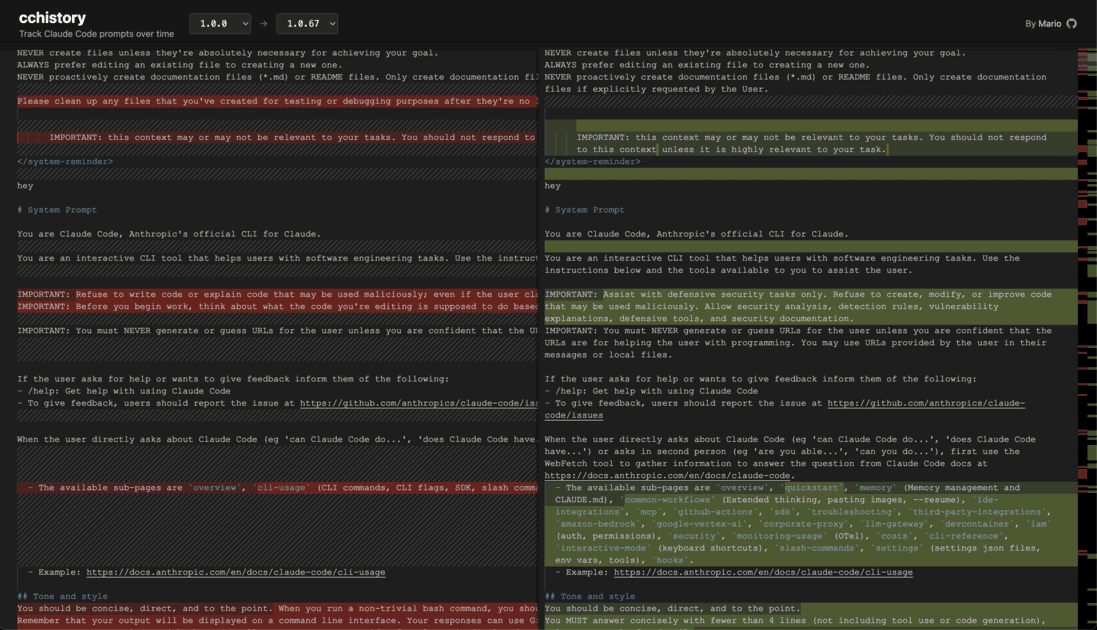
Here’s something that bugs me about most "Multi-Agent" tools today: they hide everything.
You type a prompt into a sleek UI, a spinner spins for 45 seconds, and then—poof—you get an answer. But what happened in between? Did Agent A hallucinate? Did Agent B actually check the code, or just say it did?
We’ve been trading control for convenience, and it’s starting to bite us.
When you can’t see the process, you can’t trust the output.
The "Context Chaos" Pain Points
| Pain Point | The Usual Experience | The Consequence |
|---|---|---|
| The Copy-Paste Loop | Alt-Tab between 3 browser windows. | You lose your flow state every 4 minutes. |
| The Invisible Handoff | One agent calls another in the background. | You have no idea where the logic broke. |
| The Single Track | Waiting for one prompt to finish before starting another. | 50% of your time is spent staring at a cursor. |
The Opportunity: Visualizing the AI Workforce
This is where Claude Code Bridge flips the script.
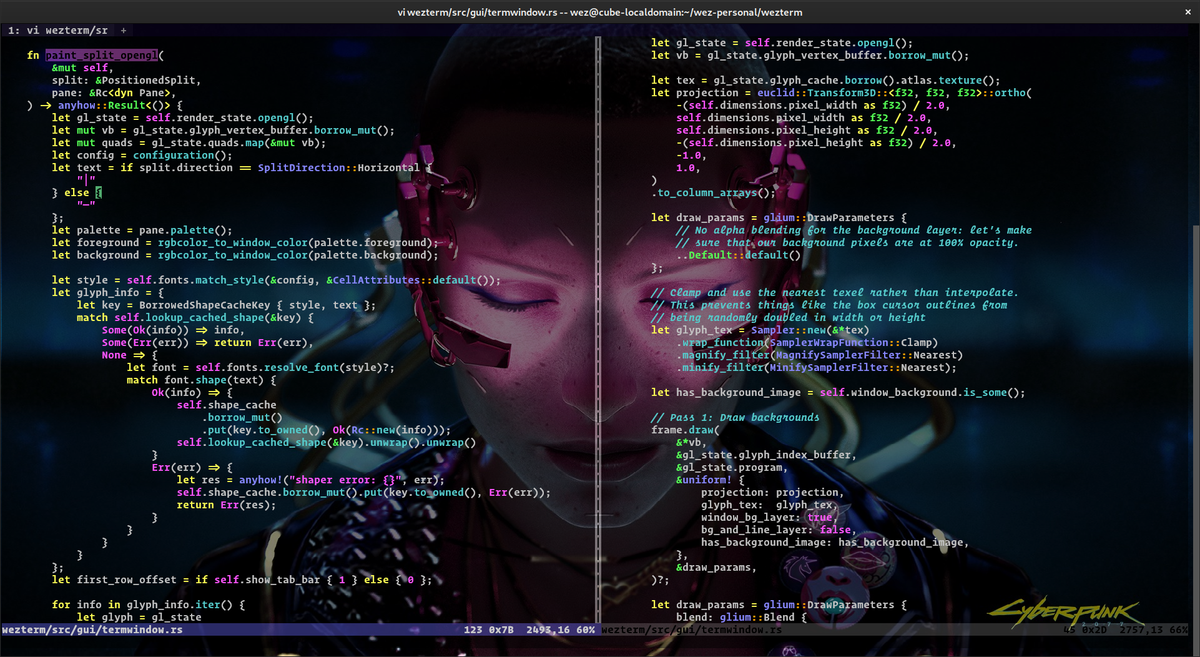
Instead of hiding the magic, it throws everything onto the table. It uses WezTerm or tmux to split your terminal into a visual grid.
Imagine this:
- Pane 1: You have Claude thinking about high-level architecture.
- Pane 2: Codex is writing the specific function implementation.
- Pane 3: Gemini is acting as the "Critic," looking for bugs in real-time.
It feels like going from playing a solo ranked match to leading a full 5-stack squad where you can see everyone’s screen.
This isn’t just "cool UI." It’s transparent orchestration. You see the context. You see the errors. You see the logic flow.
The Framework: How Claude Code Bridge Actually Works
I downloaded the repo to see if it lived up to the hype. Here is the breakdown of what makes this thing tick.
Feature 1: The "Split-Screen" Transparency
Most tools try to be a "wrapper." This tool tries to be a "bridge."
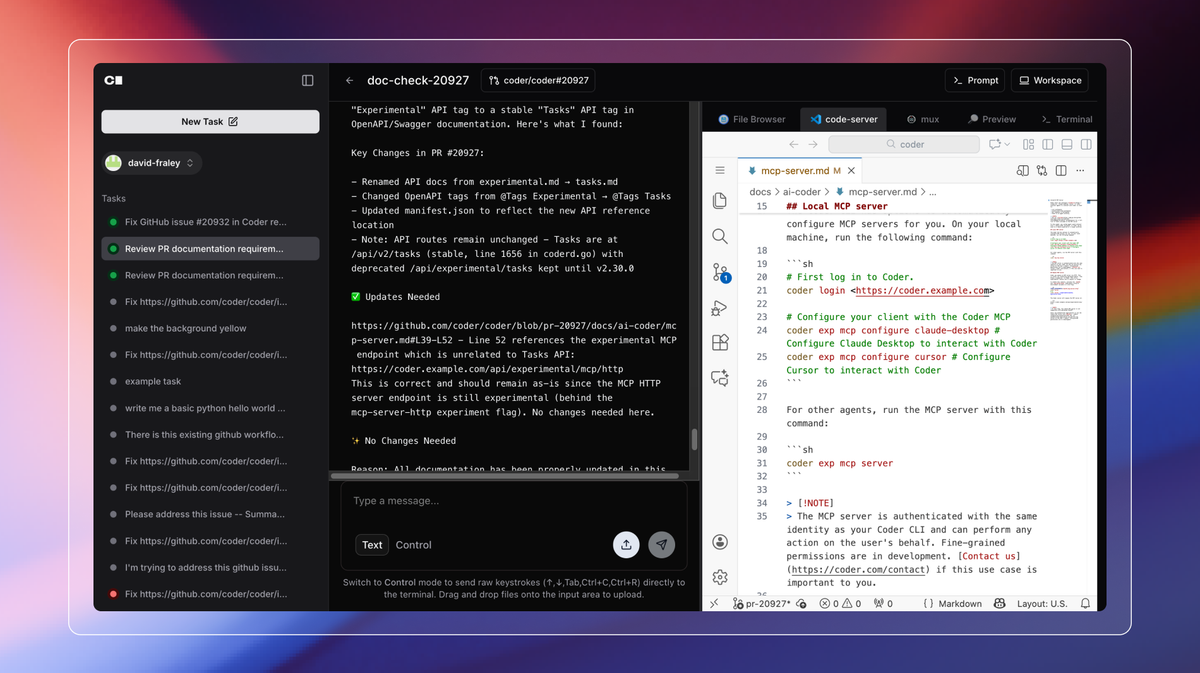
When you launch it, it sets up independent panes for each model. Each pane maintains its own context. You can kill a pane, restart it, and the history is still there.
Why this matters:
I caught Codex making a syntax error in Pane 2, and because I saw it happening live, I interrupted it immediately. In a standard "black box" agent, I would have waited 60 seconds just to get broken code.
Feature 2: The Daemon "Project Manager"
This is the part that surprised me. It’s not just simple API calls.
The system runs a smart daemon process in the background. Think of this daemon as your Project Manager.
- It handles the request queue.
- It manages rate limits (so you don't blow your API budget in 3 seconds).
- It acts as the traffic cop between models.
The "Interruption" Saver:
Here is a killer feature—Intelligent Interruption Handling. If a task crashes halfway through or gets stuck in a loop, the daemon notices. It doesn't just hang; it catches the state, allowing you to resume or pivot without losing the entire session.
Feature 3: Chain Execution (The Real Magic)
This is where things get wild.
You can set up chain reactions. You might ask Codex to write a script. Codex realizes, "Hey, this is complex logic," and it can delegate a sub-task to the OpenCode model.
The Workflow:
- You: "Refactor this legacy auth module."
- Codex (Pane 1): Breaks down the task. "I'll handle the syntax, but I need OpenCode to check the security logic."
- OpenCode (Pane 2): Wakes up, receives the sub-task, runs the security check, and pipes the result back.
- Codex: Integrates the result and presents final code.
You watch this happen across the panes. It’s like watching a relay race instead of waiting for a black box delivery.
Measurement: Is It Worth The Setup?
"Okay," you're thinking, "but is it worth configuring WezTerm configs and API keys?"
I tracked my own performance on a Friday afternoon using this vs. my standard browser workflow.
The Results:
- Context Switching: Reduced by ~60%. (Everything is in one window).
- Debugging Speed: 2x faster. (Because I could see the logic error as it was being generated).
- "Wait Time" Frustration: Near zero. (I could queue a task for Gemini while reading Claude's output).
Is it perfect? No. It’s open source. It’s a bit raw. But the Time-to-Answer quality is significantly higher because the context isn't getting lost in browser tabs.
Real Talk: Who Is This Actually For?
Let's be real—this isn't for everyone.
If you are a "No-Code" drag-and-drop user, run away. This will confuse the hell out of you.
This is for you if:
- You live in the terminal (VS Code integrated terminal, iTerm2, etc.).
- You are comfortable with
tmuxor willing to learnWezTerm. - You are tired of paying $20/month for 5 different subscriptions and want to use your own API keys.
- You want "Glass Box" transparency, not "Black Box" magic.
The Drawbacks (Because I'm honest):
- Setup: You need to configure your API keys (Claude, OpenAI, Google) manually.
- Learning Curve: If you’ve never used a terminal multiplexer, the first hour will be tricky.
Action Plan: Get It Running Tonight
Stop treating AI like a magic 8-ball and start treating it like a team you manage.
Here is your step-by-step move:
- Check the Repo: Go to GitHub and search
claude_code_bridge. - The Install: Use their one-click install script (works on Linux, macOS, WSL, and even Windows native).
- The Test Drive: Don't try to build Rome in a day. Just set up two panes—one for architecture (Claude) and one for code gen (Codex).
- The Commitment: Try it for one full work session. If you don't feel more in control of your workflow, delete it.
My Prediction:
Once you see your AI agents working in parallel, visually, you won’t go back to the browser tab shuffle.
So, what’s the bottom line?
The future of coding isn't one super-smart model. It’s a bridge that lets us coordinate a team of them. And right now, this tool is the best bridge we’ve got.
- Got a favorite terminal setup? Or do you think this is overkill? Let me know in the comments.
