You know that sinking feeling when you realize a bug slipped through code review and made it to production? I've been there more times than I'd like to admit. In 2025, something changed — 84% of developers adopted AI coding tools, but here's the kicker: 46% of developers actively distrust the accuracy of AI output. We're generating code faster than ever, but review capacity hasn't kept up. By early 2026, 41% of commits are AI-assisted, which means the gap between what we ship and what we can properly verify is widening fast.
This is where AI code review tools step in — not to replace human judgment, but to handle the grunt work so we can focus on what actually matters: architecture, logic, and catching the subtle bugs that cost real money.
Why AI Code Review?
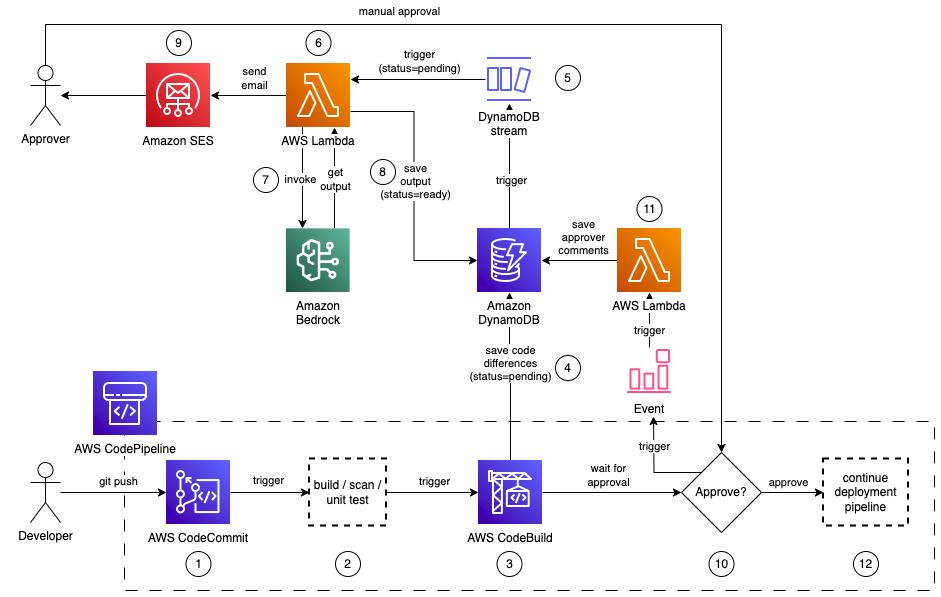
Let me be straight with you: manual code review isn't keeping up. Teams using AI code review reduce time spent on reviews by 40-60% while improving defect detection rates. That's not marketing fluff — that's engineering teams shipping faster without sacrificing quality.
Here's what changed in the past year. AI code review went from "nice to have" to essential infrastructure. When you're generating hundreds of lines of code with AI assistance, you can't rely on senior engineers to catch every edge case, every off-by-one error, every potential security slip. AI review tools catch the stuff humans miss when we're tired, rushed, or context-switching between five different PRs.
The real value? Consistency. An AI reviewer doesn't get fatigued. It doesn't skip the boring parts. It applies the same standards to every line of code, every time.
How AI Review Tools Work
Most AI code review tools combine three core capabilities:
Static Analysis – Scans code without running it, catching syntax errors, undefined variables, and unreachable code before runtime.
Pattern Recognition – Uses machine learning trained on millions of lines of code to spot common bug patterns, security vulnerabilities, and maintainability issues.
Contextual Understanding – The good ones don't just analyze diffs in isolation. They understand your entire codebase, dependencies, and how changes ripple across services.
Quick reality check here: not all AI reviewers are created equal. Some tools just flag basic linting issues (which you probably already have covered). The tools worth your time provide context-aware feedback that understands what your code is trying to do, not just what it says.
Top AI Code Review Tools
CodeRabbit
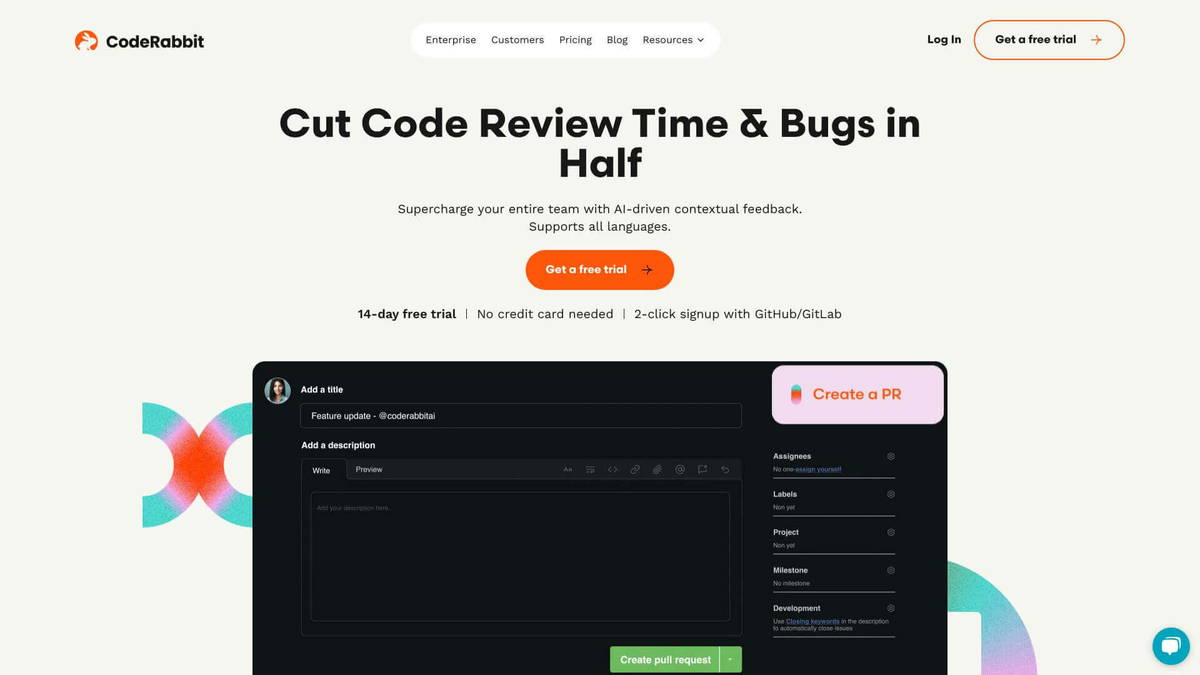
CodeRabbit has become the most-installed AI app on GitHub and GitLab, and after using it on a few production repos, I get why. It generates structured feedback on every pull request — readability, maintainability, security, potential bugs. The tool achieves 46% accuracy in detecting real-world runtime bugs through a multi-layered analysis combining Abstract Syntax Tree evaluation, SAST, and generative AI feedback.
What stood out: CodeRabbit routinely catches off-by-ones, edge cases, and even spec/security slips before they hit production. One user mentioned it "enforced a more precise UUID check and saved us from a production issue." That's the kind of catch that pays for itself immediately.
Pricing: Free for open-source projects. Paid plans start at $12/month per developer (Lite) and $24/month per developer (Pro). Free 14-day trial with no credit card required.
Integration: Works with GitHub, GitLab, and has a VS Code extension for local review before pushing.
Best for: Teams that want comprehensive PR analysis with minimal setup.
Qodo Merge
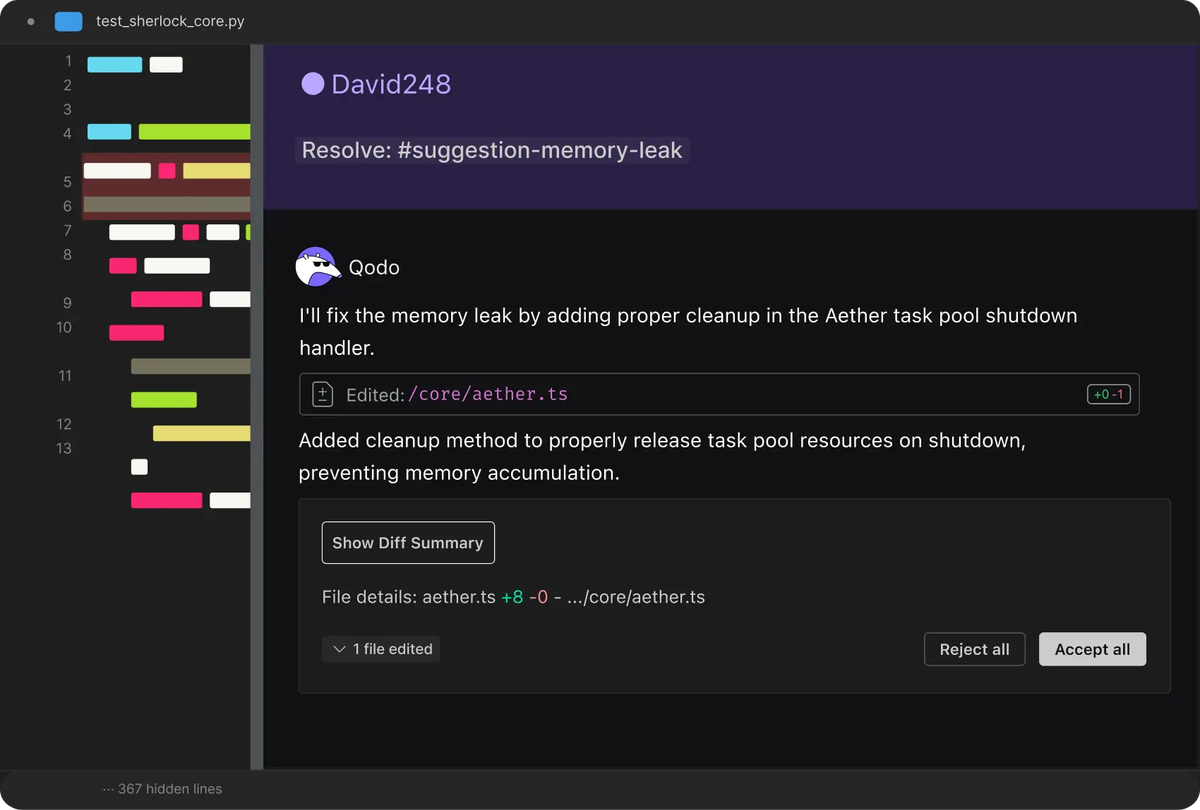
Qodo takes a different angle — it's built specifically for enterprise-scale code review, not as a side feature of code generation. Qodo saved over 450,000 developer hours in a year at a Global Fortune 100 retailer, with developers saving around 50 hours per month each.
Here's what makes it different: Qodo indexes your entire codebase — 10 repos or 1000 — and understands the dependency graph. When you change a shared library, it flags which services are affected. This isn't diff-level analysis; it's system-aware review.
The platform runs 15+ automated agentic workflows that handle bug detection, test coverage checks, documentation updates, and changelog maintenance. It's not just pointing out problems — it's automating the entire review pipeline.
Pricing: Free for individual developers (75 PRs + 250 LLM credits/month). Teams plan at $30/user/month. Enterprise starts at $45/user/month with SSO and on-prem options.
Integration: GitHub, GitLab, Bitbucket, VS Code, JetBrains IDEs, CLI.
Best for: Large engineering organizations with multi-repo environments and complex dependencies.
Codacy
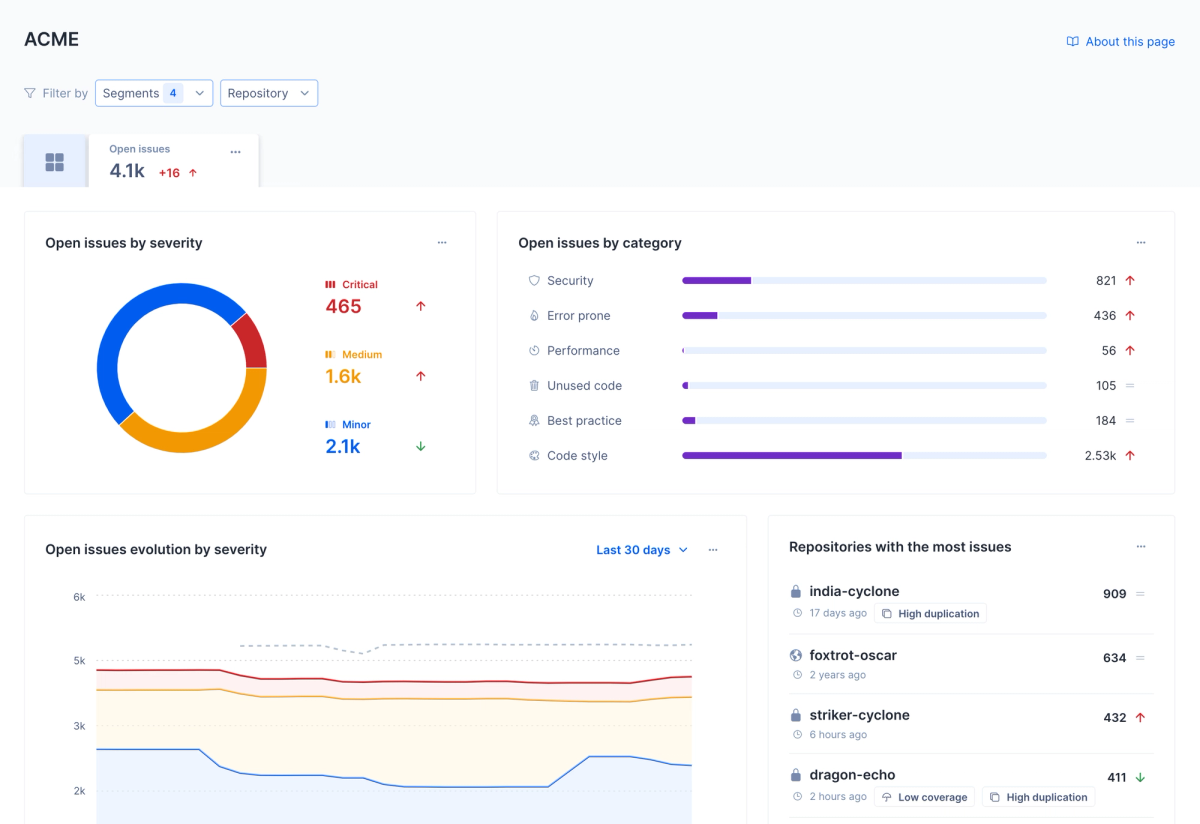
Codacy focuses on automated code quality and security. It catches issues like code duplication, complexity, and security vulnerabilities before they reach your main branch. What I appreciate about Codacy is the out-of-the-box support for 40+ programming languages and patterns.
The platform provides quality gates that can block merges if code doesn't meet your standards. This is huge for teams trying to maintain consistent quality across large codebases.
Integration: GitHub, GitLab, Bitbucket.
Best for: Teams that need comprehensive security scanning and quality enforcement.
Greptile
Greptile is newer to the scene but worth watching. It's designed to understand your codebase as a whole, not just individual files. The tool excels at explaining complex code changes and identifying architectural impact.
Best for: Teams that want deeper codebase understanding and architectural analysis.
Snyk Code
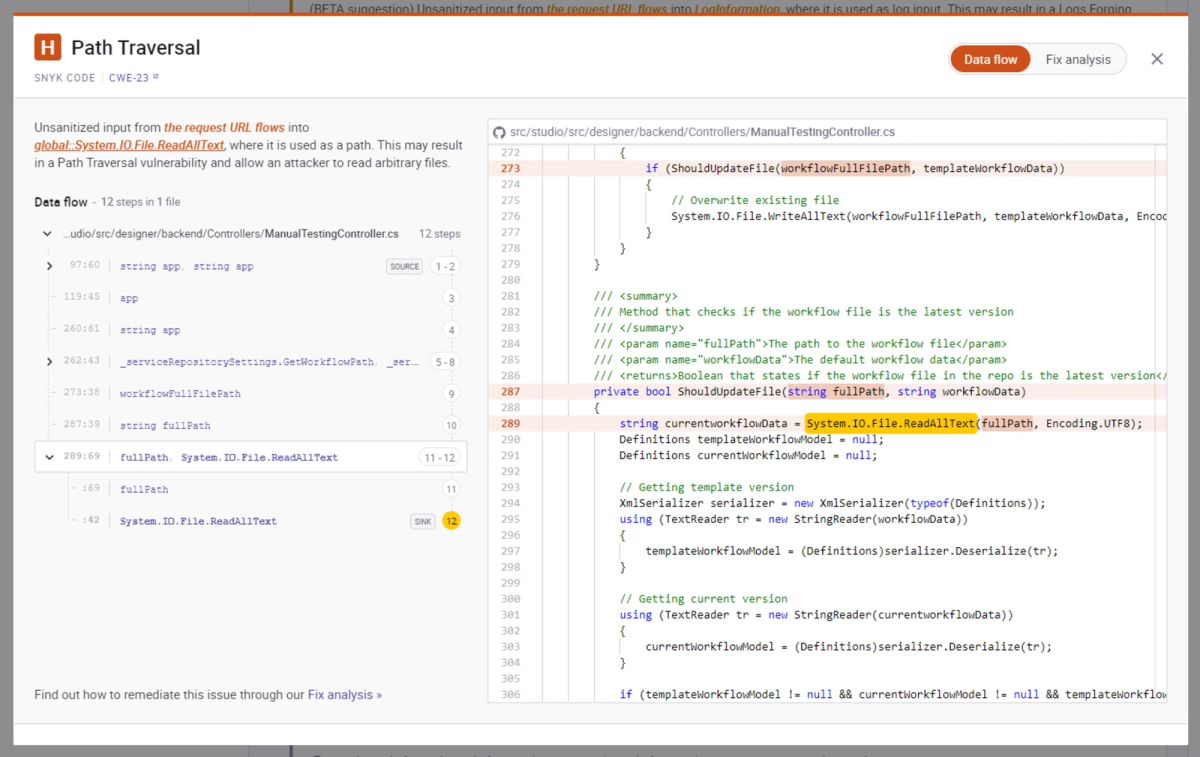
Snyk Code started in security but now covers broader code quality. It's particularly strong at catching security vulnerabilities and license compliance issues. If you're in a regulated industry or just serious about security, Snyk deserves a look.
Integration: GitHub, GitLab, Bitbucket, Azure DevOps.
Best for: Security-conscious teams and regulated industries.
Cursor Bugbot
Part of the Cursor IDE ecosystem, Bugbot provides real-time review feedback as you code. It's less about PR review and more about catching issues before you even commit.
Best for: Developers who want in-editor review guidance.
Comparison Table
| Tool | Best For | Pricing (per user/month) | Key Strength | Platforms |
|---|---|---|---|---|
| CodeRabbit | Comprehensive PR analysis | $12-24 | 46% runtime bug detection | GitHub, GitLab, VS Code |
| Qodo Merge | Enterprise multi-repo | $30-45 | Cross-repo dependency analysis | GitHub, GitLab, Bitbucket, IDEs |
| Codacy | Security & quality gates | Contact for pricing | 40+ language support | GitHub, GitLab, Bitbucket |
| Greptile | Architectural understanding | Contact for pricing | Codebase-wide context | GitHub |
| Snyk Code | Security focus | Contact for pricing | Vulnerability scanning | All major Git platforms |
Integration Options
GitHub
Most tools integrate with GitHub through GitHub Apps or Actions. CodeRabbit seamlessly integrates with GitHub repositories, performing continuous, incremental reviews for each commit within a pull request. Setup is usually 2 clicks: install the app, grant repo access, done.
What to look for: Does the tool comment directly on PRs? Can it auto-fix issues? Does it integrate with your existing CI/CD pipeline?
GitLab
GitLab support is nearly universal now. Qodo and CodeRabbit both offer first-class GitLab integration with merge request reviews.
Bitbucket
Bitbucket support is less common but available in enterprise-focused tools like Qodo and Codacy.
Pricing Comparison
Here's the reality: demand for AI code review tools has surged by 35% in the last three years. As adoption grows, pricing models have standardized around per-developer/month subscriptions.
Free Tiers:
- CodeRabbit: Free for open-source
- Qodo: Free for individual devs (75 PRs/month)
Team Plans ($10-30/developer/month):
- CodeRabbit Lite: $12/month
- CodeRabbit Pro: $24/month
- Qodo Teams: $30/month
Enterprise ($30-60+/developer/month):
- Qodo Enterprise: $45/month (includes SSO, on-prem)
- Custom enterprise plans with SLAs
Quick math: If a tool saves each developer 10 hours/month of review time, and your developers cost $100/hour loaded, that's $1000/month in value. A $30/month tool pays for itself 30x over.
How to Choose
Start here: What's your biggest pain point?
If PR backlogs are killing you: Try CodeRabbit or Qodo. Both excel at reducing review time.
If you're worried about cross-repo breaks: Qodo's multi-repo analysis is unmatched.
If security is your top concern: Snyk Code or Codacy.
If you want to catch issues before committing: Cursor Bugbot or Qodo's IDE integration.
Don't overthink the evaluation. Pick one tool, run it on a real project for 2-4 weeks, and measure:
- How many real issues did it catch?
- How much time did it save?
- How many false positives did you get?
Most teams I know start with a free trial, test on 2-3 repos, and decide based on actual results rather than feature lists.
FAQ
Q: Will AI code review replace human reviewers?
Not even close. Review capacity, not implementation speed, determines safe delivery velocity. AI handles the mechanical checks — syntax, common patterns, security scans. Humans handle the design decisions, architectural trade-offs, and business logic validation.
Q: How accurate are AI code reviewers?
It varies. CodeRabbit hits 46% accuracy on real-world runtime bugs. According to the DORA 2025 Report, high-performing teams using AI code review experience 42-48% improvement in bug detection accuracy. That's significantly better than humans on mechanical checks, but don't expect perfection. The goal is to catch more bugs, not all bugs.
Q: Do these tools slow down CI/CD pipelines?
Modern tools run asynchronously and don't block your pipeline. CodeRabbit reviews happen in parallel with your existing CI. Qodo can be configured to run only on specific events.
Q: What about data security?
Reputable tools are SOC 2 certified and GDPR compliant. CodeRabbit uses end-to-end encryption with zero data retention post-review. Qodo offers on-prem deployment for enterprises. Always verify the data policy before adopting.
Q: Can I use multiple AI review tools together?
Yes, but watch for noise. Some teams run a lightweight tool like CodeRabbit for all PRs, then use Snyk Code for security-critical changes.
Q: How do these compare to traditional static analysis tools?
Traditional tools (like SonarQube) are rule-based and catch known patterns. AI tools understand context and can spot issues that don't match existing rules. Best practice: use both.