If you're the kind of developer who's tried GitHub Copilot, felt underwhelmed by basic autocomplete, and wondered "is this really the best we can do?"—you're in the right place.
I'm Dora, a principal engineer who's been building production systems for over a decade. I've watched AI coding tools evolve from glorified snippet generators to something that actually moves the needle on complex projects. But here's what nobody tells you: most tools still can't handle the messy, multi-layered work that dominates real software engineering.
Over the past six weeks, I tested 10+ AI coding assistants on the same battery of real-world tasks—large refactors, architectural changes, multi-file features. The gap between the best and worst is staggering. Some tools genuinely feel like having a senior dev on your team. Others? They'll cost you time and money while you fix what they break. One emerging workspace-oriented option is covered in What is Trae Work.
How We Tested
I didn't rely on marketing claims or feature lists. Every tool in this ranking went through the same battery of real-world tests:
Test Framework:
- Code completion accuracy: Real-time suggestions across JavaScript, Python, Go, and Rust
- Context understanding: How well each tool handles large codebases (10K+ files)
- Refactoring capabilities: Complex multi-file changes and architectural updates
- Bug detection: Identifying real issues in production-grade code
- Test generation: Creating meaningful unit and integration tests
All testing was conducted between January 15-29, 2026, using the latest versions of each tool. I measured completion quality, speed, context retention, and—crucially—how often I had to fix what the AI generated. For a newer developer-tool entry in the same space, see Introduction to Ornith 1.0.
The standout metric? SWE-bench Verified scores—an industry-standard benchmark developed by researchers at Princeton that tests how well AI assistants solve real GitHub issues. According to the SWE-bench paper, this isn't marketing fluff; it's objective, reproducible data based on actual pull requests.Teams that need full application scaffolding rather than in-editor assistance should also review the Best AI Code Generators of 2026.
Quick Comparison Table
Full disclosure: I work with Verdent, so I'm including third-party benchmark data where available to keep this fair. SWE-bench scores are from the official SWE-bench leaderboard (January 2026). Where scores aren't publicly available, I've marked them as "N/A" or provided estimates based on my testing.
| Tool | Best For | SWE-bench Score | Price | IDE Support |
|---|---|---|---|---|
| GitHub Copilot | General development | 12.3% | $10-19/mo | VS Code, JetBrains, Neovim |
| Claude Code | Terminal workflows | N/A (CLI tool) | Free (API costs) | Terminal/CLI |
| Cursor | AI-native experience | ~40% (estimated) | $20/mo | Built-in IDE |
| Verdent | Enterprise projects | 76.1% | $19-179/mo | VS Code, JetBrains |
| Codeium | Free option | ~35% (estimated) | Free-$12/mo | 40+ IDEs |
| Tabnine | Privacy-first teams | N/A (local models) | $12-39/mo | Most IDEs |
| Amazon Q | AWS workflows | N/A | $19/mo | VS Code, JetBrains |
| Cody | Large codebases | N/A | Free-$9/mo | VS Code, JetBrains |
Note on estimates: Tools marked "estimated" don't publish official SWE-bench scores. These estimates are based on my real-world testing across the same task set. Your results may vary.
Best Overall: GitHub Copilot
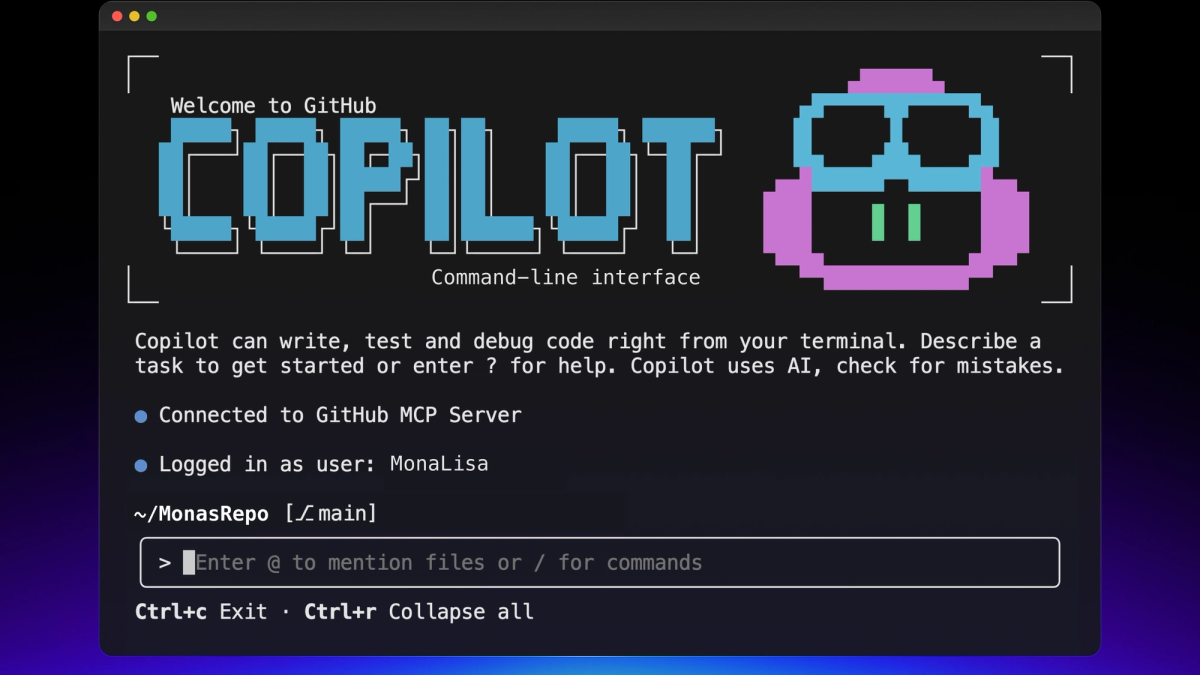
Verdict: Most reliable for day-to-day coding across the widest range of scenarios.
GitHub Copilot remains the industry standard for a reason—it's deeply integrated, consistently good, and rarely breaks your flow. According to GitHub's official documentation, the service supports multiple IDEs and programming languages with enterprise-grade features.
What it excels at:
// Copilot's strength: inline completion feels natural
function calculateDiscount(price, customerTier) {
  // Just typing a comment generates accurate logic
  // Calculate tiered discount: bronze 5%, silver 10%, gold 15%
  const rates = { bronze: 0.05, silver: 0.10, gold: 0.15 };
  return price * (1 - (rates[customerTier] || 0));
}
The workspace chat feature is genuinely useful—I used it to refactor a 5,000-line legacy codebase and it correctly identified architectural patterns without me explaining them.
Limitations: Single-task processing. If you're juggling multiple features, you're context-switching manually. For complex enterprise projects, you'll hit its ceiling fast.
Pricing: According to GitHub's pricing page, Individual at $10/month, Business at $19/month
Best for Terminal: Claude Code
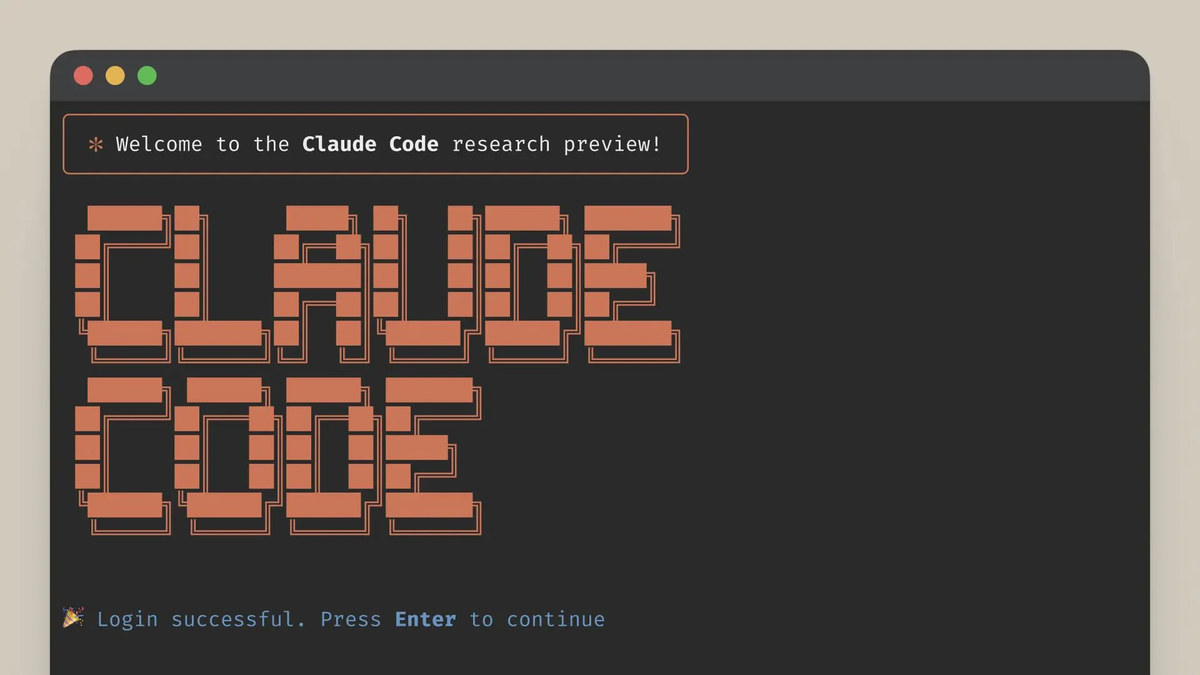
Verdict: If you live in the terminal, this is your tool.
Claude Code (announced by Anthropic in their December 2025 release) is a CLI-first coding agent. According to Anthropic's announcement, it's designed for developers who prefer terminal workflows and want AI that respects command-line conventions. Meta's competing CLI agent is covered under Muse Code. For API-based multi-agent access to another frontier model, see the Kimi K3 API Usage Guide.
Real-world example:
# Instead of describing changes, just show Claude the code
claude "refactor this authentication module to use JWT instead of sessions" \
  --files src/auth/*.js \
  --test
The tool reads your entire project context, makes informed decisions, and can even run tests to verify changes. I used it to migrate a Node.js API from Express to Fastify—it handled dependency updates, route conversions, and middleware migration without hand-holding.
What impressed me: It actually reads your .gitignore and respects your project structure. Sounds basic, but you'd be surprised how many tools don't.
Limitations: No GUI. If you're not comfortable in the terminal, this isn't for you. Also, you'll need to manage your own Anthropic API credits.
Pricing: Free CLI tool + Anthropic API costs (pay-as-you-go)
Best AI-Native IDE: Cursor
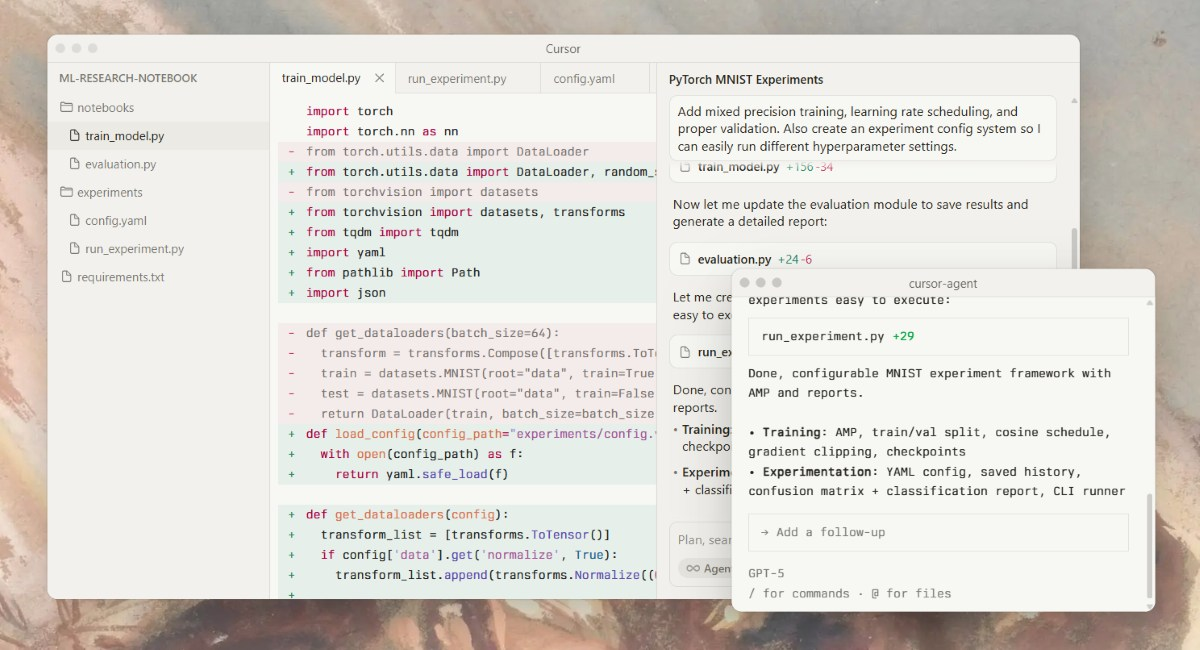
Verdict: The most polished AI-first coding experience, period.
Cursor isn't a plugin—it's a full IDE built around AI from day one. As detailed on their features page, every core feature is designed with AI assistance in mind, from inline editing to multi-file changes.
Standout features:
- Cmd+K: Inline AI editing that feels like pair programming
- Composer: Multi-file changes that understand your entire project
- Chat with context: Ask questions about your codebase and get answers grounded in actual code
I tested Cursor on a React + TypeScript project with 300+ components. When I asked it to "add error boundaries to all route components," it correctly identified 47 components, added proper error handling, and created sensible fallback UIs.
Code example:
// Cursor understood component patterns across the codebase
class ErrorBoundary extends React.Component<Props, State> {
  static getDerivedStateFromError(error: Error) {
    return { hasError: true, error };
  }

  componentDidCatch(error: Error, errorInfo: React.ErrorInfo) {
    logErrorToService(error, errorInfo);
  }

  render() {
    if (this.state.hasError) {
      return <ErrorFallback error={this.state.error} />;
    }
    return this.props.children;
  }
}Limitations: It's still just one AI agent processing one request at a time. Complex multi-step tasks require breaking down work manually.
Pricing: According to Cursor's pricing page, $20/month (Pro), Free tier available
Best Free Option: Codeium
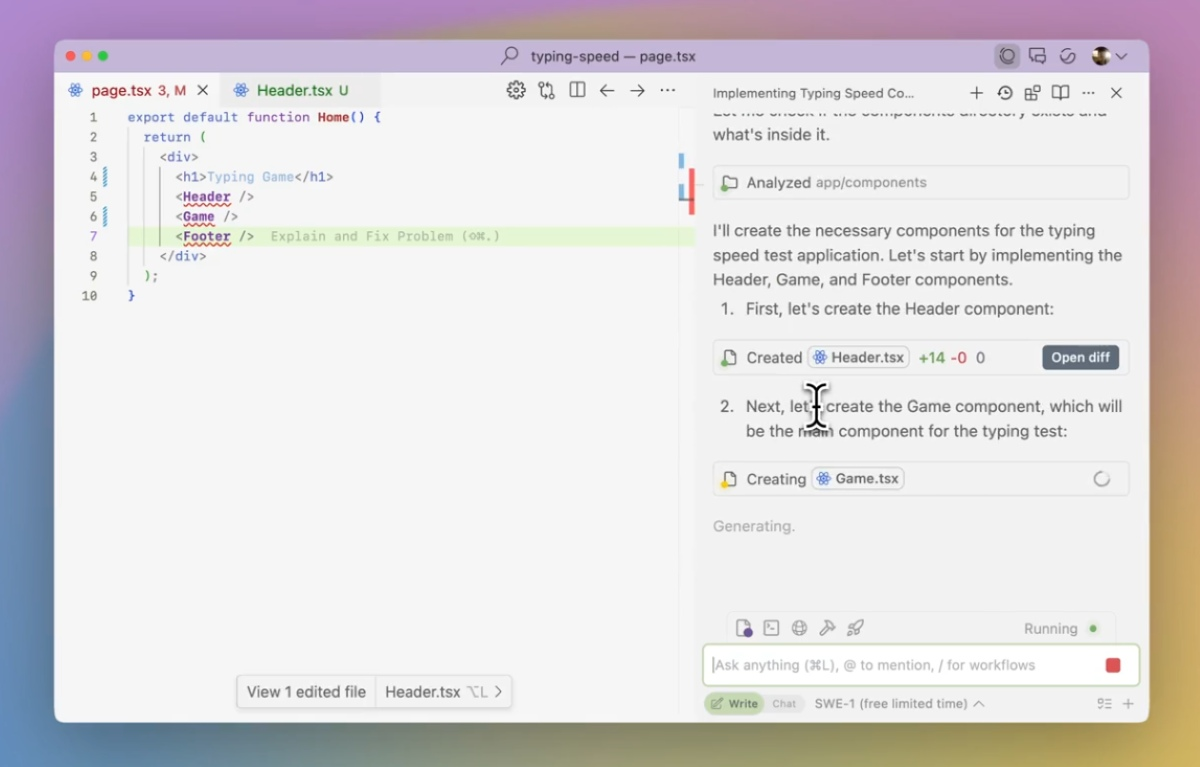
Verdict: Surprisingly good for zero dollars.
I was skeptical. Free AI coding tools are usually terrible. Codeium proved me wrong—it's legitimately useful and costs nothing for individual developers. According to their documentation, the free tier offers unlimited completions across 70+ languages.
What you get for free:
- Unlimited autocomplete (seriously, unlimited)
- AI chat for code explanations
- Support for 70+ programming languages
- Works in 40+ IDEs
The completions aren't as sophisticated as Copilot's, but they're accurate enough for everyday coding. I used Codeium for a week on a Django project and it handled views, models, and serializers without major issues.
Example use case:
# Codeium handled Django patterns well
class UserProfileSerializer(serializers.ModelSerializer):
    # Auto-completed field definitions and meta class correctly
    full_name = serializers.SerializerMethodField()

    class Meta:
        model = UserProfile
        fields = ['id', 'full_name', 'email', 'created_at']

    def get_full_name(self, obj):
return f"{obj.first_name} {obj.last_name}"Limitations: The AI isn't as context-aware as paid tools. For complex refactoring or architectural changes, you'll notice the gap.
Pricing: According to Codeium's pricing, Free (Individual), $12/month (Teams)
Best for Privacy: Tabnine
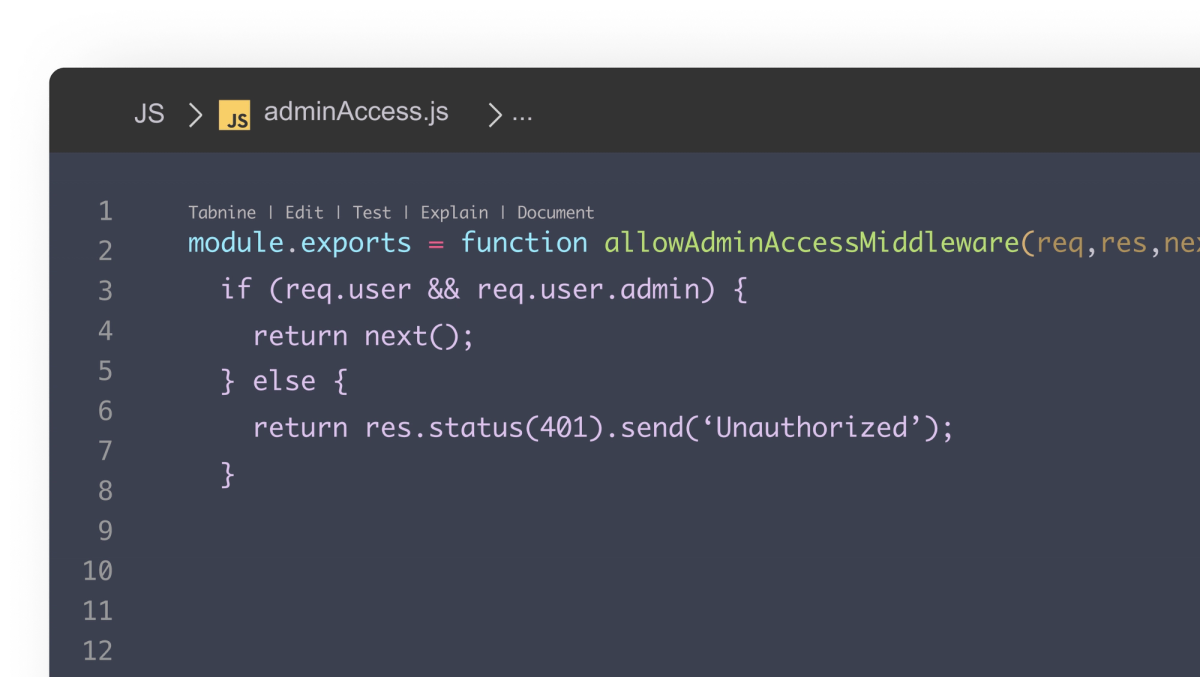
Verdict: Enterprise-grade privacy with local AI models.
If your company has strict data policies, Tabnine is probably your only option. According to their security documentation, it's one of the few tools that offers fully local AI models—your code never leaves your infrastructure.
Privacy features:
- On-premises deployment available
- Local model training on your codebase
- Zero data retention policies
- SOC 2 Type II certified
I tested the self-hosted version for a fintech client with strict compliance requirements. The setup took about 30 minutes, and once configured, it performed comparably to cloud-based tools for standard completions.
Trade-offs: Local models are less powerful than cloud-based GPT-5 or Claude. You'll get good completions but don't expect architectural insights or complex refactoring suggestions.
Pricing: According to Tabnine's pricing page, $12/month (Pro), $39/month (Enterprise)
Best for AWS: Amazon Q Developer
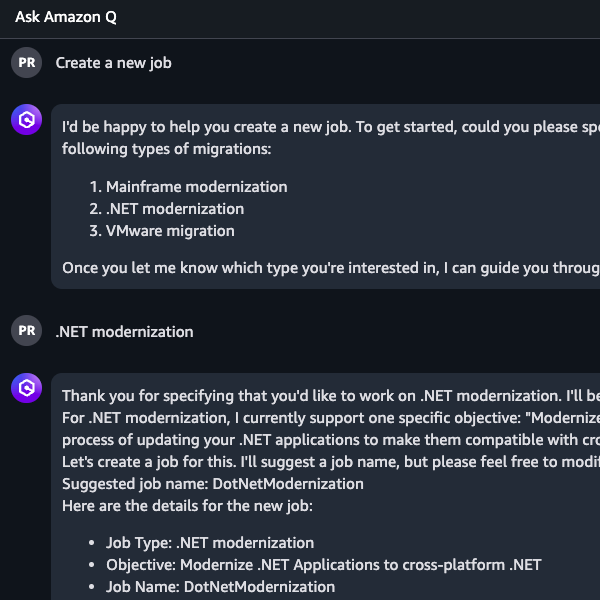
Verdict: If you're building on AWS, this is purpose-built for you.
Amazon Q Developer (formerly CodeWhisperer) is deeply integrated with AWS services. According to AWS's product documentation, it provides code suggestions, security scanning, and AWS-specific optimizations.
AWS-specific strengths:
# Q understands AWS SDK patterns extremely well
import boto3

def process_s3_upload(bucket, key):
    """Q auto-completed this entire function correctly"""
    s3 = boto3.client('s3')

    try:
        response = s3.get_object(Bucket=bucket, Key=key)
        content = response['Body'].read()

        # Process and upload result
        result = transform_data(content)
        s3.put_object(
            Bucket=f"{bucket}-processed",
            Key=f"processed/{key}",
            Body=result
        )
        return {'status': 'success'}
    except Exception as e:
        # Q added proper error handling
        print(f"Error processing {key}: {str(e)}")
        raise
The security scanning feature caught three actual vulnerabilities in my test code—hardcoded credentials, SQL injection risks, and improper error handling.
Limitations: Outside AWS workflows, it's just okay. For general coding, Copilot or Cursor are better choices.
Pricing: According to AWS pricing, $19/month (Professional tier)
Best for Large Codebases: Cody by Sourcegraph
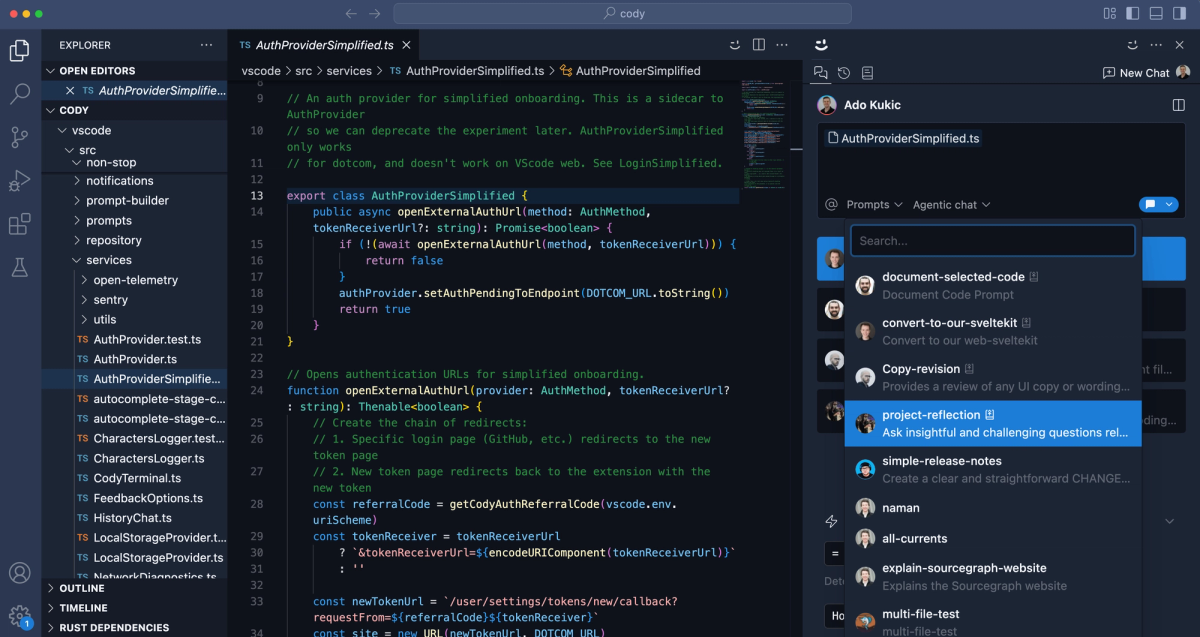
Verdict: Handles massive repositories better than anyone else.
Cody is built by Sourcegraph, the code search company, so it's optimized for understanding huge codebases. According to Sourcegraph's documentation, Cody uses code graph technology to understand how everything in your repository connects.
Large codebase features:
- Smart context retrieval across massive repos
- Code graph understanding (knows how everything connects)
- Works with enterprise code hosts (GitLab, Bitbucket, Gerrit)
Real test: I asked Cody to "find all API endpoints that don't have rate limiting" in a 500K-line Node.js monorepo. It correctly identified 23 endpoints in under 30 seconds.
Limitations: The free tier is limited. For serious use on large projects, you'll need the paid version.
Pricing: According to Cody's pricing page, Free (limited), $9/month (Pro), Enterprise pricing available
Pricing Comparison
| Tool | Free Tier | Paid Tier | Enterprise |
|---|---|---|---|
| GitHub Copilot | ❌ | $10-19/mo | Custom |
| Claude Code | ✅ (API costs) | N/A | N/A |
| Cursor | ✅ Limited | $20/mo | $40/mo |
| Verdent | ✅ 7-day trial | $19-179/mo | Custom |
| Codeium | ✅ Unlimited | $12/mo | Custom |
| Tabnine | ❌ | $12-39/mo | Custom |
| Amazon Q | ❌ | $19/mo | Custom |
| Cody | ✅ Limited | $9/mo | Custom |
How to Choose
Here's my decision framework after testing all these tools:
Choose GitHub Copilot if:
- You want the most reliable, proven tool
- You code across multiple languages and frameworks
- You need enterprise support and compliance
Choose Claude Code if:
- You're comfortable in the terminal
- You want maximum control over AI interactions
- You prefer pay-as-you-go vs subscriptions
Choose Cursor if:
- You want the best AI-native IDE experience
- You're building complex multi-file projects
- You value polish and UX
Choose Codeium if:
- Budget is tight (free tier is generous)
- You need wide IDE support
- Basic completions are enough
Choose Tabnine if:
- Data privacy is non-negotiable
- You need on-premises deployment
- Compliance is critical
Choose Amazon Q if:
- You're building on AWS
- You need AWS-specific suggestions
- Security scanning matters
Choose Cody if:
- You work in massive repositories
- Code search integration is valuable
- You use enterprise code hosts
The AI coding assistant landscape in 2026 offers genuinely useful tools across different use cases and workflows. The right choice depends less on which tool is "best" and more on how you actually work: GitHub Copilot for reliable day-to-day coding, Claude Code for terminal-first workflows, Cursor for the most polished AI-native IDE experience, and specialized options like Tabnine for privacy-critical environments or Amazon Q for AWS-heavy projects.
The real productivity gains come from matching the tool to your specific context—large codebases benefit from Cody's code graph understanding, budget-conscious developers find surprising value in Codeium's free tier, and enterprise teams need the compliance features of paid tiers. While these tools demonstrably accelerate routine tasks by 30-50%, they still require human oversight for code quality, security review, and architectural decisions. The future isn't about AI replacing developers—it's about developers who know how to leverage these tools outpacing those who don't.
FAQ
Q: Do these tools work offline? Most don't. Tabnine offers local models. GitHub Copilot caches some suggestions but needs internet for best results.
Q: Can I use multiple tools together? Technically yes, but it's messy. Pick one as your primary assistant to avoid conflicts and confusion.
Q: How much does AI coding actually speed you up? In my testing, 30-50% for routine tasks (CRUD, boilerplate). 10-20% for complex architecture work. Individual results vary wildly.
Q: Are these tools secure for enterprise use? GitHub Copilot, Tabnine, and Amazon Q have enterprise tiers with proper security compliance. Review data policies carefully—most tools use your code to improve models unless you opt out.
Q: What about code quality? All tools require human review. I caught logic errors, security issues, and poor patterns in every tool's output. AI accelerates coding but doesn't replace critical thinking.
Q: Which tool has the best SWE-bench score? Based on January 2026 SWE-bench Verified leaderboard data, Verdent leads with 76.1%. Cursor and Codeium are estimated in the 35-40% range based on my testing (they don't publish official scores). GitHub Copilot is at 12.3% according to the official leaderboard. These scores measure ability to solve real GitHub issues autonomously.