If you're a developer who's spent the last year watching AI code tools evolve from "interesting experiment" to "actually useful," you're probably in the same boat I am. We've all been there—juggling multiple projects, racing against deadlines, wondering if these AI generators are finally good enough to trust with real work. One newer model-focused option is covered in the Gemma 4 Coding Agent Review.
Here's what I've learned after spending months testing every major tool on actual production tasks: the gap between "describe what you want" and "here's your deployed app" has narrowed dramatically. I'm talking about building full-stack applications in hours, not weeks. But here's the thing nobody tells you upfront—each tool has specific strengths and frustrating limitations that only show up when you're knee-deep in a real project.
So if you're wondering which AI code generator actually delivers in 2026, or whether they can handle more than todo apps, let me save you the trial-and-error I went through.
What Is an AI Code Generator?
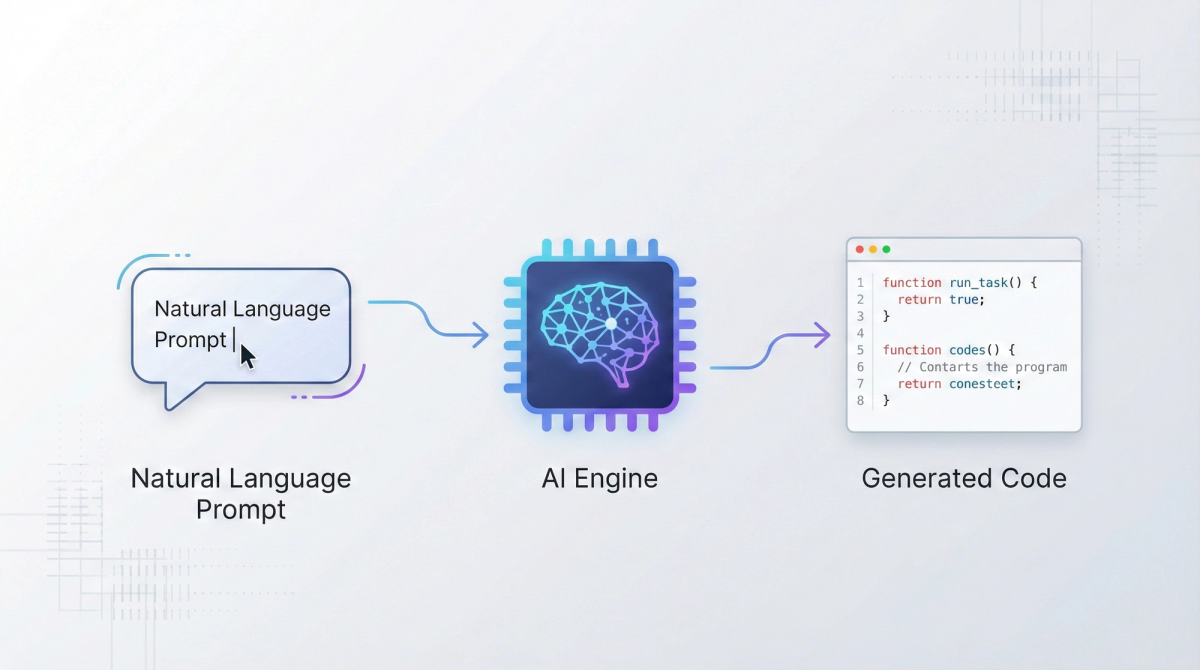
An AI code generator turns natural language descriptions into functional code. Instead of writing every line yourself, you describe the feature you want—"create a pricing table with three tiers and a monthly/annual toggle"—and the tool generates the code, often with live preview. For a macOS-native agent command center that organizes multiple sessions, see Introduction to Supacode.
The best ones in 2026 don't just spit out code snippets. They understand project context, maintain consistency across files, and can iterate based on your feedback. According to Builder.io's 2026 analysis, these tools excel when creating something new rather than plugging into mature codebases. The industry standard for measuring real GitHub-issue solving ability is explained in What is SWE-Bench.
How They Differ from Assistants
Here's where people get confused: code generators build entire applications from scratch, while coding assistants (like GitHub Copilot) suggest completions within your existing code editor.
Think of it this way:
- Assistants = autocomplete on steroids. They help you write faster in your IDE.
- Generators = starting from zero. You describe an app, they create the files, structure, and deployment.
By end of 2025, roughly 85% of developers regularly use AI tools for coding, but generators represent the newer, more autonomous category that handles full-stack creation.
Top AI Code Generators 2026
Bolt.new
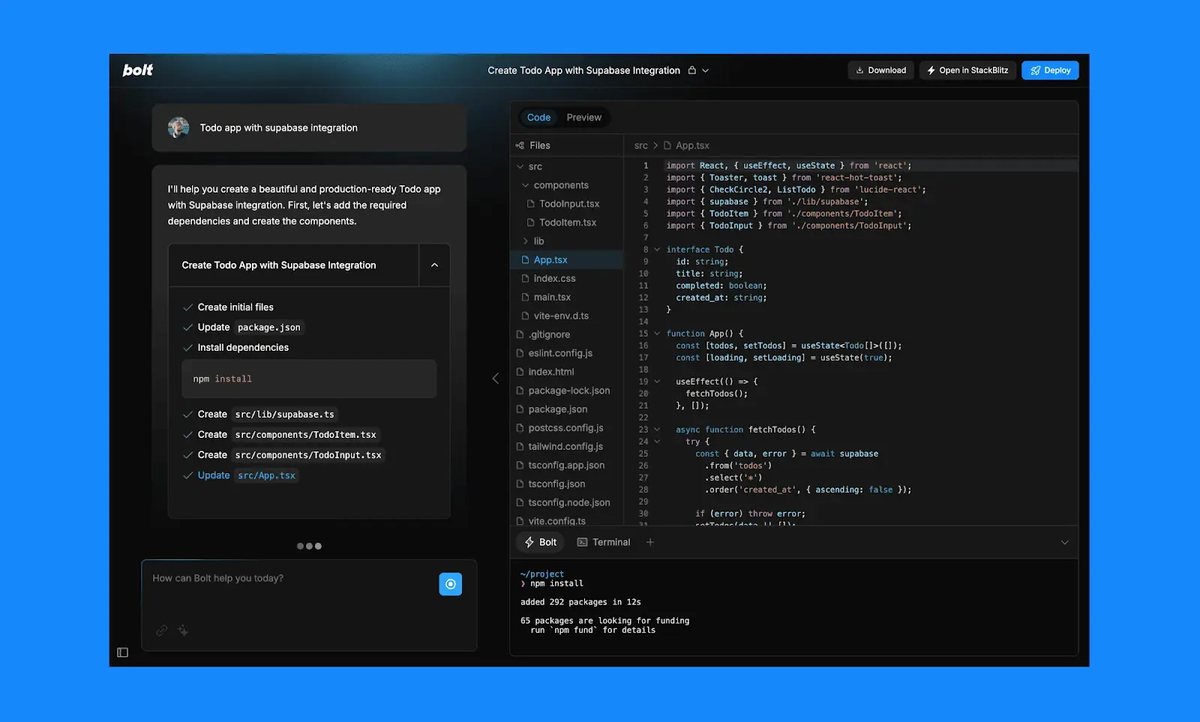
Bolt runs entirely in your browser using StackBlitz's WebContainers technology. You type what you want, and it scaffolds a complete application—frontend, backend, database setup—without any local installation.
Pricing (January 2026):
- Free: 150,000 tokens/day, 1M tokens/month
- Pro: $20/month (10M tokens)
- Team: $40/user/month
Learn more about Bolt's token-based pricing.
Best for: Rapid prototyping and instant deployments when you need to test an idea without local setup.
Example use: I asked Bolt to "create a waitlist landing page with email capture and Airtable integration." Within 3 minutes, it generated a working React app with form validation and API calls. The main friction? Token consumption can be unpredictable, and costs rise quickly on complex projects.
// Bolt's typical output structure
// File: app.tsx
import { useState } from 'react';

export default function WaitlistForm() {
  const [email, setEmail] = useState('');

  const handleSubmit = async (e) => {
    e.preventDefault();
    // Airtable API integration auto-generated
    await fetch('https://api.airtable.com/v0/...', {
      method: 'POST',
      headers: { 'Authorization': `Bearer ${process.env.AIRTABLE_KEY}` },
      body: JSON.stringify({ email })
    });
  };

  return (/* UI code */);
}
v0 by Vercel
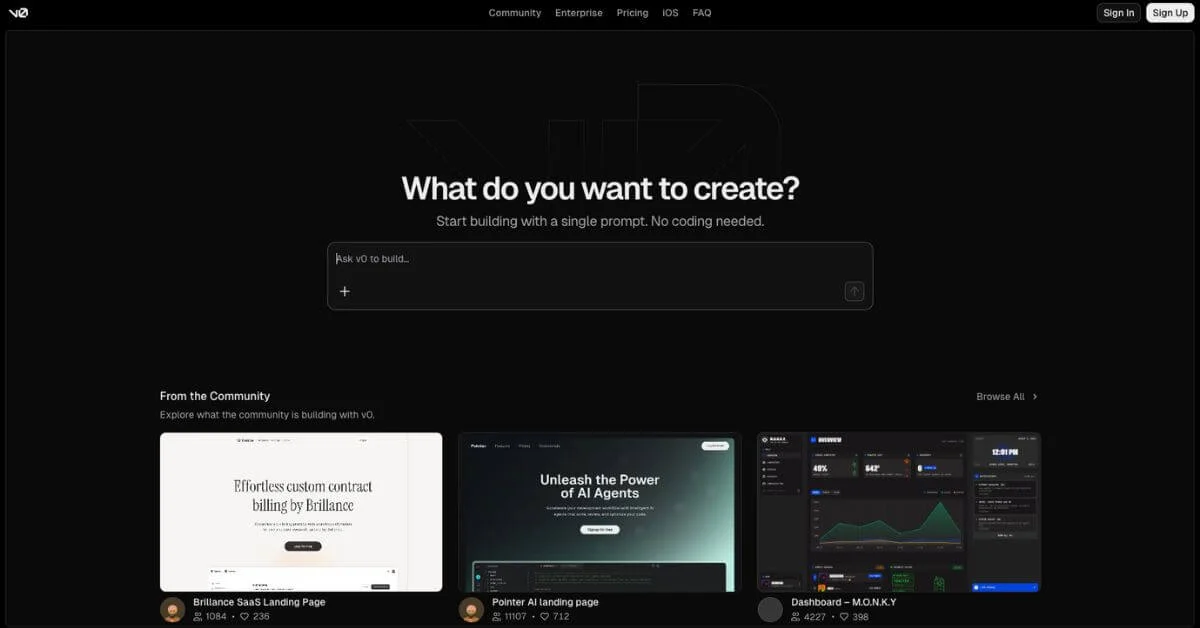
v0 specializes in UI component generation for React + Tailwind stacks. It's laser-focused on the frontend—give it a design idea, and it produces clean, production-ready components.
Pricing (January 2026):
- Free: $5 monthly credits
- Premium: $20/month ($20 credits + API access)
- Team: $30/user/month
- Enterprise: Custom
v0 now uses token-based pricing where input and output tokens convert to credits, making costs more predictable as you scale. In January 2026, AWS databases became available on v0, adding Aurora PostgreSQL, Aurora DSQL, and DynamoDB support.
Best for: Frontend developers who need pixel-perfect React components fast. It integrates tightly with Vercel's deployment pipeline.
Limitation: v0 focuses specifically on Tailwind CSS and React, so it's not ideal if you're working with Vue, Angular, or other frameworks.
Replit Agent
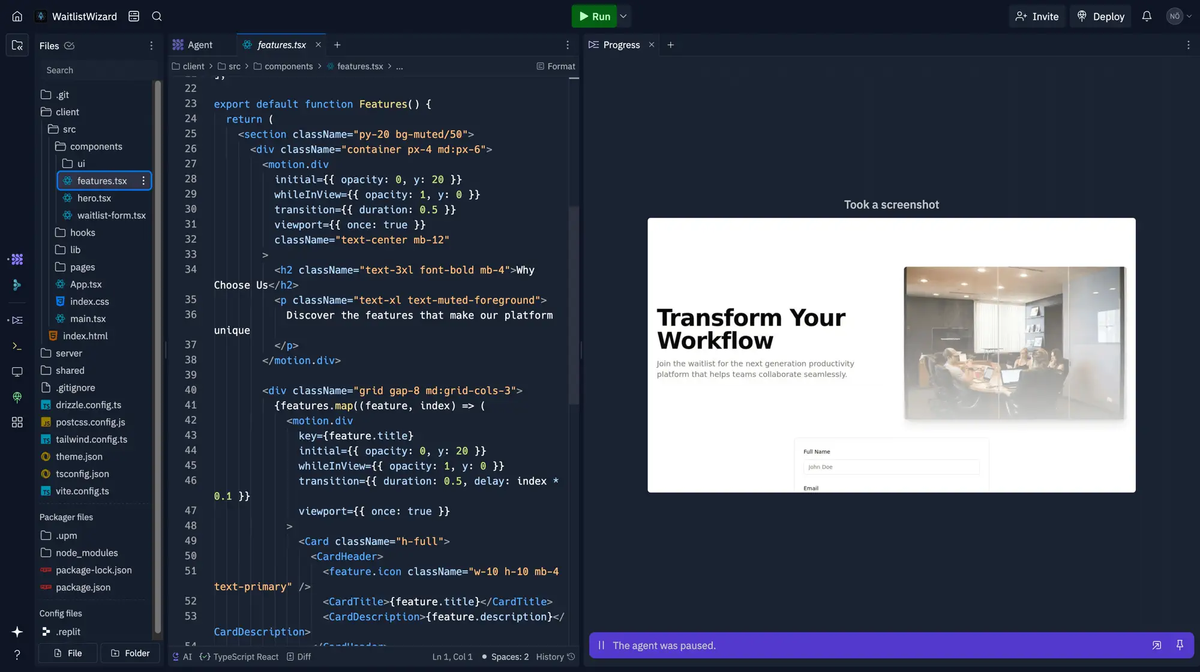
Replit Agent builds full-stack applications and deploys them automatically. It handles frontend, backend, database setup, authentication—everything in one browser workspace.
Pricing (January 2026):
- Free: Limited Agent trials
- Core: $25/month ($25 usage credits + full Agent access)
- Teams: $40/user/month ($40 credits per seat)
- Enterprise: Custom
Replit introduced effort-based pricing where simple requests cost less than $0.25, while complex tasks are bundled into one checkpoint that reflects total effort.
Best for: Solo developers or teams who want to go from idea to deployed app without touching local environments. Perfect for MVPs.
Real test: I used Replit Agent to build a Kanban board with drag-and-drop, user auth, and PostgreSQL storage. It took about 20 minutes of back-and-forth prompts. Agent 3 can now work autonomously for 200 minutes and tests itself in a reflection loop, catching bugs I would have missed.
Manus
Manus is different—it's an autonomous AI agent that handles research, planning, coding, and deployment as a single workflow. Manus is described as one of the world's first autonomous agents capable of independent thinking, dynamic planning, and decision-making.
Pricing (January 2026):
- $20/month for 4,000 credits
- Free trial available
Best for: Complex, multi-step projects where you need the AI to gather information, make architectural decisions, and execute—not just generate code snippets.
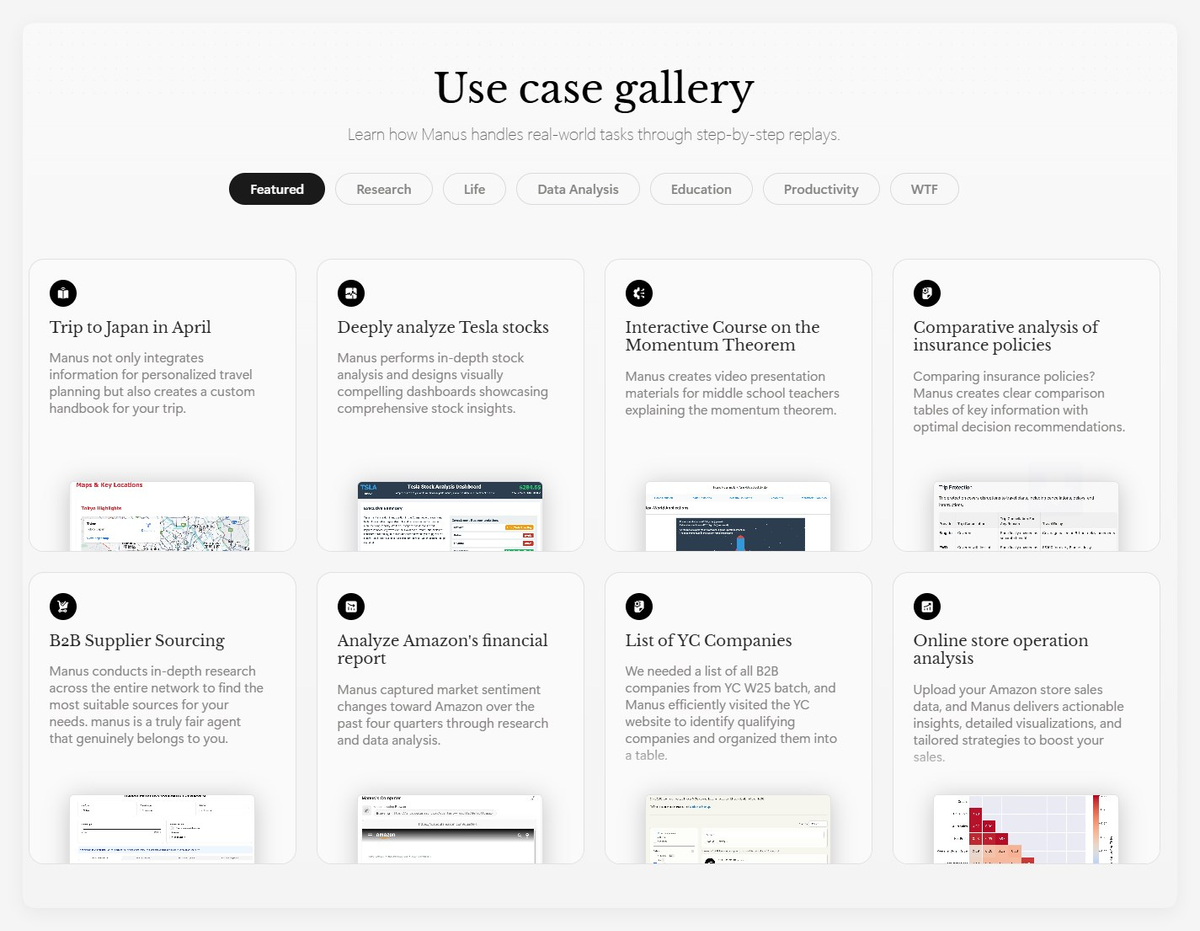
What sets it apart: Manus can execute complex, multi-step tasks by researching, planning, and building entire projects from a single prompt. It's less about "write me a component" and more "build and deploy a complete invoicing system."
Claude Artifacts
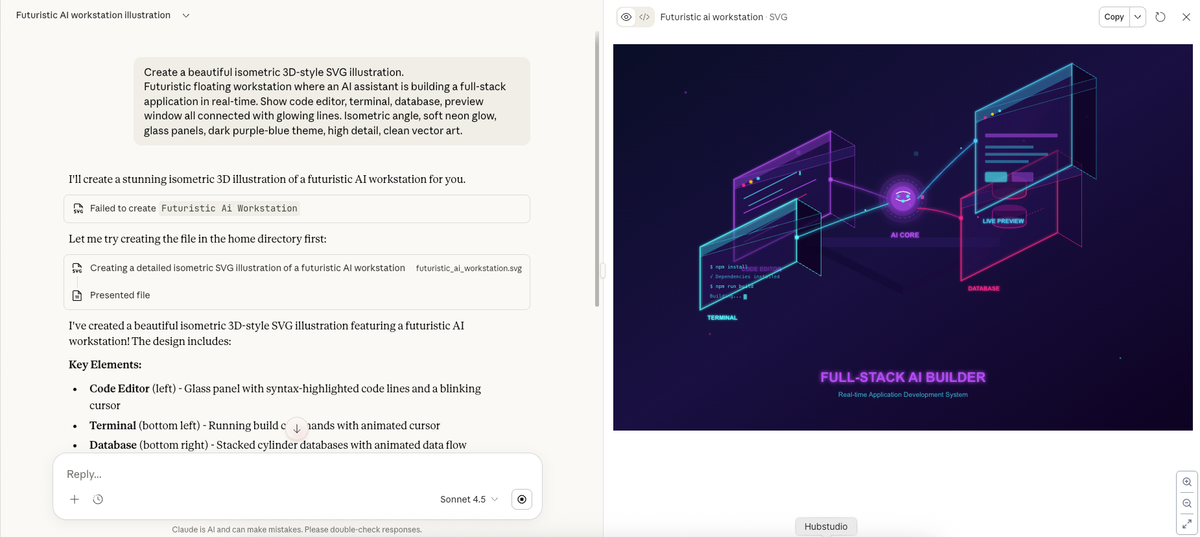
Claude Artifacts creates interactive applications directly in the chat interface. When you ask Claude to build something substantial, it appears in a dedicated window where you can see live previews and iterate immediately.
Pricing (January 2026):
- Free, Pro, Max, Team, and Enterprise plans all include Artifacts
- AI-powered artifacts with Claude API integration are available on all plans with no API keys required
Best for: Quick prototypes, interactive demos, and learning tools. Great for creating mini-apps without leaving the conversation.
Example: I asked Claude to create a mortgage calculator with amortization schedule. It generated a React component with all calculations, displayed it live, and let me modify the interest rate formula just by asking. Artifacts excel at generating everything from product prototypes to tailored AI assistants and small business solutions.
Comparison Table
| Tool | Best Use Case | Starting Price | Stack Focus | Deployment |
|---|---|---|---|---|
| Bolt.new | Browser-based rapid prototyping | $20/mo (10M tokens) | Full-stack JavaScript | One-click |
| v0 by Vercel | Frontend components, design-to-code | $20/mo ($20 credits) | React + Tailwind | Vercel integration |
| Replit Agent | Full-stack MVPs with hosting | $25/mo | Any language/framework | Built-in |
| Manus | Autonomous complex workflows | $20/mo (4,000 credits) | Multi-tool orchestration | Automated |
| Claude Artifacts | Interactive prototypes in chat | Free (all plans) | React, HTML, SVG | Share link |
Data current as of January 2026
Best for Different Use Cases
Web Apps
For frontend-heavy web apps with modern UI: v0 by Vercel wins. Lovable also focuses on production-ready code for React, Tailwind, and Vite stacks, but v0's Vercel integration is tighter.
If you need full-stack capability: Replit Agent or Bolt.new. Bolt is faster for quick iterations, while Replit provides a more complete development environment.
Backend APIs
None of these are primarily API builders, but Replit Agent handles backend logic and database setup competently. For pure API work, you're better off with specialized tools or traditional development.
Full-Stack
Replit Agent for all-in-one convenience. Bolt.new for speed. Manus if the project involves research or complex decision trees beyond pure code generation.
Limitations to Know
Let's be real about the gaps:
- Context loss: Bolt and similar tools suffer from context loss after 15-20 iterations, frequently introducing bugs when modifying existing features. You can't just keep prompting forever—at some point, the AI forgets what it built earlier.
- Production readiness: No current vibe coding platform delivers truly production-ready applications without manual refinement or developer involvement. You'll need to review generated code, especially for security, performance, and edge cases.
- Unpredictable costs: Token-based pricing sounds fair until you realize a single complex task can burn through credits fast. Costs for Agent usage, storage, and bandwidth can pile up quickly if you rely heavily on these platforms.
- Debugging challenges: When AI-generated code breaks, it can be incredibly exhausting trying to get these models to operate correctly, even with extensive context. The codebase can become messy with duplicated files and unnecessary code.
- Stack limitations: Most generators are opinionated about tech stack. v0 only does React + Tailwind. If you need Vue or Angular, you're out of luck.
How to Choose
Start with your comfort level:
- Non-technical or learning to code? → Replit Agent or Bolt.new
- Experienced developer wanting to speed up repetitive tasks? → v0 or Claude Artifacts
- Need end-to-end automation for complex projects? → Manus
Consider your project scope:
- Simple landing page or component? → v0
- Full app with database and auth? → Replit Agent
- Prototype to test an idea quickly? → Bolt.new or Claude Artifacts
- Complex multi-phase project? → Manus
Budget check: All paid tools hover around $20-40/month base, but actual cost depends on usage. Test with free trials first.
Workflow integration: Already on Vercel? v0 is the obvious pick. Want everything in the browser? Bolt.new or Replit. Prefer working alongside Claude for other tasks? Claude Artifacts.
AI code generators in 2026 have matured into genuinely useful tools for rapid prototyping and greenfield projects, but they're not magic bullets. The best approach is matching the tool to your specific need: v0 for UI components, Replit Agent for full-stack MVPs, Bolt.new for browser-based speed, Manus for complex autonomous tasks, and Claude Artifacts for quick prototypes. These tools excel at compressing the idea-to-working-code timeline from days to hours, but they still require developer oversight for production readiness, security review, and edge case handling. The future isn't about replacing developers—it's about augmenting their capabilities to ship faster and iterate more freely.
FAQ
Q: Can these tools replace developers?
Not yet. They accelerate the "idea to working code" phase dramatically, but you still need someone who can debug, optimize, and handle edge cases.
Q: Which is best for beginners?
Replit Agent or Bolt.new. Both provide visual feedback, handle deployment, and don't assume you know how to set up a development environment.
Q: Do these work with existing codebases?
No—that's the key difference from coding assistants. These tools are built for starting fresh, not plugging into mature codebases.
Q: How do I prevent runaway costs?
Set token/credit budgets per project. Start with the smallest viable prompt and iterate. Export checkpoints frequently so you can restart without re-generating everything.
Q: Are the outputs actually production-ready?
For simple apps and MVPs, yes—with review. For complex applications with security requirements or performance concerns, treat the output as a strong starting point that needs engineering review.