
You hit the limit mid-refactor. The AI completions stop. Agent mode goes quiet. The editor still works — it's a full VS Code fork — but the AI features that made you install Cursor in the first place are gone until next month. That's the Cursor free plan experience, and it's the moment every developer decides whether to pay, wait it out, or search for a reset workaround. A detailed breakdown of the caps is in Cursor Usage Limits Explained.
Before you do any of those, it helps to understand what you're actually getting for free, what the Pro trial adds temporarily, and why the reset path is a worse idea than it looks.
Cursor Free Trial vs Free Plan
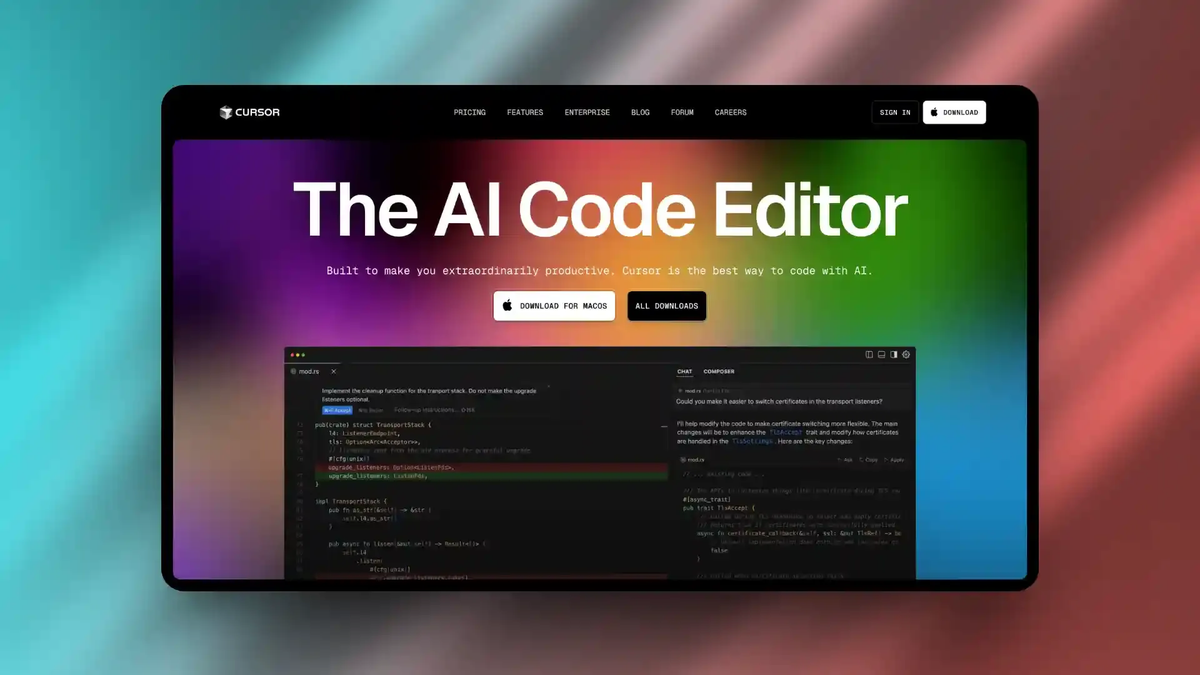
These are two different things, and confusing them causes most of the frustration in "cursor free trial" searches.
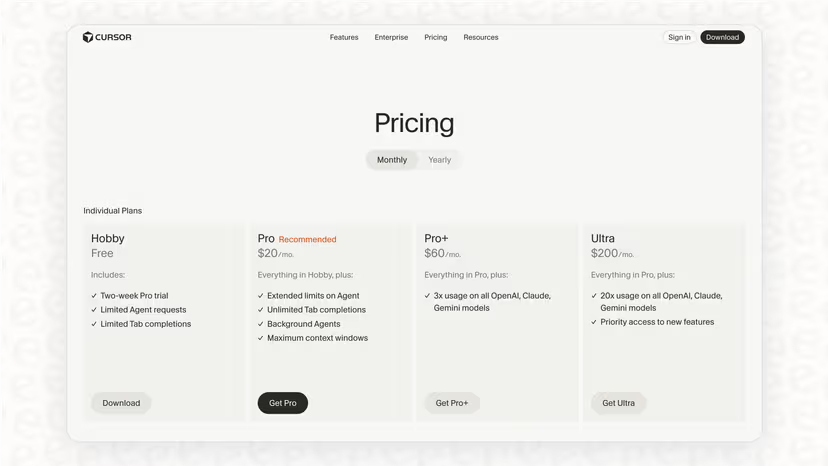
The Hobby plan (free forever) is Cursor's permanent free tier. No credit card required. No time limit. You get a full VS Code-based IDE with limited AI features. This is what you're on if you signed up and never entered payment information. Developers weighing another free-tier agentic IDE should also read the Windsurf vs. Cursor Comparison.
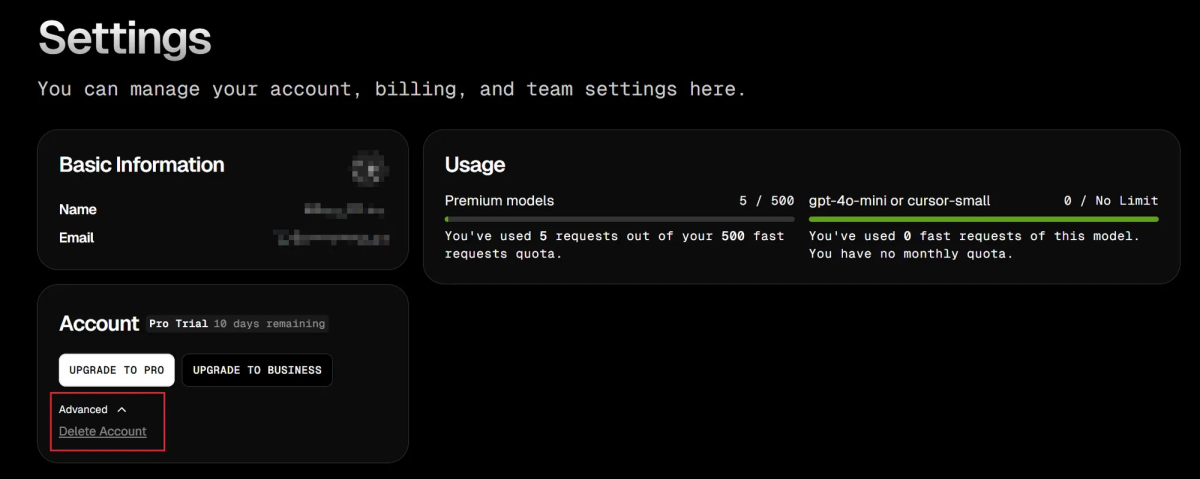
The Pro trial is a separate, time-limited evaluation of the full Pro plan. Cursor offers a trial period (typically around two weeks) where you get the complete Pro experience — unlimited Tab completions, full Agent mode access, and the credit pool for premium models. When the trial ends, you drop back to the Hobby plan unless you subscribe.
The distinction matters because the Hobby plan doesn't expire. You can use it indefinitely. The Pro trial does expire, and when it does, the sudden capability drop is what sends people searching for "cursor trial reset."
What You Get for Free
Requests and model access
The Cursor Hobby plan includes:
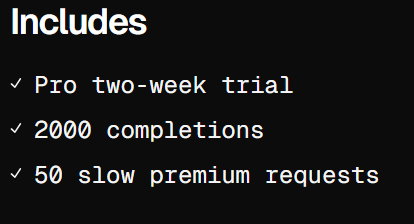
- Limited Tab completions — Cursor's inline autocomplete, powered by a fast built-in model. Community reports consistently cite approximately 2,000 completions per month, though the official pricing page describes the limit as "limited" without publishing a specific number. During active coding you might accept 50–100 completions per hour, which means the free allocation can run out in a few concentrated days of work.
- Limited Agent and Chat requests — access to premium models (Claude, GPT, Gemini) for chat, multi-file editing, and Agent mode, but with tight monthly caps. Community sources report approximately 50 slow premium requests per month on the free tier.
- Full editor access — the VS Code-based IDE itself has no restrictions. Extensions, themes, keybindings, Git integration, terminal, and all standard IDE features work normally on every plan. The AI features are limited; the editor is not.
- No credit card required — you can sign up and start coding immediately.
Free plan limits
The limits are real and they hit during actual work, not just heavy experimentation. Here's what that means in practice:
Tab completions exhaust mid-week for active developers. If you're coding several hours a day and accepting most suggestions, the monthly allocation runs out well before the month does. When it's gone, inline autocomplete stops. The editor continues working — you just lose the AI suggestions. For a terminal-first alternative with different limits, see Claude Code vs. Cursor.
Premium model requests are scarce. The reported ~50 slow requests per month means you get roughly 2 per working day. "Slow" means longer response times compared to Pro plan speeds. For casual chat questions, this is usable. For multi-file Agent mode sessions that involve many sequential model calls, you'll exhaust the allocation in one or two sessions.
Auto mode is not available on the free tier. Auto mode — which uses Cursor's smart router to pick cost-efficient models and runs without touching your credit pool — is a Pro feature. Free users don't get the cost optimization that makes Pro effectively unlimited for routine work.
What Happens After the Trial
When the Pro trial ends:
- Your account reverts to the Hobby plan automatically
- Unlimited Tab completions drop back to the monthly cap
- The credit pool disappears — premium model requests revert to the slow, limited free allocation
- Agent mode access returns to the restricted free tier
- Any workflows you built around Pro-level access stop working at full speed
No surprise charges. If you didn't enter payment information during the trial, nothing is billed. The transition is a capability downgrade, not a billing event.
If you entered payment information during the trial, check Settings → Billing to confirm whether auto-renewal is enabled. Cancel before the trial ends if you don't want to continue at $20/month. Cancellation takes effect at the end of the current cycle.
Trial Reset and Abuse Warning
Why reset workarounds are risky
The most common "cursor trial reset" searches point to creating new accounts with different email addresses to get repeated Pro trials. This works mechanically — a new email gets a new trial — but Cursor actively detects and penalizes this behavior.
From community documentation and user reports:
- Cursor retroactively pulls access from accounts that used fraudulent verification methods (edited screenshots, fake institutional emails, scripted submissions, bulk account creation)
- SheerID (the verification provider for student discounts) flags bulk submissions from the same region and IP range
- Machine fingerprinting can link multiple accounts created from the same device, even with different emails
- Terms of service violation — creating multiple accounts to circumvent usage limits is explicitly against Cursor's ToS. Account termination is the stated consequence
The practical risk isn't just losing the trial — it's losing access entirely, including any legitimate work, settings, and project history tied to the account.
Better ways to control cost
If the free plan isn't enough but $20/month feels steep, the sustainable options are:
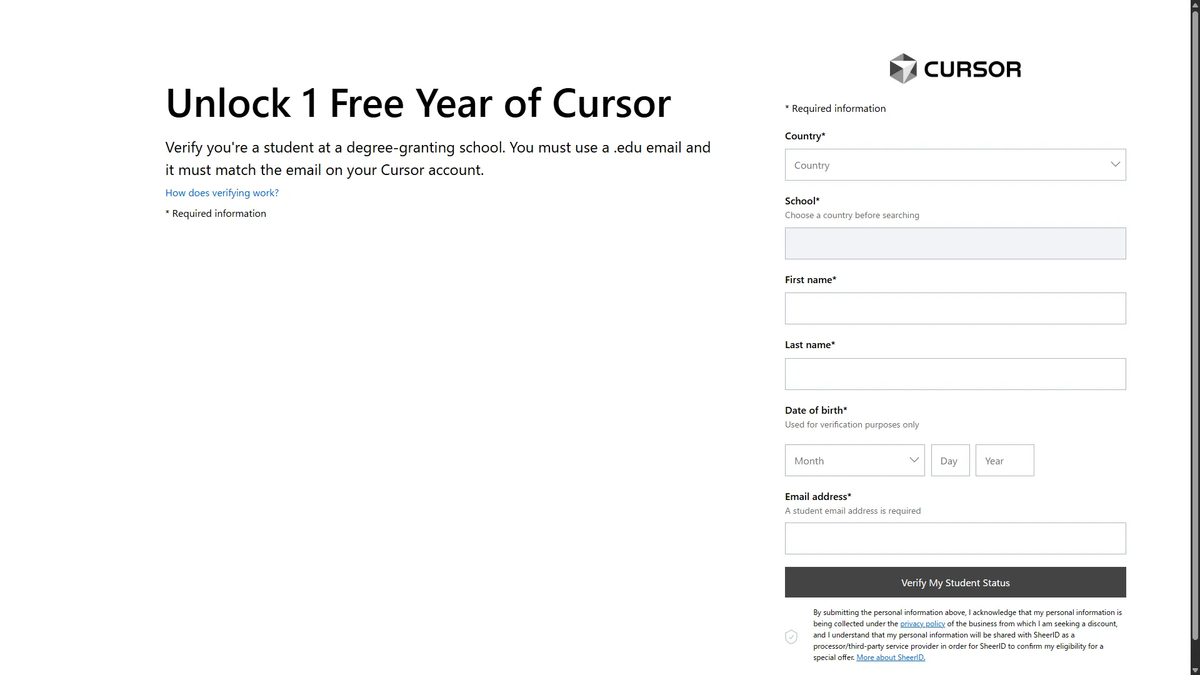
Student discount: If you're a university student, the Cursor student plan gives you a full year of Pro for free ($240 value). Verified through SheerID with a .edu email or student documentation.
Annual billing: Paying annually instead of monthly saves 20% on all paid plans. Pro drops from $240/year to approximately $192/year — $16/month effective.
Use the free tier strategically: Reserve your limited premium requests for Agent mode sessions where AI assistance has the highest leverage. Use the editor's non-AI features for routine work. Pair with free tiers of other tools (Claude Free, ChatGPT Free) for chat-based coding questions that don't need Cursor's IDE integration.
Bring your own API key: Cursor supports using your own OpenAI or Anthropic API key. You pay the provider directly at their API rates, bypassing Cursor's credit system. This makes sense if you already have API credits or if your usage pattern is bursty — some weeks heavy, some weeks light — and a flat subscription overcharges for your actual consumption.
When Free Cursor Stops Being Enough
The free plan is designed for evaluation, not for daily professional use. It works well for:
- Trying Cursor before switching from VS Code or another editor
- Light coding where AI assistance is a nice-to-have, not a core workflow
- Students learning to code who don't need AI on every keystroke
It stops being enough when:
- You're coding more than 30 minutes a day with AI assistance and hitting limits regularly
- Agent mode is central to your workflow and the free allocation runs out in one session
- You need Auto mode's cost-efficient routing to keep premium model access sustainable
- Your projects involve multi-file refactors where Agent mode's sequential model calls consume the allocation quickly
For workflows that outgrow not just the free plan but the single-IDE model entirely — parallel agents across multiple codebases, multi-model routing, Git worktree isolation — that's a different product category. Tools like Verdent address the multi-agent orchestration layer that Cursor, as an IDE, doesn't cover. But for most developers, the decision is simpler: the free plan is for evaluation, Pro is for daily work, and the student discount eliminates the cost question for a year if you qualify. A broader ranking of paid and free options is in Top AI Coding Assistant Recommendations.
FAQ
Does Cursor still have a free trial?
Yes — two forms. The Hobby plan is free forever with no credit card, providing limited Tab completions and limited premium model requests per month. The Pro trial is a separate time-limited evaluation of the full Pro plan with unlimited completions and the full credit pool. Both are active as of May 2026. Check the official pricing page for current trial availability and duration.
What are Cursor free plan limits?
The Hobby plan includes limited Tab completions (community-reported at approximately 2,000/month) and limited slow premium model requests (community-reported at approximately 50/month). The full IDE works without restrictions — only the AI features are capped. Auto mode is not available on the free tier. When limits are exhausted, AI features stop until the monthly reset; the editor continues functioning normally.
Can I reset my Cursor trial?
Creating a new account with a different email technically starts a new trial, but Cursor actively detects multi-account abuse through machine fingerprinting, IP tracking, and SheerID anti-fraud systems. Accounts identified as circumventing trial limits are subject to termination — including loss of all settings, project history, and access. The risk isn't worth the few extra weeks of free Pro. If cost is the barrier, the student discount (1 year free) or annual billing (20% off) are the sustainable paths.
How can I use Cursor for free without breaking rules?
Three legitimate paths: (1) Stay on the Hobby plan permanently — it's free forever with real, if limited, AI capabilities. (2) Apply for the student discount if you're a university student — one year of full Pro at no cost. (3) Bring your own API key from OpenAI or Anthropic — you pay the provider directly at API rates, which can be cheaper than a subscription if your usage is light or bursty. All three are within Cursor's terms of service and don't risk account termination.
Related Reading
