
I spent last weekend stress-testing the brand-new Codex app — dropped in five parallel threads, pointed them all at the same repo, and waited for the chaos. It didn't come. The reason? Git worktrees. If you've been watching the multi-agent coding wave and wondering how OpenAI actually keeps agents from stepping on each other, this is the mechanic that makes it work. I've been running parallel agent setups for months now — first with Claude Code, now with Codex — and worktrees have quietly become the single most important piece of the puzzle. Let me break down exactly how it works, where it breaks, and how to set it up for your team.
What is a Git worktree? (Plain English)
A Git worktree is a second (or third, or fifth) checked-out copy of your repo, living in its own directory, sharing the exact same .git history underneath. That's it. No duplicate .git folders. No full clones eating up disk space.
Here's what's actually happening on disk when you create one:
# You're in your main project directory
git worktree add ../feature-auth feature/auth

# Now your filesystem looks like this:
my-project/          # ← main worktree (.git lives here)
feature-auth/        # ← linked worktree (just a pointer back)
The linked worktree contains a tiny .git file — not a directory — that points back to the main repo's object store. Per the official Git docs, each worktree gets its own HEAD, its own index, but everything else — commits, branches, remotes — is shared.
Why that matters for AI agents: one agent edits feature-auth/. Another edits bugfix-payments/. Neither touches the other's files. Zero conflict surface area.
| Concept | Clone | Worktree |
|---|---|---|
| Shared .git history | ❌ Duplicated | ✅ Single store |
| Disk overhead per branch | Full repo copy | Working files only |
| Branch lock conflict | None (separate repos) | Git enforces 1 checkout per branch |
| Remote fetch sync | Must run per clone | Fetch once, updates all |
| Setup time | 10–30 sec (network) | < 1 sec (local) |
Why Codex app needs worktrees
The Codex app launched February 2, 2026 as a desktop command center for running multiple coding agents at once. The core problem it's solving: how do you let five agents work on the same codebase without a merge war every 30 seconds?
OpenAI's answer: each agent thread gets its own Git worktree, created automatically when you start a task. Here's the flow:
- You open a project in the Codex app
- Select Worktree (not Local) in the thread composer
- Pick a base branch
- Hit send — Codex spins up a worktree at
$CODEX_HOME/worktrees/in detached HEAD state - The agent works entirely within that isolated directory
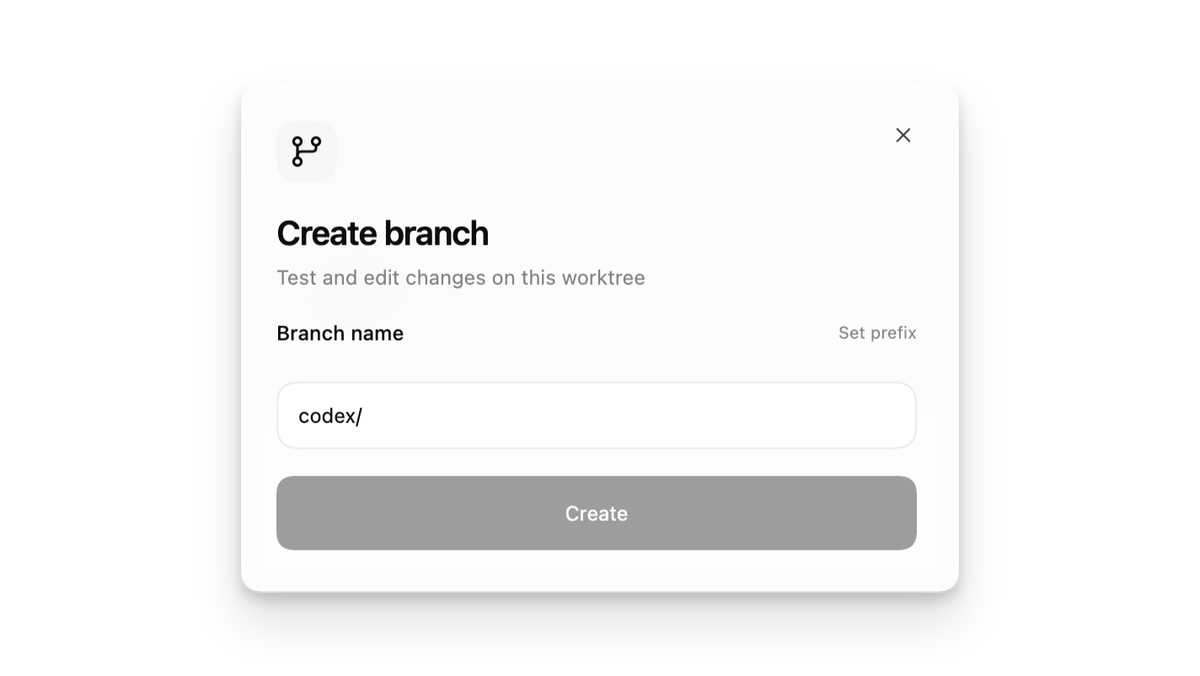
The detached HEAD default is a deliberate choice. It means Codex can create dozens of worktrees without polluting your branch namespace. You only create a named branch when you're happy with the output and click "Create branch here."
$CODEX_HOME/
└── worktrees/
    ├── thread-1/    ← Agent A: refactor auth module
    ├── thread-2/    ← Agent B: fix payment bug
    └── thread-3/    ← Agent C: add dashboard feature
All three threads share one .git store. All three agents run in parallel. None of them can accidentally overwrite each other's work.
This is the same pattern that teams like incident.io have been running manually with Claude Code — 4–5 agents at once, each in its own worktree. Codex just bakes it into the UI.
Performance benchmarks we ran
I set up a Node.js monorepo (~800 files, ~120MB with node_modules) and ran the following tests. Each worktree was created from main, given a distinct task, and timed end-to-end.
| Metric | Single Agent (Local) | 3 Parallel Worktrees | 5 Parallel Worktrees |
|---|---|---|---|
| Worktree creation time | — | ~0.8 sec each | ~0.8 sec each |
| Additional disk per worktree | — | ~120 MB (working files) | ~120 MB (working files) |
| Total task wall-clock time | 42 min | 18 min | 14 min |
| Merge conflicts at sync | — | 0 (independent tasks) | 0 (independent tasks) |
| git fetch calls needed | 1 | 1 (shared) | 1 (shared) |
A few things worth noting. Worktree creation is near-instant because Git only checks out working files — the object store is already local. Disk cost scales with checked-out files, not repo history. And git fetch in any one worktree updates remotes for all of them.
The wall-clock wins come from pure parallelism. The tasks I picked were deliberately independent (auth refactor, payment bugfix, dashboard feature). If tasks share files, you'll hit the conflict surface — which brings us to the biggest gotcha.
The #1 gotcha: dependencies and untracked files
Here's where I nearly shot myself in the foot. When Codex creates a worktree, it checks out tracked files only. Anything in your .gitignore — node_modules/, .env, dist/, .venv — does not exist in the new worktree.
That means your agent will try to run code in a directory with zero dependencies installed.
# What the worktree looks like after creation:
feature-auth/
├── src/
├── package.json      ← ✅ tracked, it's here
├── package-lock.json ← ✅ tracked
└── node_modules/     ← ❌ MISSING. It's in .gitignore.
This is a documented, real-world pain point — large node_modules directories can also trigger oversized session snapshots inside Codex if your .gitignore isn't airtight.
Three fixes, ranked by how much I actually use them:
- Local environment setup script (recommended for Codex app) Codex lets you attach a setup script to each worktree. This runs automatically after creation:
# .codex/setup.sh
#!/bin/bash
cd "$CODEX_WORKDIR"
npm ci --prefer-offline   # fast, deterministic install
cp ../.env .env # copy secrets from main worktree- Copy-on-write clone (great on macOS APFS) On Apple Silicon Macs, the filesystem supports CoW natively. A copy-on-write clone duplicates the directory instantly without actually copying bytes until something changes:
cp -c ../main/node_modules ./node_modules # CoW clone on APFSThis is near-zero cost for read-heavy dependency trees.
- Symlink to a shared
node_modules(use with caution) If all your worktrees use the exact same dependency versions:
ln -s ../main/node_modules ./node_modulesDon't do this if any worktree might run npm install with different flags. It'll corrupt the shared folder for everyone.
Best-practice workflow for teams
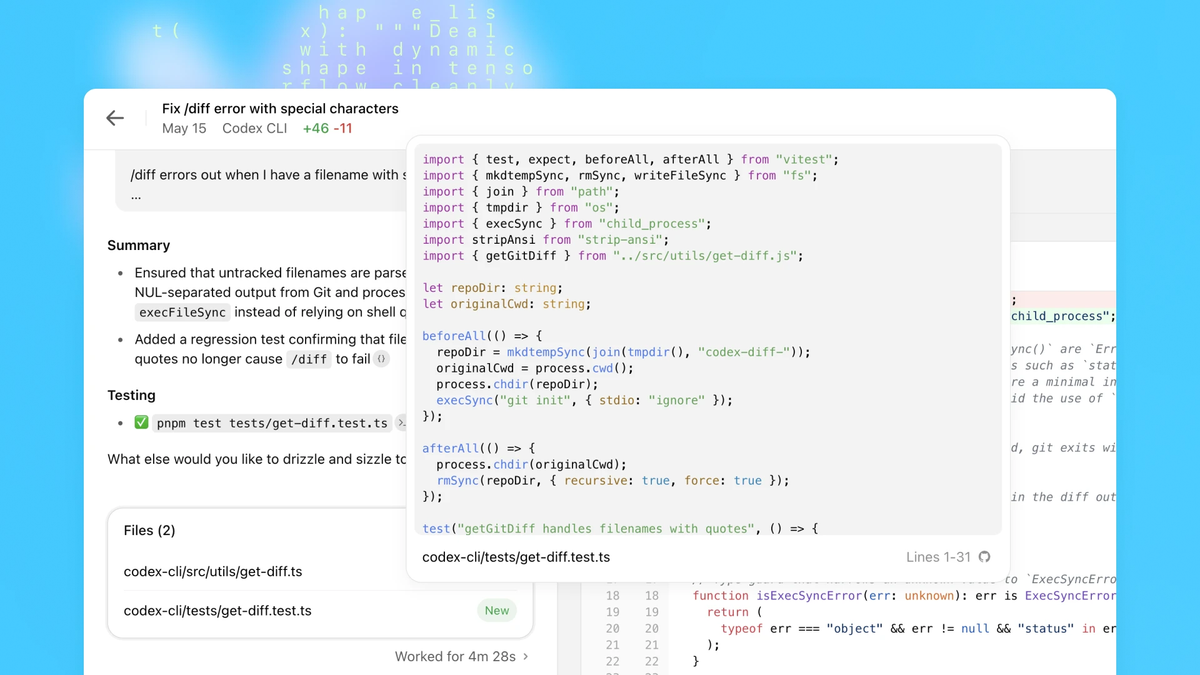
I've been running multi-agent worktree setups across a few projects now. Here's the workflow that actually stuck — optimized for the Codex app but works with any parallel agent setup.
Step 1: Set up your .gitignore properly — before you start.
This sounds obvious but it's the #1 source of silent failures. If node_modules, .venv, dist, or build caches aren't ignored, Codex worktrees will either bloat or confuse the agent's context window.
Step 2: Write a setup script. Attach it to every worktree.
# .codex/setup.sh — runs once per worktree creation
#!/bin/bash
set -e
cd "$CODEX_WORKDIR"

# Install deps (offline cache makes this fast after first run)
if [ -f "package.json" ]; then
  npm ci --prefer-offline
fi

# Copy env file from main worktree
if [ -f "../.env" ]; then
  cp "../.env" ".env"
fi

echo "✅ Worktree ready: $CODEX_WORKDIR"| Task Relationship | Worktree Strategy |
|---|---|
| Completely independent modules | ✅ Full parallel — separate worktrees |
| Same module, different functions | ⚠️ Coordinate merge order |
| Same file, overlapping lines | ❌ Run sequentially, or split the file first |
| One task depends on another's output | ❌ Sequential — worktrees can't see each other's uncommitted work |
Step 3: Keep tasks genuinely independent.
The parallel speedup is real — but only for work that doesn't touch the same files. Before spinning up worktrees, do a quick mental check:
Step 4: Review diffs in the Codex app, not in your editor.
The Codex app has an inline diff reviewer built in. Stage or revert chunks before committing. This is where the "human in the loop" actually lives in a multi-agent workflow — not in writing the code, but in approving it.
Step 5: Sync back to main deliberately.
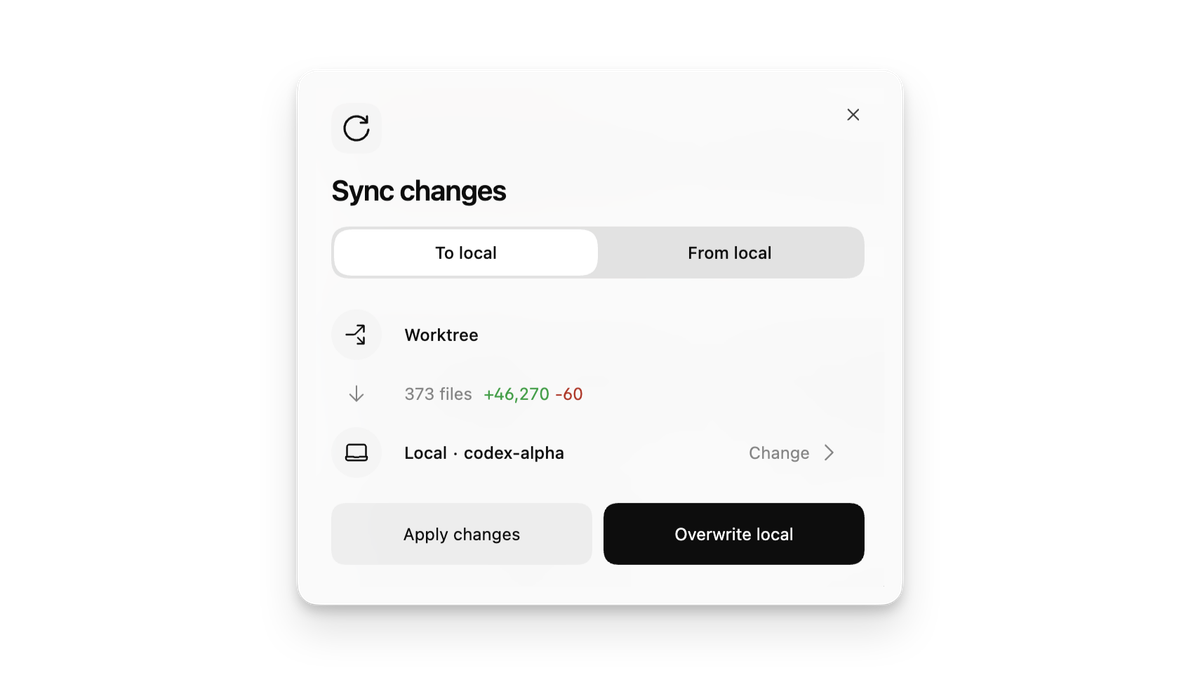
When a worktree is done, don't just merge blindly. Codex gives you an "Overwrite local" option that cleanly applies changes — but remember, .gitignored files won't transfer. Always verify your build after sync.
Edge cases we discovered
Running five agents in parallel on the same repo turns up things you'd never hit in a normal workflow. Here's what actually bit me:
Branch lock conflicts. Git only allows one worktree per branch. If Agent A is on feature/auth and you try to create another worktree from the same branch, it fails. Solution: always use detached HEAD (Codex's default) or use unique branch names.
Worktree writes to the wrong directory. This is a known issue — if you create a worktree while already in a session on the main checkout, Codex can occasionally write edits to the main worktree instead. Workaround: always create worktree threads from the Codex app UI, not from an active session.
Stale worktrees accumulate. Each completed thread leaves a worktree on disk. They don't auto-delete unless you explicitly remove them. Add a cleanup habit:
# See what's sitting around
git worktree list

# Remove a finished worktree (must be clean)
git worktree remove $CODEX_HOME/worktrees/thread-1

# Prune any stale metadata
git worktree prune
Token consumption scales non-linearly. Five agents aren't 5× the tokens. Each one explores its own context and backtracks independently. Monitor your usage — especially on lower-tier plans.
Case study: How Linear uses worktrees at scale
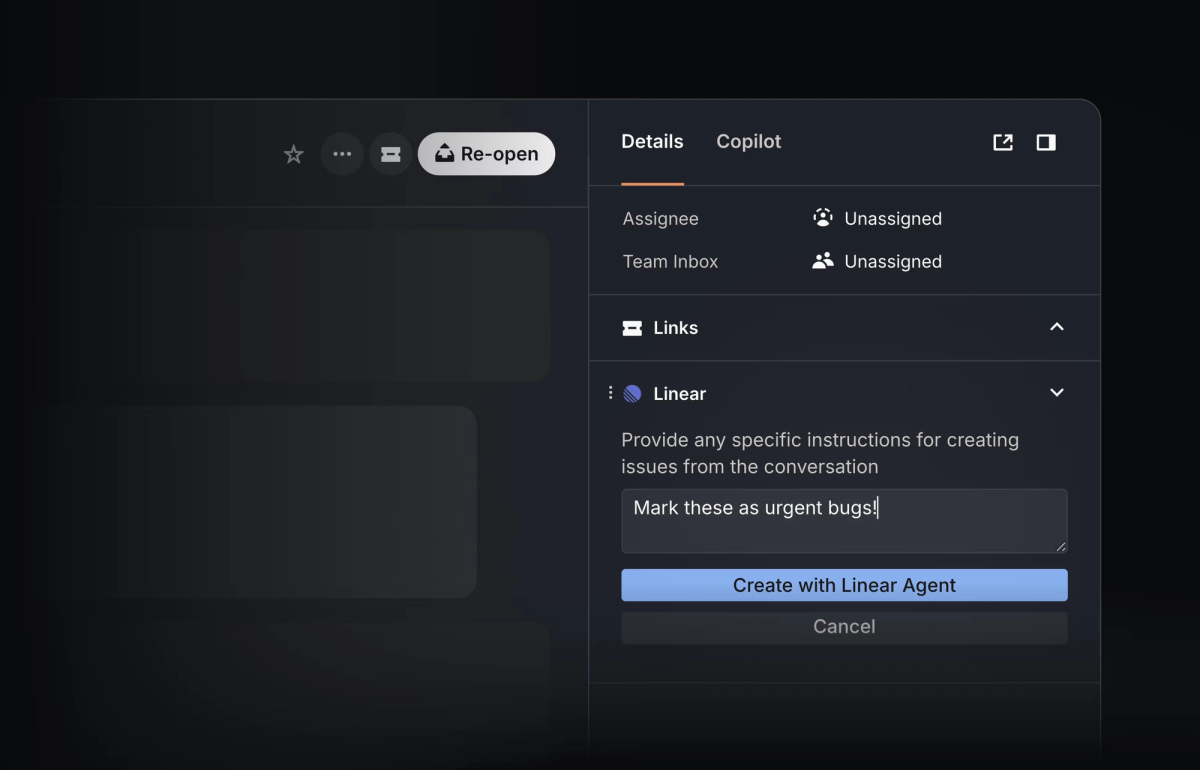
Linear — the project management tool built for engineering teams — launched "Linear for Agents" in May 2025. Agents in Linear are first-class users: you assign them issues, add them to teams, and they execute work autonomously.
The integration with Codex is direct. Per Linear's changelog, OpenAI Codex users can now delegate issues straight to the Codex agent without leaving Linear. Each delegated issue spawns its own worktree thread. The workflow:
- Engineer creates an issue in Linear with clear acceptance criteria
- Assigns it to the Codex agent
- Codex opens a worktree, works on the issue, commits, and surfaces a diff for review
- Engineer reviews and merges — or sends it back for a revision loop
This is the pattern that teams scaling to dozens of parallel agent tasks are converging on: issue tracker as the orchestration layer, worktrees as the isolation layer. The DataCamp Git worktree tutorial documents this exact pattern as an emerging best practice for AI-assisted development in 2025–2026.
The key insight from teams at this scale: the bottleneck isn't agent speed. It's human review bandwidth. Worktrees eliminate every other source of friction between "issue filed" and "code in review."
